AI Instagram Ad Generator: How to Make Reels Ads That Actually Get Watched
Quick answer: An AI Instagram ad generator turns a product photo, a script, or a short brief into a finished 9:16 Reels-ready video ad, complete with a hook, voiceover, captions, and a call to action, in minutes instead of a multi-day shoot. The best ones (like A.I. Creator U's UGC Studio and Studio Zero) let you skip the camera crew entirely and still hit the native, sound-on, fast-cut style that performs in the Reels feed. You upload a product shot, pick a script or persona, and export a ready-to-run ad in whatever aspect ratio Meta wants.
If you've tried to run a scrappy Instagram ad campaign lately, you already know the problem. Static image ads get buried. Polished, agency-shot video ads cost more than most small sellers can justify for a single test. And the ads that actually work on Instagram right now don't look like ads at all, they look like Reels: handheld, native, a little rough around the edges. That's a hard style to fake with a traditional production budget, and an easy one to fake with AI.
This guide covers what an AI Instagram ad generator actually does, the specs Meta enforces in 2026, why native-style creative is beating polished spots, and a step-by-step workflow for building your first batch of Reels ads without touching a camera.
What is an AI Instagram ad generator?
It's software that takes a starting input, a product photo, a short prompt, an existing UGC clip, and outputs a finished video ad sized and paced for Instagram placements. Under the hood, most tools chain together three things: an image or video generation model (to build the visual), a voice model (for the script), and a template layer (for captions, pacing, and the call-to-action card at the end).
The category splits into two useful buckets:
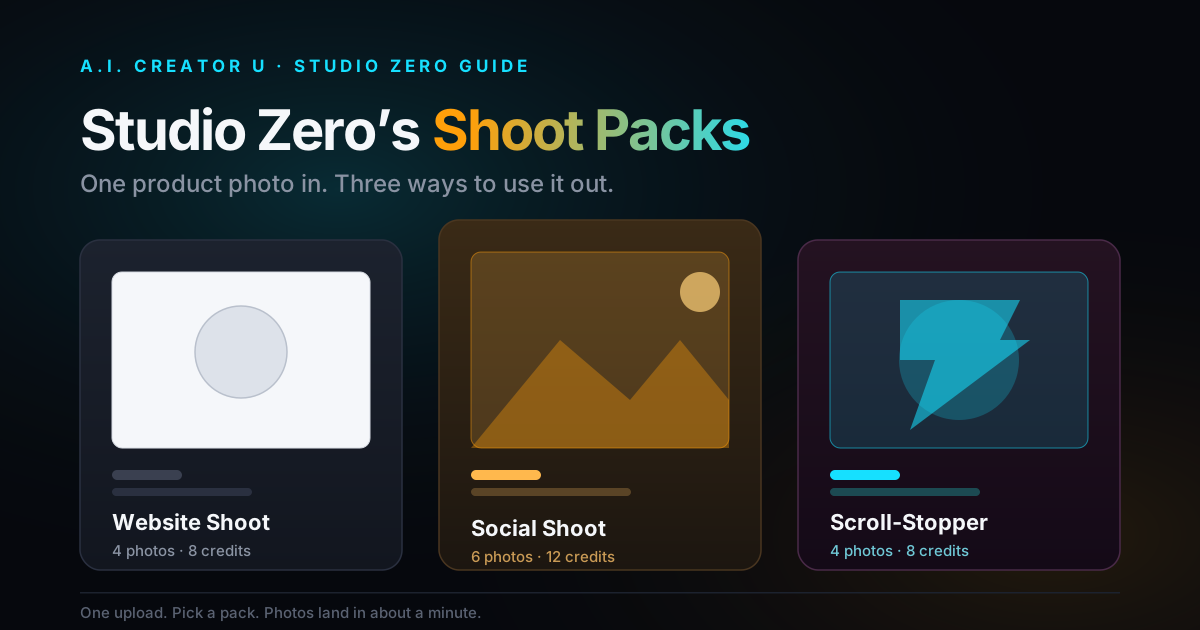
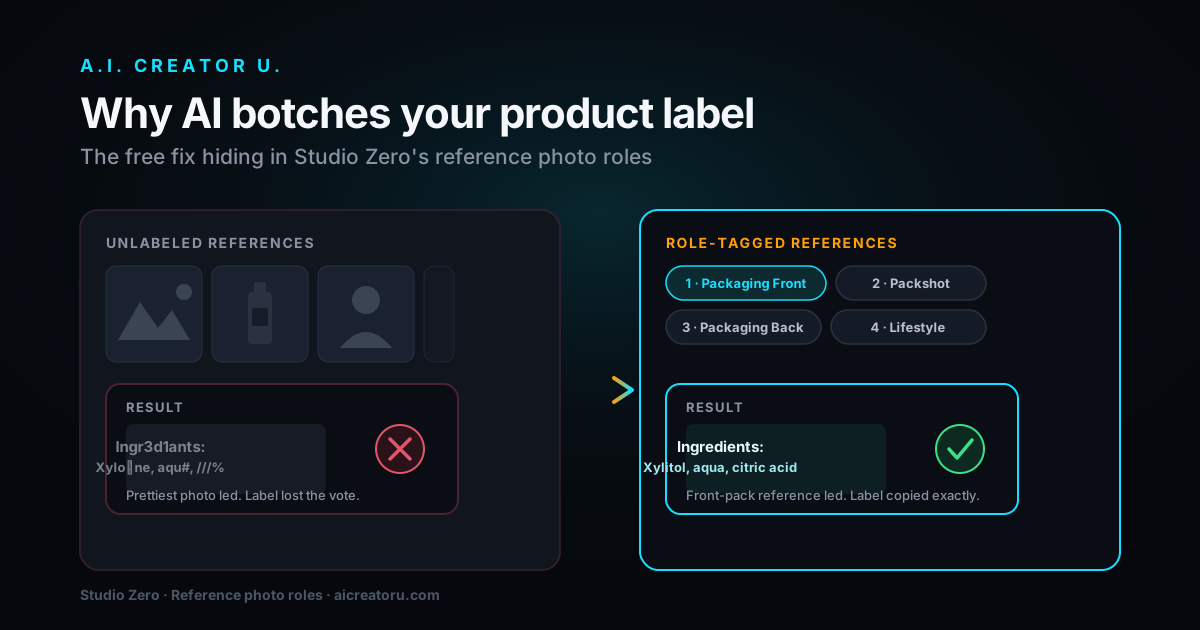
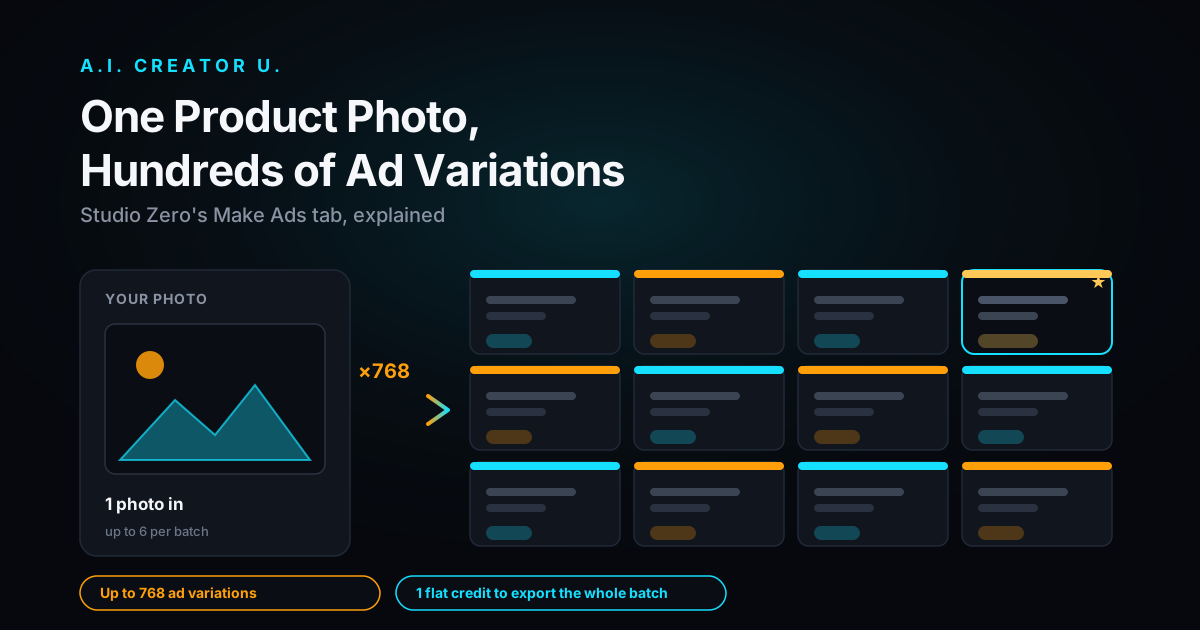
- Product-shot generators. You upload a photo of your product and the tool builds a scene around it, someone unboxing it, using it, holding it up to camera. This is what Studio Zero does inside A.I. Creator U: turn a flat product photo into a video ad with the product staying visually consistent shot to shot.
- UGC-style spokesperson generators. You write or paste a script and an AI presenter delivers it straight to camera, phone-in-hand style. This is the job our UGC Studio (
/tools/ugc-creator) is built for, and it's the format that's been quietly eating Meta's ad library for the last year because it is the native format Reels users already scroll through.
Both routes end at the same place: a finished MP4 you can upload straight into Meta Ads Manager.
Instagram Reels ad specs you actually need to hit (2026)
Get this wrong and Meta will letterbox, crop, or reject your ad before it ever reaches an audience. Here's the current spec sheet for Reels, the placement that matters most for a native-style ad:
| Spec | Requirement |
|---|---|
| Aspect ratio | 9:16, full-screen vertical |
| Resolution | 1080 x 1920px recommended |
| Max length | Up to 90 seconds, but most effective ads run under 30 |
| File format | MP4 or MOV, up to 4GB |
| Audio | Strongly recommended, Reels viewers watch sound-on |
| Safe zones | Keep text/logos out of the top ~14% and bottom ~20% of frame (Meta overlays profile info, captions, and the CTA button there) |
A few things that trip people up when they try to repurpose a horizontal product video: Meta will auto-crop a 16:9 clip into 9:16, and it almost always cuts off exactly the part of the frame you needed. If you're building with an AI tool, set the aspect ratio to 9:16 at generation time rather than cropping after the fact. Seedance 2.0 and the other models behind Create Video support 9:16 natively, so this is a one-click setting, not a post-production fix.
Why "polished" is losing to "rough" right now
This is the part that surprises people who are used to thinking about video ads as a production quality problem. It isn't, on Instagram in 2026 it's an attention-in-the-first-3-seconds problem, and the data on that is blunt: up to half of viewers decide whether to keep watching a Reel within the first three seconds, and ads that hold attention through that window can out-reach weak-hook ads by 5 to 10x. Meta's own delivery system uses "hook rate," the percentage of impressions that turn into a 3-second view, as a quality signal. Drop below roughly 15% and your CPM efficiency craters because the algorithm stops showing your ad to people.
Here's the part that matters for anyone building ads with AI: native-style creative, handheld camera feel, natural lighting, a little lo-fi, consistently beats studio-polished spots on both hook rate and completion rate. Viewers are pattern-matching for "ad" and scrolling past anything that reads as one. A UGC-style talking-head clip that looks like it was shot on a phone in someone's kitchen doesn't trip that pattern-match. That's exactly the gap an AI Instagram ad generator is built to close: you get a convincing, native-feeling presenter or product demo without needing an actual creator, actual product samples mailed out, or an actual shoot day.
The hook-agitate-demo-CTA structure that's working
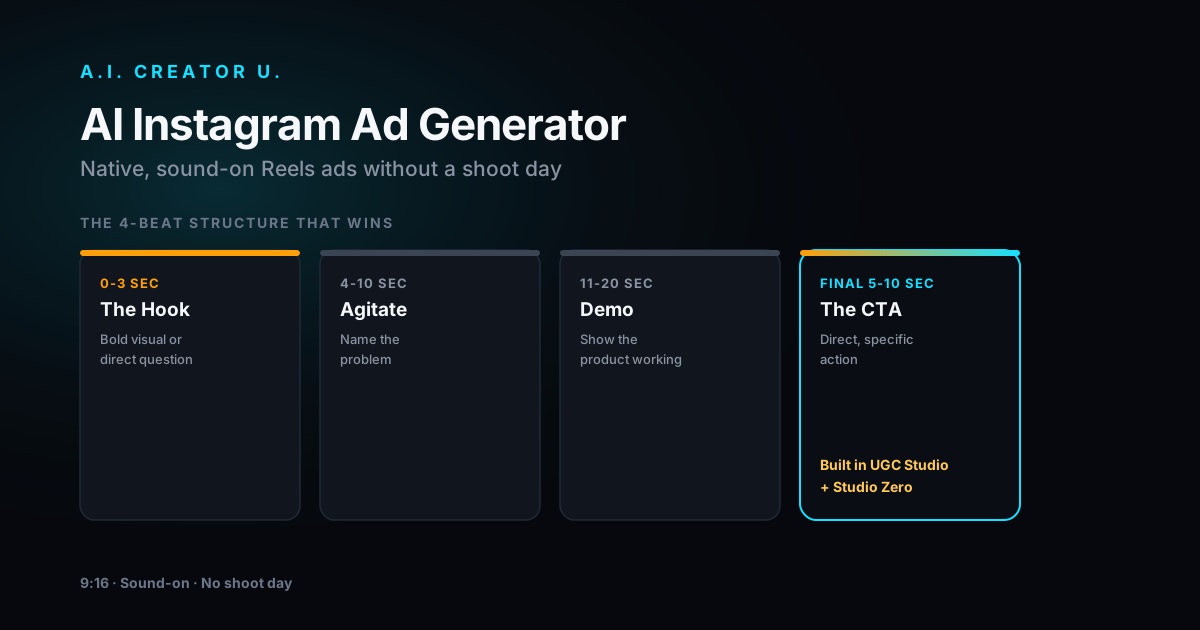
The highest-performing Reels ad structure right now breaks into four beats:
- 0-3 seconds: the hook. A bold visual, a direct question, or a surprising claim. This is the single highest-leverage three seconds in the whole ad, budget your creative energy here first.
- 4-10 seconds: problem agitation. Name the annoyance your product solves before you show the solution. Don't skip this, it's what makes the demo land.
- 11-20 seconds: demo or proof. Show the product working, or a reaction to it. This is where a product-shot generator like Studio Zero earns its keep, consistent product across every frame.
- Final 5-10 seconds: the CTA. Direct, specific ("Shop the link," "Get 20% off today"), not a vague sign-off.
Write to this structure before you touch a generator. AI tools are fast enough that it's tempting to skip planning and just generate variations until something sticks, but a script with a clear hook beat will consistently outperform an unstructured one, no matter how good the visuals look.
Step-by-step: building your first AI Instagram ad
- Pick your format. Got a physical product and a clean photo of it? Start with Studio Zero and build a product-shot ad. Selling a service, course, or something better explained by a person talking? Start with UGC Studio and write a script for an AI spokesperson.
- Write the script to the hook-agitate-demo-CTA structure above. Keep it under 100 words for a 20-30 second ad, Reels viewers move fast.
- Generate at 9:16. Set the aspect ratio before you generate, not after. If you're using Create Video directly for a b-roll or product-in-motion shot, Seedance 2.0, Kling 3.0, and Grok all support 9:16 output natively.
- Add voiceover. If your script needs narration rather than an on-screen presenter, the Audio Studio's Seed Audio tool generates natural voiceover from text, or clones a voice if you've got a reference clip.
- Layer captions. Reels viewers watch with sound on more than other placements, but burned-in captions still lift completion rate. Keep them punchy, one short phrase per beat, not a full transcript crawling across the screen.
- Export and upload to Meta Ads Manager. Set the placement to Reels specifically rather than "Automatic Placements" for your first test, that way you know exactly what creative is being judged against the spec sheet above.
- Generate 3-5 hook variations of the same core ad. Same body, different first three seconds. This is the fastest way to find your winning hook rate without rebuilding the whole ad each time, and it's cheap to do when generation takes minutes instead of a reshoot.
The economics: AI ad generator vs. hiring UGC creators
Worth being honest about the actual cost comparison, because "AI is cheaper" gets thrown around without numbers behind it. A single UGC creator video, sourced through a marketplace, typically runs somewhere in the low hundreds of dollars per clip, and that's for one script, one hook, one version. If you want to test five hooks against the same core script, that's five separate briefs, five rounds of revisions, and five invoices, even though the actual creative difference between hook variations is often just the first three seconds.
An AI Instagram ad generator flips the cost structure. Instead of paying per finished video, you're paying in credits per generation, which makes testing five hook variations closer to the cost of testing one. That doesn't mean AI replaces real UGC creators for every use case, a genuinely great creator with an engaged following brings something a generator can't: an actual audience relationship. But for the specific job of testing ad creative fast and cheap before you scale spend behind a winner, generation-based pricing is the better fit for the job.
The tradeoff runs the other way too. Real creators bring unpredictability that sometimes produces a breakout, a genuinely funny ad-lib, a reaction you couldn't have scripted. An AI-generated spokesperson delivers exactly the script you wrote, no more, no less. Treat that as a feature when you're testing structured hook variations, and as a limitation when you're fishing for something you couldn't have written yourself.
Common mistakes that tank performance
- Recycling a horizontal ad into 9:16. The crop almost never preserves the part of the frame that matters. Generate native vertical instead.
- Over-polishing the visual. A glossy, clearly-produced spot reads as an ad and gets scrolled past. Native texture wins.
- Burying the hook. If your product or claim doesn't show up until second 5 or 6, you've already lost the viewers who decide in the first 3.
- No CTA, or a vague one. "Learn more" underperforms a specific action tied to a specific benefit.
- Testing one ad instead of one hook at a time. You learn more from five hook variations on one core script than from five completely different ads.
FAQ
Do AI-generated Instagram ads violate Meta's ad policies? No, Meta doesn't prohibit AI-generated creative. The same content policies apply either way: no misleading claims, no prohibited product categories, and (as of Meta's AI disclosure rules) you may need to flag digitally altered or synthetic content depending on how realistic it is and what it depicts. Check Meta's current advertising policies before running a campaign, they update periodically.
What aspect ratio should my Instagram ad be? 9:16 for Reels and Stories placements, which is where native-styl