AI Spokesperson Video Generator: A Practical 2026 Guide
Quick answer: An AI spokesperson video generator turns a script into a video of a virtual presenter (a synthetic "actor") talking straight to camera, complete with lip-synced voice. You skip the camera, the studio, and the actor's day rate. In A.I. Creator U's AI UGC Studio, that means: write or generate a script, build a character, turn it into a talking-head clip with a cloned or AI voice, and stack in b-roll, all inside one flow that starts free on the 15 signup credits.
You've watched a hundred of these clips scroll by on TikTok and Instagram without clocking that the person on screen never existed. That's the whole point. An AI spokesperson doesn't need sleep, a wardrobe, or a callback for reshoots, and it can say your product's name correctly on the first take every time.
What is an AI spokesperson video, exactly?
Strip away the marketing language and it's three things stitched together: a face, a voice, and a script, generated instead of filmed. You give the tool a character (a generated persona, a cloned version of yourself, or a real actor's likeness with permission), you give it words, and it produces a video of that character speaking those words with matching lip movement and expression.
That's different from a straight AI-generated video clip of, say, a product spinning on a table. A spokesperson video is built around a person delivering a message directly to the viewer, the exact format that makes UGC-style ads outperform polished commercials on social feeds. Viewers trust a face talking to them more than they trust a voiceover over b-roll, even when they suspect the face is synthetic.
Why brands are leaning on this in 2026
Three things pushed AI spokespeople from novelty to default tool this year.
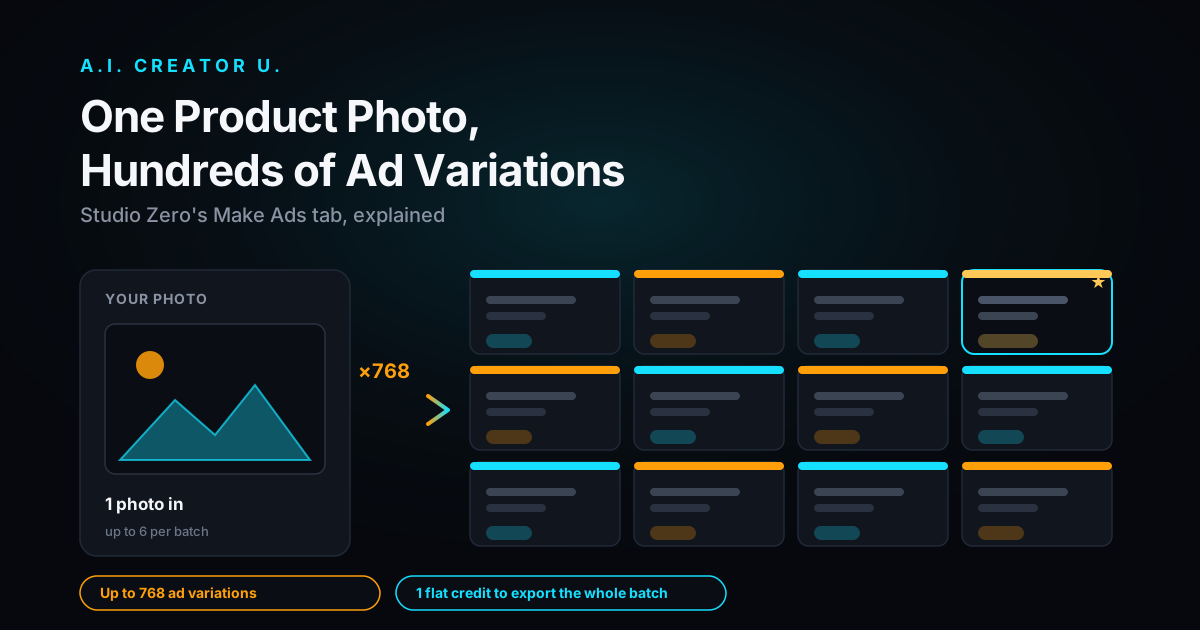
Volume. A single marketer can now brief, script, and generate a dozen ad variants in an afternoon, something that used to mean booking a studio and an actor for a full day. That lets you test hooks the way you'd test headlines: fast, cheap, and often.
Localization. Record one script, then regenerate it in a different language with the same face and a matching voice. Course creators and global e-commerce sellers use this to reach audiences they'd never justify hiring a local actor for.
No production logistics. No location scout, no lighting rig, no actor who shows up with a cold. If the hook doesn't land, you rewrite the line and regenerate instead of rescheduling a shoot.
The honest caveat: audiences are getting sharper at spotting synthetic presenters, and a video that reads as obviously fake can cost you trust faster than it saves you a production budget. Some reporting on ad performance this year suggests a meaningful share of viewers can now spot AI-generated ad content, and that recognition tends to knock down brand trust when it happens. The brands winning with this format aren't hiding that it's AI-assisted; they're using it to move faster on ideas worth testing, and putting real product footage and real reviews next to it. Speed is the advantage. Pretending a synthetic spokesperson is a real customer is the mistake that burns it.
Do these videos actually perform, or is it just hype?
Video ads with a person talking to camera have outperformed static image ads for years, well before "AI spokesperson" was a search term. What's changed is the cost of testing that format. Direct response marketers have long reported that adding video to a landing page or product page lifts conversion meaningfully, and platform engagement numbers on video consistently beat static posts across the board. None of that is new.
What is new is that you no longer need a production budget to find out if a talking-head hook works for your specific product. You can generate five versions of the same fifteen seconds with five different opening lines, run them for a day, and keep the one that actually pulls a thumb to stop scrolling. That's the real value: not that AI spokespeople convert better than human ones by default, but that testing which message converts got radically cheaper.
How to actually make one (the AI UGC Studio workflow)
This is the exact flow inside A.I. Creator U's AI UGC Studio (/tools/ugc-creator), the tool built specifically for this format. It's a step-by-step wizard, not a blank canvas, which matters because "spokesperson video" is really five smaller jobs stacked together.
- Set up the project. Name it, pick your aspect ratio (9:16 for TikTok and Reels, 16:9 if it's landing on YouTube or a site).
- Bring the product. Paste a product URL and the tool scrapes the title, description, and key benefits to autofill the brief, or type them in yourself if you're starting from scratch.
- Generate the script. The wizard writes a UGC-style script from your product info and a marketing angle you pick or steer, the kind of hook-first, conversational copy that reads like a real person talking, not an ad.
- Build the character. Generate the AI presenter, the face and look your spokesperson will have on screen.
- Voice it. Turn the script into speech, either an AI voice or a cloned one, then generate the talking-head clip so the character's mouth and expression match the audio.
- Fill in b-roll. Add supporting shots (the product on a table, a close-up, a hand holding it) so the whole thing cuts like a real UGC ad instead of one static talking shot.
- Assemble and export. Stitch the talking-head segments and b-roll into the final video, ready to post or push into ad manager.
If you want the same face to show up across every future campaign instead of generating a fresh persona each time, that's a job for Character Studio (/character-studio), where you build a reusable AI Twin once and bring it back for future projects. AI UGC Studio and Character Studio solve related but different problems: one is built for fast, disposable spokesperson ads, the other for a consistent character you'll use again and again.
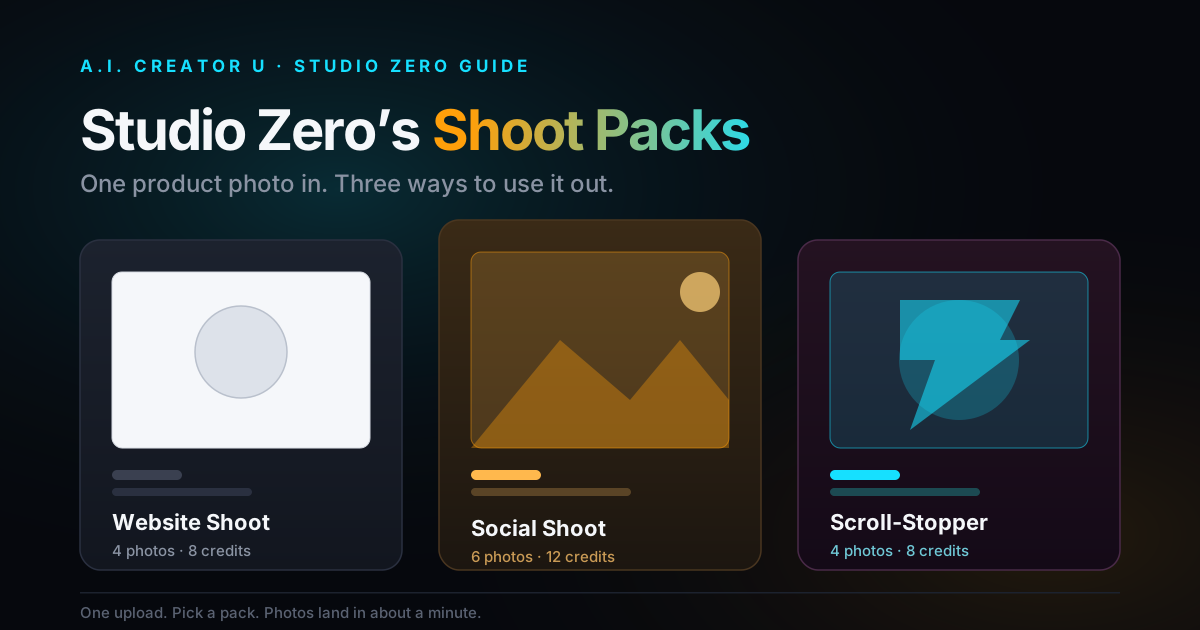
And if the ad needs more than a talking head (product-only shots, try-on footage, a full carousel), that's where Studio Zero (/studio-zero) picks up: it's built for product photography, AI try-on, and multi-shot ad assembly, the other half of a complete e-commerce ad campaign.
AI spokesperson vs. the alternatives
Not every ad needs a talking head, and not every talking head needs to be AI. Here's how the options actually stack up:
| Approach | Speed | Cost per variant | Best for |
|---|---|---|---|
| Hired UGC creator | Days to weeks | High (day rate + usage rights) | Long-term brand partnerships, authentic testimonials |
| Stock avatar (enterprise tools) | Minutes | Low, but locked to a template face | Corporate training, internal comms, explainer videos |
| AI Twin (your own cloned likeness) | Minutes once built | Low after setup | Founders and creators who want to be the face at scale |
| Generated AI persona (AI UGC Studio) | Minutes | Low, credit-based | Rapid ad testing, multiple hooks, e-commerce product intros |
The pattern: the more your brand depends on a specific, trusted human face (a founder, a known creator), the more it's worth building that as a proper AI Twin instead of generating a new persona per ad. If you're testing which angle even works, a fresh generated spokesperson per variant is the faster, cheaper way to find out.
What makes an AI spokesperson script actually convert
The generation quality matters less than people assume. Most AI spokesperson videos fail on the script, not the face. A few rules that hold up:
- Hook in the first line, not the third. You have about a second and a half before a thumb decides to scroll. Open on the problem or the surprise, never on "Hi guys, today I want to talk to you about."
- Write like you talk, not like you write. Contractions, short sentences, the occasional trailed-off thought. A script that reads clean on paper often sounds robotic out loud.
- One claim per line. Don't stack three benefits into one breath. Let the viewer absorb one thing before you hand them the next.
- End on the action, not a recap. Tell them what to do (swipe up, tap the link, comment a word), don't summarize what you just said.
- Keep it under 30 seconds for cold-audience ads. Retention drops hard after that unless the hook was strong enough to earn the extra time.
Common mistakes that make an AI spokesperson look fake
A few things tip viewers off faster than anything else, and they're all fixable:
- Mismatched energy. A flat script delivered by a smiling, animated face (or the reverse) reads as uncanny before the viewer can even articulate why.
- Perfect studio lighting on a "UGC" video. The whole appeal of this format is that it looks like a real person filmed it on a phone. Polished lighting undercuts the format it's trying to imitate.
- No product in frame. A talking head with nothing else is a testimonial with no proof. Cut in real product b-roll, even a simple hand-held shot, and the whole thing gets more believable.
- Overlong scripts. If the spokesperson is still talking at the 40-second mark on a cold-traffic ad, you've usually already lost the viewer who would've converted.
Try it
If you have got a product and a message, the fastest way to see whether this format works for your brand is to make one. AI UGC Studio walks you through script to finished spokesperson video in one session, and new accounts start with 15 free credits, enough to test the workflow before you spend anything.
Want the full picture on AI-driven ad creative first? Read how to become a UGC creator without ever appearing on camera. See how the underlying lip-sync technology works in the Kling AI lip sync guide. Or compare the full field of options in the roundup of the best AI video ad generators.