There are more free AI video tools than you can reasonably test in a weekend, and most "best free" lists are written by people who never rendered a clip. This one isn't — a straight, opinionated breakdown of the models actually worth your time in 2026.
Below is a straight, opinionated breakdown of the models actually worth your time in 2026 — what each one is genuinely best at, where the free tier taps out, and which tool to reach for depending on what you're shipping.
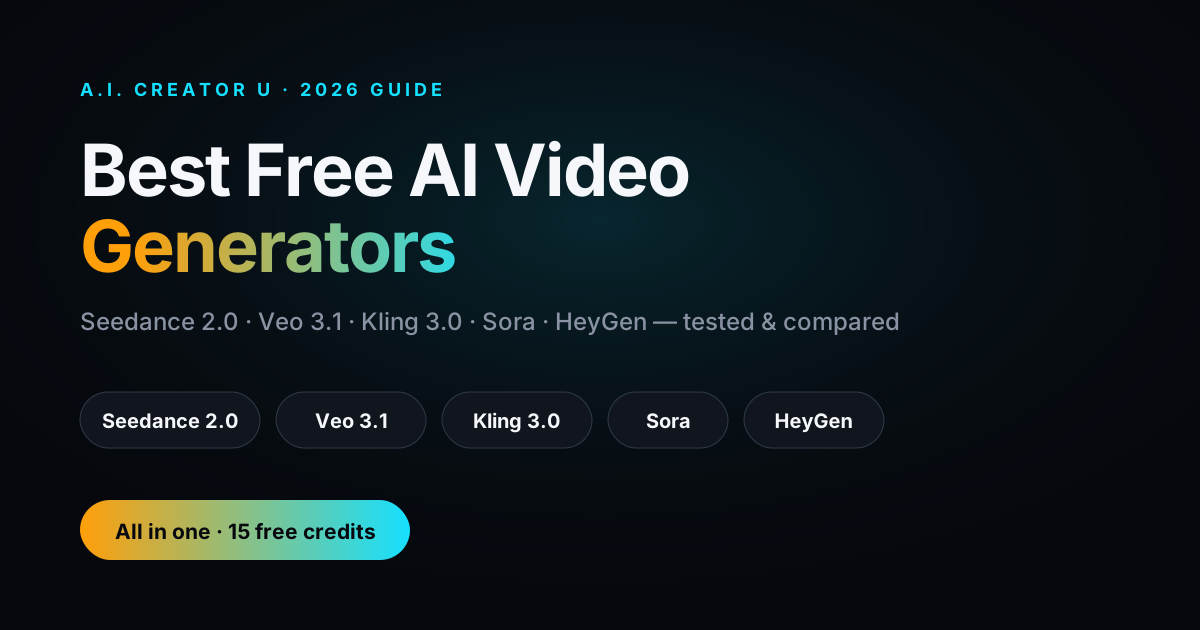
Quick answer: In 2026 the best free AI video generators are Google Veo 3.1 (best for photorealism, free but rate-limited through Google AI Studio), HeyGen (best for talking-head and avatar video, strong free plan), and A.I. Creator U (best if you want Seedance 2.0, Kling 3.0, Veo, and Grok in one tool with 15 free credits to start). For pure prompt adherence on ad and commercial content, Seedance 2.0 is the model to beat; for stylized, story-driven work, Kling 3.0 wins.
Bottom line: No single free tier does everything. If you know exactly what you're making — a photoreal product shot, an avatar explainer, a stylized short — pick the specialist. If you'd rather not juggle five logins and five credit balances, run the frontier models from one place at A.I. Creator U and keep video and audio in a single workflow.
By the A.I. Creator U team · Updated June 2026
What's the best free AI video generator in 2026?
It depends on the job, and anyone who tells you otherwise is selling something. Here's the honest split:
- Best photorealism: Google Veo 3.1. It's free (rate-limited) through Google AI Studio, does native lip-synced audio, and holds up at higher resolutions.
- Best for ads and commercial content: Seedance 2.0. Strongest prompt adherence of anything shipping right now, plus up to 12 reference inputs so your product actually looks like your product.
- Best stylized / story-driven video: Kling 3.0. Multi-shot generation and character consistency make it the pick for narrative and animation.
- Best talking-head / avatar: HeyGen (or Synthesia / Creatify). HeyGen's free plan is genuinely usable for business and social clips.
- Best all-in-one, no account juggling: A.I. Creator U — Seedance 2.0, Kling 3.0, Veo, and Grok in one Create Video tool, with free credits to start and audio generation in the same place.
The rest of this guide is how to choose between them without wasting a week of trial credits.
The models that matter in 2026
The AI video field consolidated fast. A handful of frontier models now do the heavy lifting, and everything else is a wrapper, an avatar tool, or a niche play. These are the ones worth knowing by name.
Seedance 2.0 (ByteDance) — the prompt-adherence king
If you write a detailed prompt and expect the output to actually match it, Seedance 2.0 is the model you want. It's ByteDance's flagship and it's tuned hard for commercial and ad content — the kind of work where "close enough" gets you a reshoot.
The standout spec is 12 reference inputs, which means you can lock a product, a face, a logo, and a set of style frames all at once and get consistency that most models can't touch. It does native audio and generates clips up to 15 seconds. For anyone making product videos or paid social where the brief is non-negotiable, this is the default.
Full walkthrough: the Seedance 2.0 ultimate guide.
Google Veo 3.1 — the photorealism benchmark
Veo 3.1 is the one to beat on realism. It renders at 720p, 1080p, and 4K, and its native audio is the most complete on the market: dialogue, sound effects, and ambient sound, lip-synced, in 48kHz stereo. Base clips run 8 seconds, but you can chain 7-second extensions to reach two minutes and beyond, and it handles both 16:9 and 9:16 vertical natively.
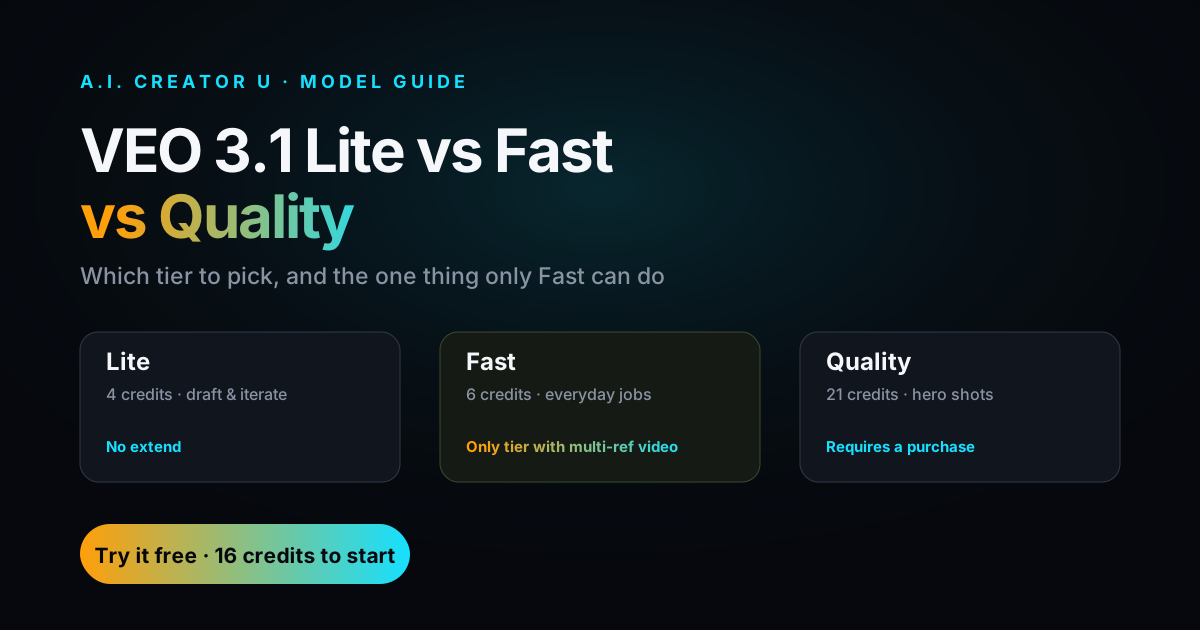
There are three variants — 3.1, Fast, and Lite — so you can trade quality for speed and cost depending on the shot. And the big one for this article: Veo is accessible free (rate-limited) through Google AI Studio, which makes it one of the few frontier models you can genuinely try without paying.
Full walkthrough: how to use Veo 3.
Kling 3.0 (Kuaishou) — best for stylized, story-driven video
Kling 3.0 is where you go when the video needs to tell a story or carry a distinct visual style. It renders up to 4K (3840×2160) at 60fps, up to 15 seconds, and — the feature that changes how you work — multi-shot generation of up to 6 shots in a single generation. That means you can build a mini-sequence without stitching six separate clips together.
It also brings native audio, character consistency across shots, a Motion Brush for directing movement, and notably strong text rendering, which matters if you're mocking up product packaging or on-screen copy. For animation, shorts, and anything with a narrative spine, Kling is the pick.
Full walkthrough: how to use Kling 3.0.
Sora (OpenAI) — hyper-realistic text-to-video
Sora remains OpenAI's play for hyper-realistic text-to-video. It's impressive on raw fidelity, and if you're already deep in the OpenAI ecosystem it's a natural reach. Access and free availability shift often, so check current terms before you build a workflow around it.
HeyGen, Synthesia, Creatify — the avatar tools
If your video is a person talking to camera — an explainer, a training clip, a spokesperson ad — you don't want a general text-to-video model, you want an avatar tool. HeyGen has a genuinely strong free plan and is the easiest on-ramp. Synthesia leans enterprise and training. Creatify is built for ad creative. Different jobs, but all three solve the same problem: getting a convincing talking head without a camera crew.
Free AI video generators compared
Here's the landscape in one table. "Free tier" reflects how you actually get in the door — a standing free plan, rate-limited free access, or free credits to start. Specs are the model's stated maximums.
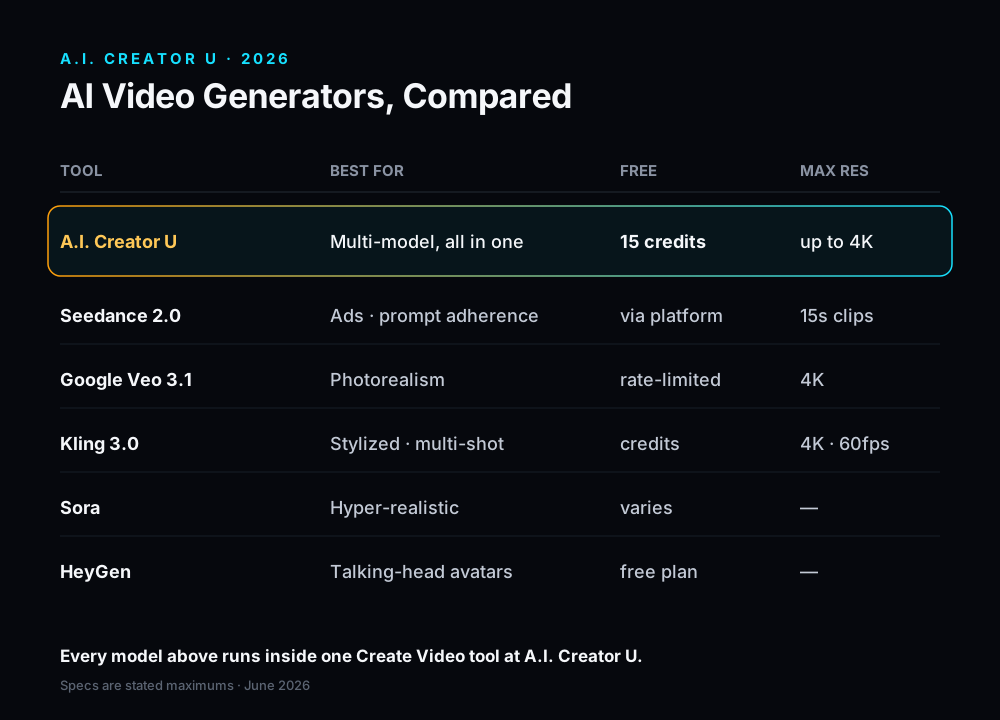
| Tool | Best for | Free tier | Max resolution | Native audio |
|---|---|---|---|---|
| A.I. Creator U | Multi-model + video/audio in one place | 15 free credits to start | Depends on model (up to 4K via Kling/Veo) | Yes (Seed Audio + model-native) |
| Seedance 2.0 | Ads & commercial content, prompt adherence | Via credit-based platforms | — (up to 15s clips) | Yes |
| Google Veo 3.1 | Photorealism | Free, rate-limited (Google AI Studio) | 4K | Yes (dialogue + SFX + ambient, lip-synced) |
| Kling 3.0 | Stylized, story-driven, multi-shot | Limited free credits (typical) | 4K (3840×2160, 60fps) | Yes |
| Sora | Hyper-realistic text-to-video | Varies — check current terms | — | Varies |
| HeyGen | Talking-head / avatar video | Strong free plan | — | Yes (voice) |
| Synthesia / Creatify | Business & ad avatar video | Limited free (typical) | — | Yes (voice) |
A quick honesty note on that table: dashes mean the spec isn't a headline number worth quoting for that tool, not that it's weak. Avatar tools compete on realism and voice, not 4K bragging rights, and Seedance's edge is adherence and reference control, not a resolution stat.
Which free AI video tool should you actually use?
Skip the paralysis. Match the tool to the deliverable:
- You're making a paid ad or a product video and the brief is exact → Seedance 2.0. The 12 reference inputs and prompt adherence are the whole game here.
- You need it to look real — a lifestyle shot, a cinematic scene, believable dialogue → Veo 3.1, and start free through Google AI Studio.
- You're telling a story or building a stylized short with multiple shots → Kling 3.0 and its 6-shot generation.
- It's a person talking → HeyGen first, Synthesia or Creatify if you outgrow it.
- You want to test several models against the same brief without opening five accounts → run them side by side in one place.
That last one is the case for A.I. Creator U: Seedance 2.0, Kling 3.0, Veo, and Grok all live inside a single Create Video tool. You spend credits, not an afternoon signing up for platforms and re-uploading the same reference image four times. You get 15 free credits on signup, so you can render the same prompt through two models and keep the winner.
Try it free: Generate your first clip with Seedance 2.0, Kling 3.0, or Veo in one tool — start with free credits at A.I. Creator U.
Where A.I. Creator U fits (the honest version)
A.I. Creator U isn't trying to out-render Veo on photorealism or out-adhere Seedance on prompts — it is those models, plus Kling and Grok, gathered into one workflow. The differentiator is real and narrow: multiple frontier models in one place, no juggling separate accounts, and video plus audio in one flow.
That last part matters more than it sounds. Video is half the job; the other half is sound. A.I. Creator U's Audio Studio runs Seed Audio for AI voice, music, and SFX, so you can score and voice a clip without exporting to a second tool — see how to use Seed Audio. There's also a Character Studio for building consistent AI twins across your videos.
So the honest pitch: if you're a specialist who only ever renders photoreal product shots, a single-model free tier might be all you need. If you're a creator who ships across formats — ads one day, a stylized short the next, a voiced explainer after that — the one-workflow approach saves you the tab-juggling tax, and it's the setup we built the platform around.
The bottom line
The free AI video landscape in 2026 rewards knowing what you're making. Reach for Seedance 2.0 on ads and commercial work, Veo 3.1 for photorealism, Kling 3.0 for stylized and multi-shot storytelling, and an avatar tool like HeyGen for talking heads. And if you'd rather test them head-to-head — or just stop maintaining five logins — run the frontier models plus AI audio from one place.