Kling 3.0 is Kuaishou's AI video model — the ByteDance-rival release that generates up to native 4K at 60fps, up to 15 seconds per clip, with lip-synced native audio and multi-shot storyboards. Here's exactly how to use it, plus a ready-to-paste prompt.
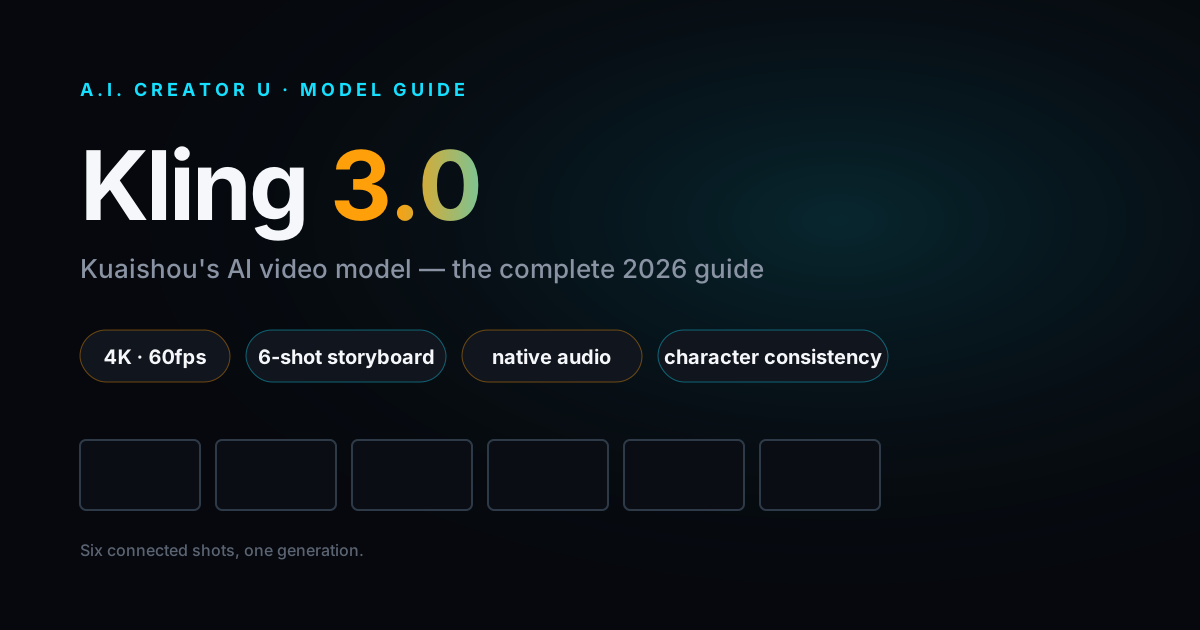
Quick answer: Kling 3.0 is Kuaishou's AI video model — the ByteDance-rival release that generates up to native 4K at 60fps, up to 15 seconds per clip, with lip-synced native audio and multi-shot storyboards (up to 6 shots in one generation). You use it by writing a directed prompt — subject, action, camera, style — optionally attaching a reference image to lock a character, then generating. The fastest way to actually run it is inside A.I. Creator U's Create Video tool, where Kling 3.0 sits next to Seedance 2.0, Veo, and Grok on shared credits — no separate Kling account.
What is Kling 3.0?
Kling 3.0 is the 2026 release of Kuaishou's video generation model. If you've been following the AI video race, Kuaishou is the other Chinese short-video giant — the one that isn't ByteDance — and Kling is their answer to Seedance and Veo. Version 3.0 is the one worth caring about.
The headline: it's not just longer or sharper. Kling 3.0 pushes on the two things that actually block real production work — shot control and audio. You can storyboard multiple shots in a single generation, and it lays down lip-synced, language-specific audio directly from your text. That combination is rare.
A quick note on dates: the launch reporting is a little messy and sources disagree on the exact day, so we'll just say Kling 3.0 launched in 2026. The capabilities below are what matters.
Kling 3.0 specs at a glance
| Spec | Kling 3.0 |
|---|---|
| Resolution | Up to native 4K (3840×2160) |
| Frame rate | Up to 60fps |
| Max clip length | Up to 15 seconds |
| Audio | Native, lip-synced, language-specific (generated from text) |
| Multi-shot | Yes — up to 6 shots in one generation |
| Best for | Product ads, e-commerce, dialogue scenes, storyboarded sequences |
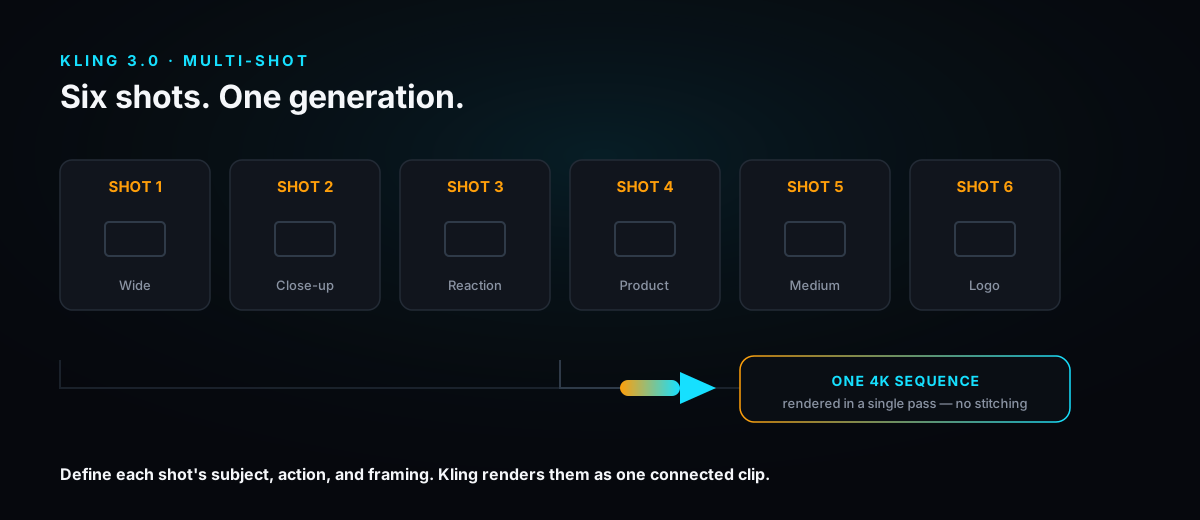
Two lines worth quoting: Kling 3.0 renders up to native 4K (3840×2160) at up to 60fps, and it storyboards up to 6 individual shots — each with its own duration, subject, action, and framing — in a single generation.
What makes Kling 3.0 different
Most models give you one shot at a time and silence. Kling 3.0's feature set is built for people shipping finished content, not tech demos.
Multi-shot storyboarding (the real headline)
This is the one. Instead of generating one clip, cutting, then generating another and praying they match, you define up to 6 shots in one generation. Each shot gets its own duration, subject, action, and framing. Think of it as a shot list the model actually executes — a wide establishing shot, a mid product close-up, a reaction, a logo beat — rendered as one coherent sequence.
For anyone making ads or short narrative content, this collapses a multi-hour edit into a single prompt.
Native, lip-synced audio
Kling 3.0 generates audio from your text — including lip-synced dialogue in multiple languages and dialects. No separate audio file, no manual sync pass. You write the line, the character speaks it, and the mouth matches. For talking-head ads and dialogue skits, that's a whole tool you no longer need.
Character consistency ("character binding")
Give Kling a reference image and it preserves the face, hair, clothing, and body across generations. This is how you keep the same "person" across shots and across separate clips — essential for a brand character, a recurring UGC creator persona, or an AI spokesperson.
Motion Brush
Draw a motion path directly on a frame and Kling follows it. Want the camera to push in, or a product to rotate, or a specific object to drift left? Paint the path instead of fighting with text descriptions. It's the difference between asking for motion and directing it.
Strong text rendering
Here's an underrated one for sellers: Kling 3.0 keeps product text and labels legible in roughly 8 out of 10 generations. Most video models turn packaging copy into garbled nonsense. Kling holding your product name and label readable makes it genuinely usable for e-commerce and product ads — a category where legible text is the whole point.
How to use Kling 3.0: step by step
Here's the fastest path to your first good generation. We'll use A.I. Creator U's Create Video tool, so you skip the separate-account, API-key detour entirely.
- Open Create Video and pick Kling 3.0. Head to A.I. Creator U, open the Create Video tool, and select Kling 3.0 from the model list (it lives alongside Seedance 2.0, Veo, and Grok). You're on shared credits — free credits to start, no Kling account needed.
- Choose your mode. Kling 3.0 supports text-to-video (describe it from scratch), image-to-video (animate a still), and reference-based generation (lock a character or style from an image). Pick based on what you're starting with.
- Attach a reference image if you need consistency. Making a series with the same character? Upload a reference so character binding preserves the face, hair, and outfit across shots. Skip this for a one-off.
- Write a directed prompt. Don't type "a dog running." Direct it: subject, action, setting, camera move, lighting, and style. (Full framework below.)
- Storyboard your shots (optional but powerful). For a sequence, define your shots — up to 6 — each with its own duration, subject, action, and framing. This is where Kling pulls ahead of single-clip models.
- Add your dialogue or voiceover lines. Want native audio? Write the spoken lines in your prompt and specify the language. Kling generates lip-synced audio automatically — no separate file.
- Set resolution and length. Push to 4K and up to 60fps for hero content; drop to a lighter setting for quick tests so you're not burning credits on drafts. Choose a clip length up to 15 seconds.
- Generate, review, then change one thing. Run it, watch it, then adjust a single variable — the camera move, one shot's framing, the lighting. Don't rewrite the whole prompt each time or you'll never learn what's actually moving the output.
Try it now: Kling 3.0 is live in A.I. Creator U's Create Video tool with 15 free credits to start. Pick the model, paste a prompt, and ship your first 4K clip in minutes.
A prompt framework for Kling 3.0
Kling rewards direction. A thin prompt gets thin output — that's on you, not the model. Use this structure and you'll get usable video far more often.
- Subject. Who or what is on screen, described concretely. "A matte-black stainless water bottle with a visible brand label."
- Action. What happens. "Slowly rotates on a marble surface, then a hand lifts it into frame."
- Setting. Where it lives. "Bright minimalist kitchen counter, soft morning light from a window left."
- Camera. The move and framing. "Start on a slow push-in wide, cut to a tight product close-up."
- Style & lighting. The look. "Clean commercial photography, shallow depth of field, warm highlights."
- Audio (optional). The spoken line and language, if you want native lip-synced audio. "Voiceover in English: 'Hydration that actually looks good on your desk.'"
For multi-shot, repeat the subject/action/camera block per shot and give each a duration.
Ready-to-paste multi-shot example
Kling 3.0 prompt — 4-shot product ad:
Shot 1 (3s, wide): A matte-black insulated water bottle sits on a bright marble kitchen counter, soft morning light from the left. Slow camera push-in. Clean commercial look, shallow depth of field.

Shot 2 (3s, close-up): Tight on the bottle as it slowly rotates, the brand label "AURA" crisp and legible. Warm highlights catch the matte finish.

Shot 3 (4s, medium): A young woman in a cream sweater lifts the bottle into frame and takes a sip. She smiles, looks to camera. Lip-synced voiceover in English: "Hydration that actually looks good on your desk."

Shot 4 (2s, logo beat): The bottle rests back on the counter, the "AURA" label centered and sharp, gentle bokeh behind. Hold for the end card.
Notice the work each part is doing: the label name is stated so Kling's text rendering keeps it legible, the per-shot framing controls the edit, and the spoken line triggers native lip-synced audio. Run it, then adjust one shot at a time.
Where Kling 3.0 shines — and where it doesn't
Being honest here is more useful than hyping one model, so here's the straight read.
Kling 3.0 is the pick when:
- You need a multi-shot sequence from one generation (ads, mini-narratives, product walkthroughs).
- Product text and labels have to stay legible — e-commerce, packaging, anything with on-screen copy.
- You want lip-synced dialogue baked in without a separate audio step.
- You're locking a consistent character across shots via a reference image.
Reach for something else when:
- You want a specific look or motion behavior that another model nails better — Veo 3 and Seedance 2.0 each have their own strengths, and the smart move is testing the same prompt across a few models.
- Your audio needs are heavy — voiceover casting, music beds, layered sound design. For that, generate your soundtrack in Seed Audio (A.I. Creator U's Audio Studio) and pair it with the video.
- You're building an AI twin or recurring on-camera persona — start in Character Studio, then feed that identity into your Kling generations.
The reason we don't push a single "best" model: they trade blows, and the winner depends on your exact shot. If you want the full head-to-head, read our best free AI video generators comparison — that's the hub this guide feeds into.
The bottom line
Kling 3.0 is Kuaishou's strongest video model yet — 4K/60fps, up to 15-second clips, native lip-synced audio, and multi-shot storyboards that let you build a whole ad in one generation. It's especially good when on-screen product text and shot control matter. The catch isn't the model, it's the setup — so run it inside A.I. Creator U's Create Video tool where it's ready to go on free credits, and test the same prompt against Seedance and Veo to see which wins your shot.
Write a directed prompt, use multi-shot for anything with more than one beat, and change one variable at a time. Then pair it with Seed Audio for voiceover and Character Studio for a consistent on-camera twin, and you've got a full production pipeline in one place.