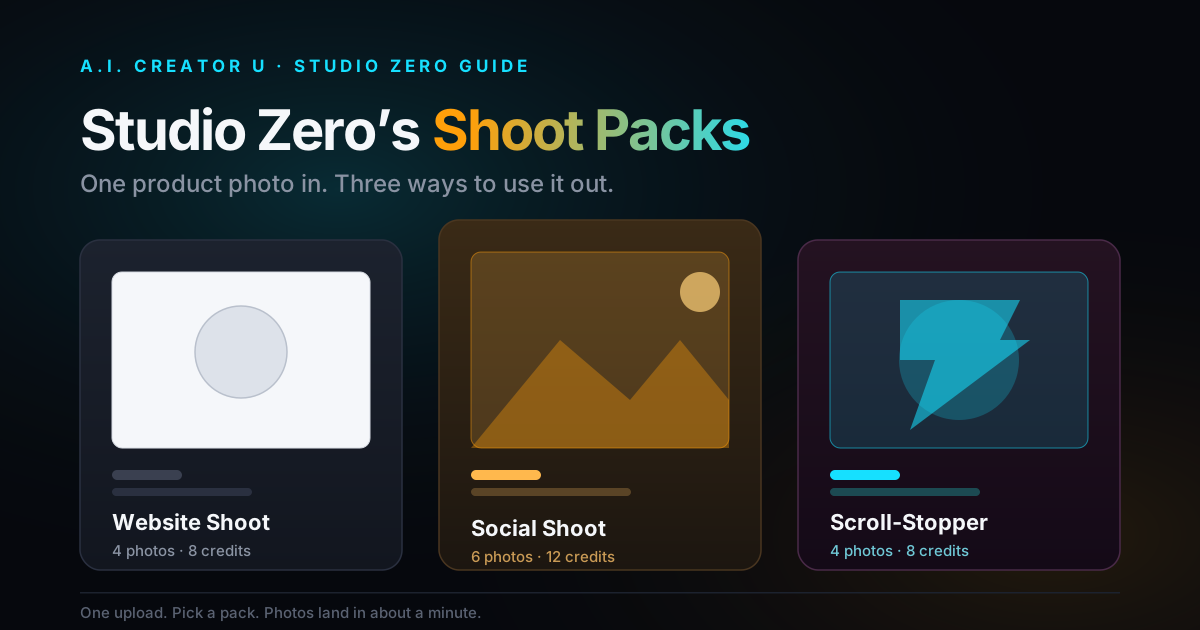
Quick answer: Studio Zero doesn't make you shoot the same product three different times. Upload one photo, pick a pack, and it builds a set of images matched to where they're going: a Website Shoot (4 photos, 8 credits) for your product page, a Social Shoot (6 photos, 12 credits) for your feed, or a Scroll-Stopper Shoot (4 photos, 8 credits) for paid ads. Your 15 free signup credits cover any one of them with room to spare. Keep reading for exactly what's in each pack and which one to run first.
You've got one decent photo of your product. Maybe you shot it yourself against a bedsheet, maybe a supplier sent it to you. Now you need a hero image for your product page, six scroll-worthy shots for Instagram, and a couple of loud, thumb-stopping frames for a Facebook ad. That's three different jobs, three different moods, and normally three different photoshoots.
Studio Zero collapses that into one upload and a pack pick. We built it because "just get more product photos" is the single most common thing sellers ask for, and hiring a photographer for every use case doesn't scale past your third SKU.
What Are Studio Zero's Shoot Packs?
A shoot pack is a curated bundle of photo styles, not a single generic "make it better" button. You upload your product photo, choose a pack, and Studio Zero generates every photo in that pack from the categories it's built from. Each photo costs 2 credits, so the pack price is just photo count times two.
Here's the full breakdown:
| Pack | Photos | Credits | Built from | Best for |
|---|---|---|---|---|
| Website Shoot | 4 | 8 | Hero shot, clean white background, wide banner, macro detail | Your product listing page |
| Social Shoot | 6 | 12 | UGC-style phone shot, creator review, lifestyle, flat lay, in-hand, golden hour | A week of Instagram and TikTok feed content |
| Scroll-Stopper Shoot | 4 | 8 | Bold color pop, dark and moody, in-hand, golden hour | Paid ad creative that has to earn a stop mid-scroll |
There's also a fourth option that isn't a fixed pack: hit "Let AI design a full set" and Studio Zero blends categories from across all three (a website hero, a lifestyle shot, a UGC-style shot, a golden hour shot) into one custom spread, if you'd rather not choose upfront.
Website Shoot vs. Social Shoot vs. Scroll-Stopper Shoot: What's Actually Different?
The names aren't just marketing labels, they map to genuinely different lighting, framing, and intent.
Website Shoot is the pack you'd expect from a catalog photographer: a clean hero shot, a true white background cutout, a wide banner crop you can drop into a header, and a macro detail shot that shows texture or material close up. Nothing loud, nothing trendy. It's built to look trustworthy sitting next to a price and an "Add to Cart" button.
Social Shoot is the opposite instinct. It's built for a feed where polish reads as fake. You get a UGC-style phone shot that looks like a real customer took it, a "creator review" framing, a lifestyle shot with the product in actual use, a flat lay, an in-hand shot, and a warm golden hour frame. Six photos is enough to carry a week of posts without repeating yourself.
Scroll-Stopper Shoot is the smallest pack but the most aggressive. Bold, saturated color and dark, moody contrast sit next to an in-hand shot and a golden hour frame, and the whole point is interrupting a thumb mid-scroll on a paid placement. This is the pack we'd point you to before you spend real ad budget on a creative that blends into the feed.
If you're picturing a Venn diagram: Website and Social barely overlap, but Scroll-Stopper shares its "in-hand" and "golden hour" categories with Social. That's on purpose. Ad creative and organic content are closer cousins than either is to a catalog photo.
Which Pack Should You Actually Buy First?
Here's the honest answer, and it's not the one that matches the order these packs are usually listed in: start with Social, not Website.
A clean website hero shot matters, but it only has to convince someone who already clicked through to your product page. That's a warm visitor. A scroll-stopping or feed-native photo has to do the harder job of earning the click in the first place, from someone who owes you nothing. If you're a new store with limited credits, spend them on the photos doing the harder marketing job.
The exception: if your product page currently has a single blurry supplier photo and nothing else, fix that first. A bad website photo will tank conversion no matter how good your ads are at driving traffic to it.
How to Run a Shoot Pack, Step by Step
- Open Studio Zero and upload your product photo. One clean shot is enough; Studio Zero doesn't need a professional original to work from.
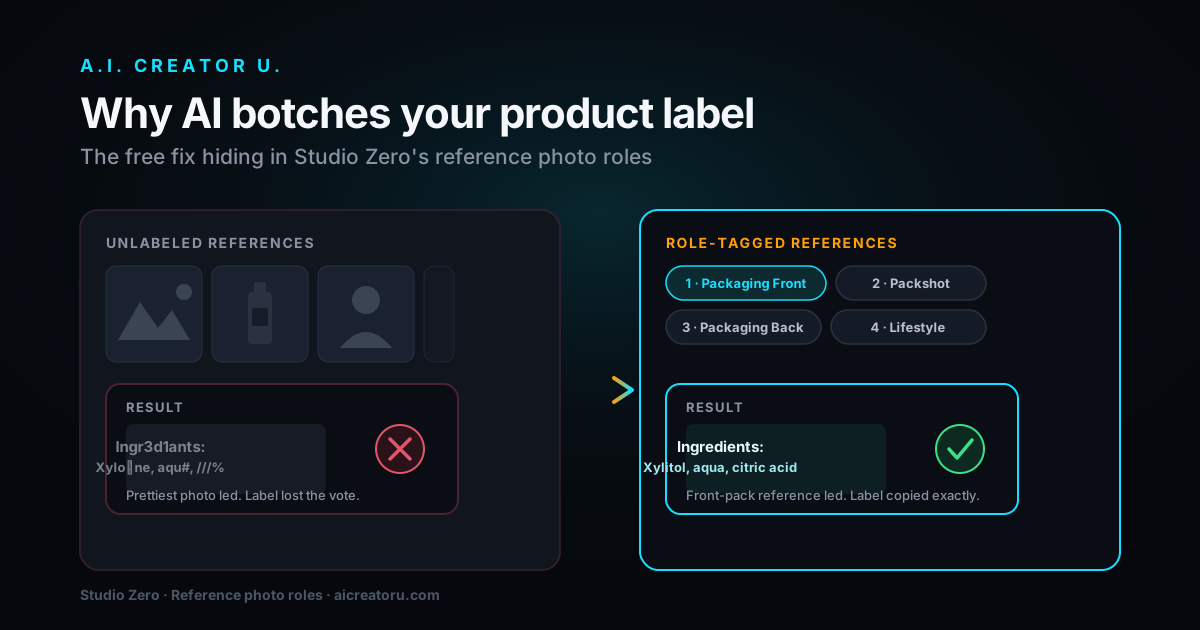
- If your product has contents that matter, like a supplement capsule inside a bottle or a drink inside packaging, add a second reference photo tagged to show what's inside. Studio Zero keeps packaging sealed in shots unless you give it something to work from, it won't guess what's in the box.
- Pick your pack: Website, Social, or Scroll-Stopper. Your first shoot pack in Studio Zero gets a one-time discount, so it's worth testing a pack even if you're not sure yet which one you need long-term.
- Confirm the credit cost shown before you generate. Studio Zero always shows the total up front, no surprise deductions.
- Your photos land in about a minute. Review, download individually, or bulk-export the whole set.
If you'd rather have a human model in every shot instead of just the product, that's a different tool inside Studio Zero: the Model Photoshoot, which locks one model, one style, and one scene across 8 cohesive photos for 16 credits. We covered that one in detail in our guide to Studio Zero's Model Photoshoot, and it's worth reading if your product needs a person to sell the size, fit, or use case.
Two Mistakes That Waste a Shoot Pack
The first is uploading a source photo that's already stylized. A product shot with heavy filters, a busy background, or weird lighting confuses every downstream generation, because Studio Zero is extending what it sees, not replacing it. Start from the plainest, most honest photo you have.
The second is picking a pack based on the label instead of where the photo is actually going. We've seen sellers run a Scroll-Stopper Shoot and then use the dark, moody frame as their main website hero, where it looks out of place next to a price tag. Match the pack to the destination, not the vibe you like best in the preview grid.
Do You Need All Three Packs?
Eventually, probably yes, but not on day one. A Website Shoot is a one-time job you redo maybe twice a year, when you refresh a listing. Social and Scroll-Stopper are recurring: your feed gets stale in weeks, and ad creative fatigues even faster once an audience has seen it a few dozen times. Budget for those two to repeat monthly, and treat Website as a set-and-forget purchase.
Product imagery isn't a nice-to-have here either. Buyers reportedly want to see three to four photos of a product before they'll commit to buying it, and pages with more than one image have been reported to pull in far more search traffic than single-image listings. Photo quality gets cited as a real swing factor in whether a browser converts, and a chunk of ecommerce returns get blamed on products looking different in person than they did online. None of that is Studio Zero-specific data, it's just the backdrop that makes "one good photo isn't enough" true regardless of which tool you use to fix it.
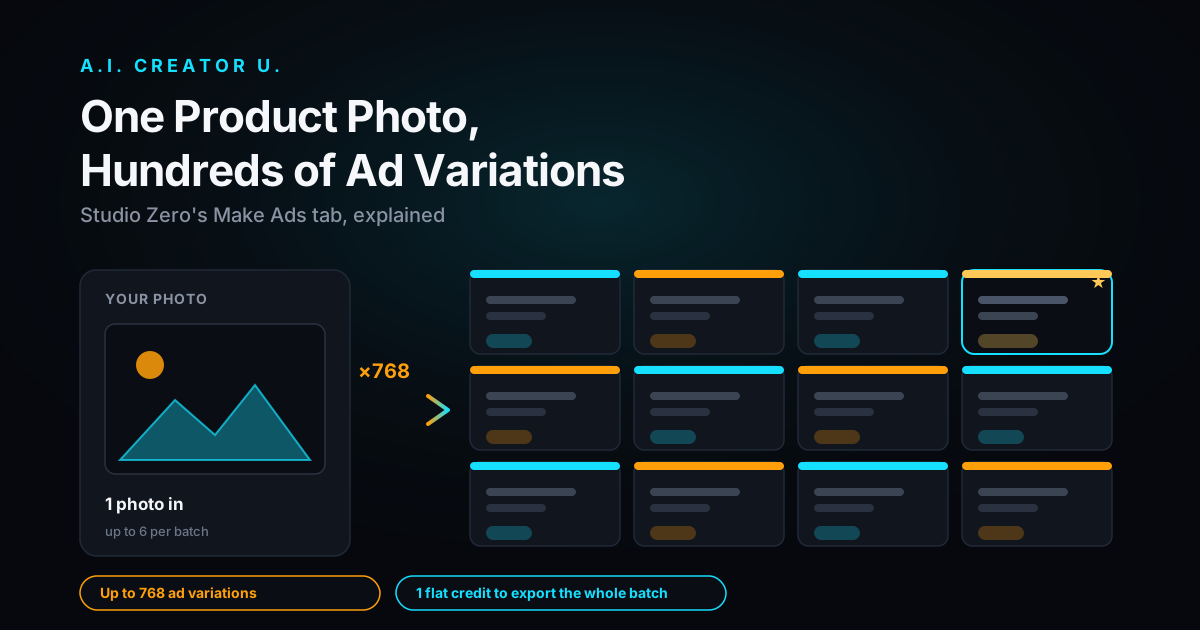
For deeper control over how those Social and Scroll-Stopper photos get turned into finished ad variations with copy and captions, our Make Ads Tab guide walks through the step after the photoshoot. And if you're managing more than one product line, our guide to the AI Brand Kit covers how to keep every pack's output on-brand automatically instead of correcting colors and tone by hand each time.
FAQ
What's the actual difference between the Website Shoot, Social Shoot, and Scroll-Stopper Shoot packs in Studio Zero? Website Shoot builds 4 catalog-style photos (hero, white background, banner, macro). Social Shoot builds 6 feed-native photos (UGC-style, lifestyle, flat lay, in-hand, and more). Scroll-Stopper Shoot builds 4 bold, high-contrast photos meant for paid ad creative.
How many credits does each Studio Zero shoot pack cost? Every photo is 2 credits. Website Shoot and Scroll-Stopper Shoot are 8 credits each (4 photos), and Social Shoot is 12 credits (6 photos). Your first shoot pack gets a one-time discount.
Do I need a professional product photo to start? No. One clear photo of your product is enough for Studio Zero to build a shoot pack from. If your product has contents worth showing, like something inside a container, adding a second reference photo helps it get those shots right.
Which pack should I buy first if I only have my free signup credits? All 15 free credits cover exactly one pack with a few credits left over. If you're weighing organic reach against a clean product page, we'd lean Social Shoot first since it has to work harder to earn attention than a page a visitor already clicked into.
Can Studio Zero put a person in these photos instead of just the product? Yes, but that's a separate flow called Model Photoshoot, not one of the three shoot packs. It picks a model, a style, and a scene, and delivers 8 cohesive photos of the same person and set for 16 credits.
Ready to see it on your own product? Open Studio Zero and upload a photo. Your first shoot pack is discounted, so there's no better time to find out which pack your product actually needs.