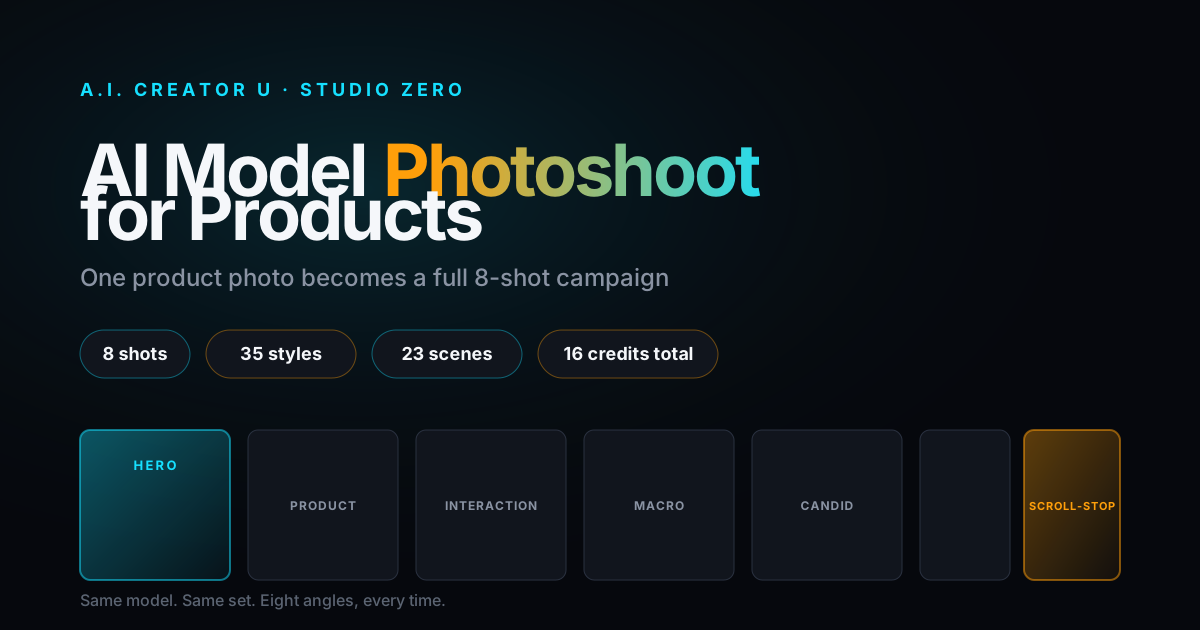
Quick answer: Studio Zero's Model Photoshoot takes one product photo and turns it into a full 8-shot campaign on a human model: hero, product-first, interaction, macro, candid, wide, a prop/set detail, and an editorial "scroll-stopper," all with the same person, wardrobe, and set for consistency. Pick a stock model, your own Character Studio character, or let AI cast one, choose from 35 shoot styles and 23 scenes, and the whole set runs for 16 credits (2 per image). Your first shoot ever is half price: 4 photos for 4 credits.
A real product photoshoot with a hired model costs a few hundred dollars and takes a week of scheduling. A phone photo on a white background is free and takes ten minutes, but it looks like exactly what it is. Studio Zero splits the difference: upload one photo of your product, and its Model Photoshoot tool builds you a coordinated 8-image campaign, on a real-looking human, in a real-looking scene, in about the time it takes to make coffee.
This is one of Studio Zero's flagship photo tools and it hasn't gotten much attention next to Try-On and the Carousel maker. Here's exactly how it works, what you get, and how to not waste credits on a shoot that comes out generic.
What Is Studio Zero's Model Photoshoot?
Model Photoshoot lives inside Studio Zero's Photos tab, the same suite that runs Try-On (which puts your apparel on a model for fit photos) and Carousel Studio (which turns a product photo into a swipe-through Instagram ad). Where those two are single-purpose tools, Model Photoshoot is the one built for volume: instead of one image, you get eight, shot like an actual hired campaign instead of eight random AI generations that happen to share a product.
That "coordinated" part is the whole point. Anyone can generate a single AI photo of a product next to a model. Getting the same model, in the same outfit, on the same set, across eight different angles and moods, is the harder problem, and it's the one this tool is built to solve.
What Do You Actually Get in the 8 Shots?
Every shoot delivers the same eight roles, regardless of style or scene:
| # | Shot | What it's for |
|---|---|---|
| 1 | Hero | The main ad image: model holds the product toward camera at chest height, label clean and fully readable |
| 2 | Product-first | Product tack-sharp and hero-lit in the foreground, model softly out of focus behind it |
| 3 | Interaction | Model actually using or engaging with the product in the scene |
| 4 | Macro | Tight close-up on texture, packaging detail, or the product in hand |
| 5 | Candid | Looser, less posed, "caught in the moment" energy |
| 6 | Wide | Full scene pulled back, showing the world the product lives in |
| 7 | Prop/set detail | The product styled among the scene's props, not the main subject |
| 8 | Editorial | The scroll-stopper: a bold, unexpected angle or composition built to stop a thumb mid-scroll |
That range is deliberate. A hero shot alone is a product photo. Eight of these together is enough to fill a whole ad set, a product page gallery, and a week of organic posts without repeating a single image.
How to Run a Model Photoshoot (Step by Step)
- Upload a product photo. At least one is required; Studio Zero will pull in up to six of your uploaded shots as references if you've got them (packaging, different angles, whatever you have).
- Pick your model. Three options: "Cast for me" (AI picks a face that fits your product's audience), one of the roster's stock models, or one of your own Character Studio characters if you want your existing AI persona in the shoot.
- Pick a style. 35 visual languages across 7 categories, from clean commercial to full editorial-fashion, or hit "Let AI pick the look" if you'd rather not choose.
- Pick a scene. 23 sets across categories like on-the-go, home-ritual, shops-credibility, and outdoors-getaways, or skip it entirely for styles that carry their own world (some do, and the picker tells you which).
- Set your aspect ratio. 1:1, 4:5 (the default), 9:16, or 16:9, depending on where the shots are going.
- Confirm. The master shot (the hero) renders first, and the other seven generate off it.
That's it. No lighting setup, no wardrobe fitting, no location scout.
How Does It Keep the Same Model in Every Shot?
This is the actual engineering trick, and it's worth understanding because it's why the results hold together instead of looking like eight unrelated AI images stitched together.
Before any photo renders, Studio Zero generates what's essentially a shoot bible: a locked, written description of the model, the wardrobe, the set dressing, and the lighting, specific to your product and the style/scene you picked. That gets written once, for the whole shoot, not regenerated per image.
Then the master shot (shot #1, the hero) is the only one built from scratch. Once it renders, that image itself becomes a reference for the remaining seven shots, alongside your product photos. So shot 2 isn't "generate a similar-looking model," it's "generate this exact image's model, in this exact wardrobe, from a different angle." If you picked a stock model or one of your own Character Studio characters, their character sheet is locked in as the very first reference from the start, so you're not relying on the AI to reinvent the same face eight times: you're giving it the actual face to copy.
It's the same reference-chaining logic used elsewhere in the app to keep a character or a product's exact look consistent across generations, applied here to a full shoot instead of a single image.
What Should You Actually Pick? Style and Scene, Practically
The honest answer: for your first shoot, hit "Let AI pick the look" and "let the style carry its own world" (or pick a scene from the recommended shortlist the style surfaces). The style-recommended scenes exist for a reason, they're paired combinations the tool's own catalog flags as working well together, and second-guessing that pairing on shoot one usually just burns credits on a mismatched look.
Once you've run a shoot or two and know what your product's audience responds to, that's when picking deliberately pays off. A supplement brand chasing credibility probably wants something out of the shops-credibility scene set (lab table, health store counter) paired with a clean, commercial-clean style, not bold-playful. A skincare brand leaning into "get ready with me" content is better served by a home-ritual scene (vanity, shower shelf, nightstand) than a city street.
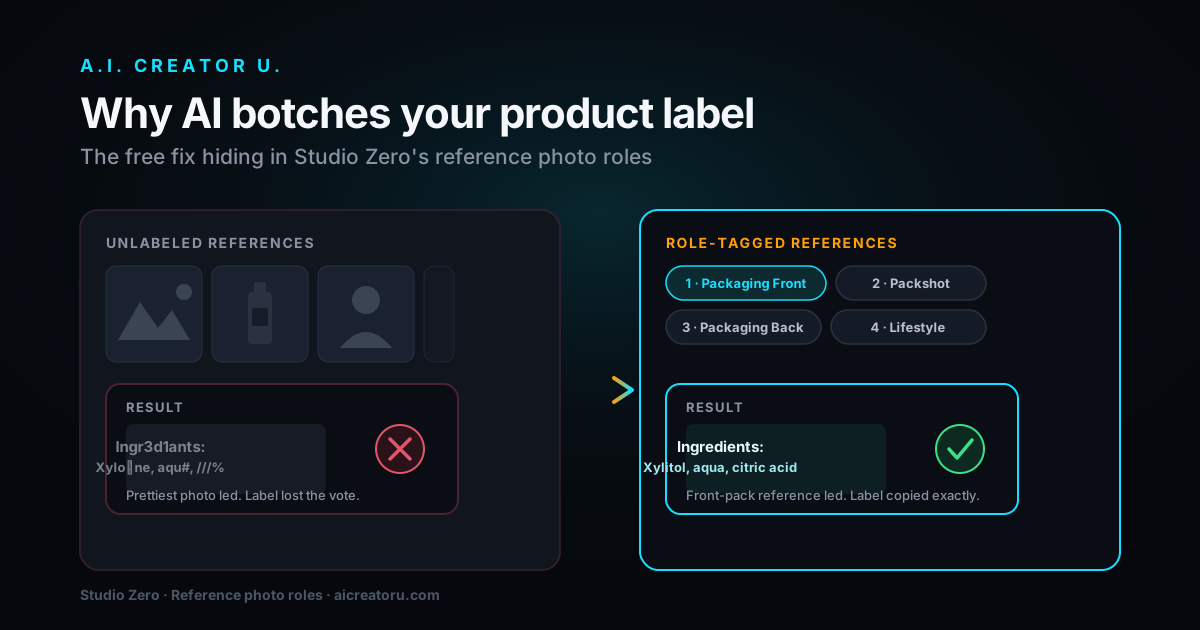
One tip that actually matters: if your product's value is what's inside the packaging, two of the eight shots (interaction and macro, typically) are the ones that show the product open or in use. Studio Zero won't invent what's inside a sealed package; it'll keep it sealed unless you've uploaded a dedicated reference photo of the actual contents, tagged as such, in your product photos. Skip that and you'll get a technically fine shoot with two shots that don't show what you're actually selling.
How Much Does a Model Photoshoot Cost?
| Item | Cost |
|---|---|
| Full 8-shot campaign | 16 credits (2 credits per image) |
| First-ever shoot on your account | 4 photos for 4 credits, 50% off, one time only |
| New account signup | Up to 16 free credits (a 6-credit welcome pack, plus 10 more for finishing the quick tour, valid 14 days) |
If the master shot fails to generate, you're refunded the whole package automatically. If a single follow-up shot fails partway through, you're refunded just that one image, not the whole shoot. You're not stuck paying for a partial, broken set.
Worth doing the math against the alternative here: a single afternoon with a hired model and photographer for even a modest product shoot runs well past what 16 credits costs on any plan, before you factor in the model's day rate, a location, and the week of back-and-forth to schedule it. That's not a knock on real photography, there are things it can do this can't, but for the volume most sellers actually need (a hero shot, some lifestyle context, a few detail crops), it's hard to justify the cost and lead time anymore.
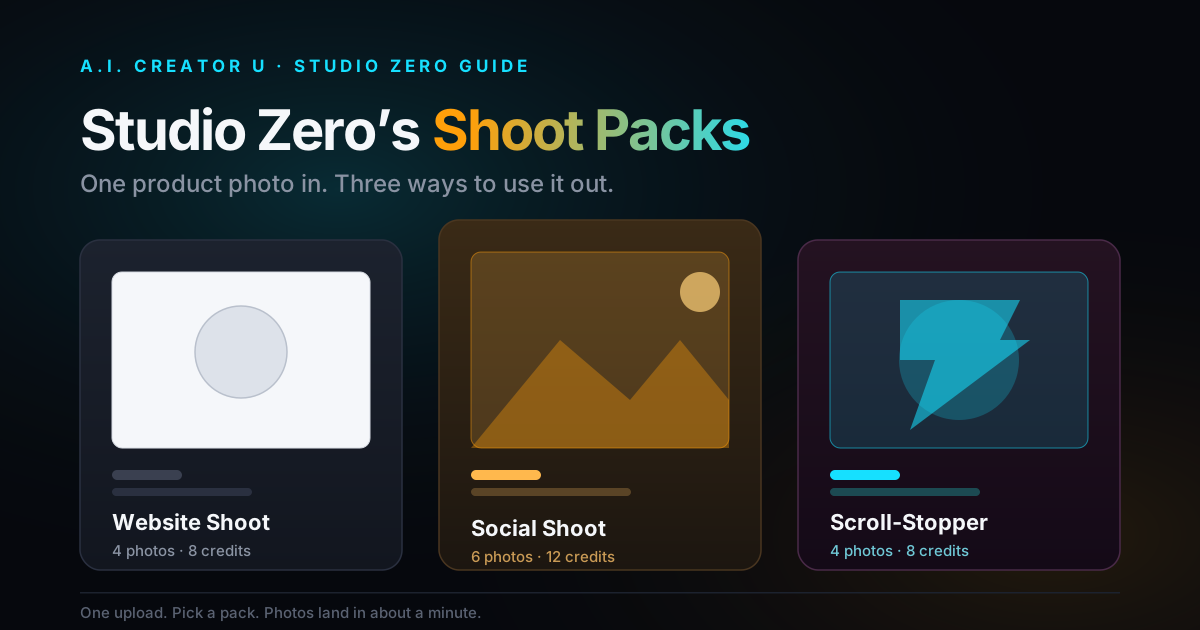
Model Photoshoot vs. Try-On vs. Carousel: Which One Do You Need?
All three live in Studio Zero's Photos tab and all three put your product on or near a model, so it's easy to conflate them. They're not the same tool:
Try-On is apparel-only. You're checking fit and drape on a model, one image, one look. Use it when the question is "how does this garment actually sit on a body."
Model Photoshoot is the campaign tool. Any physical product (not just apparel), eight coordinated shots, built for filling out an ad set or a product page gallery in one pass.
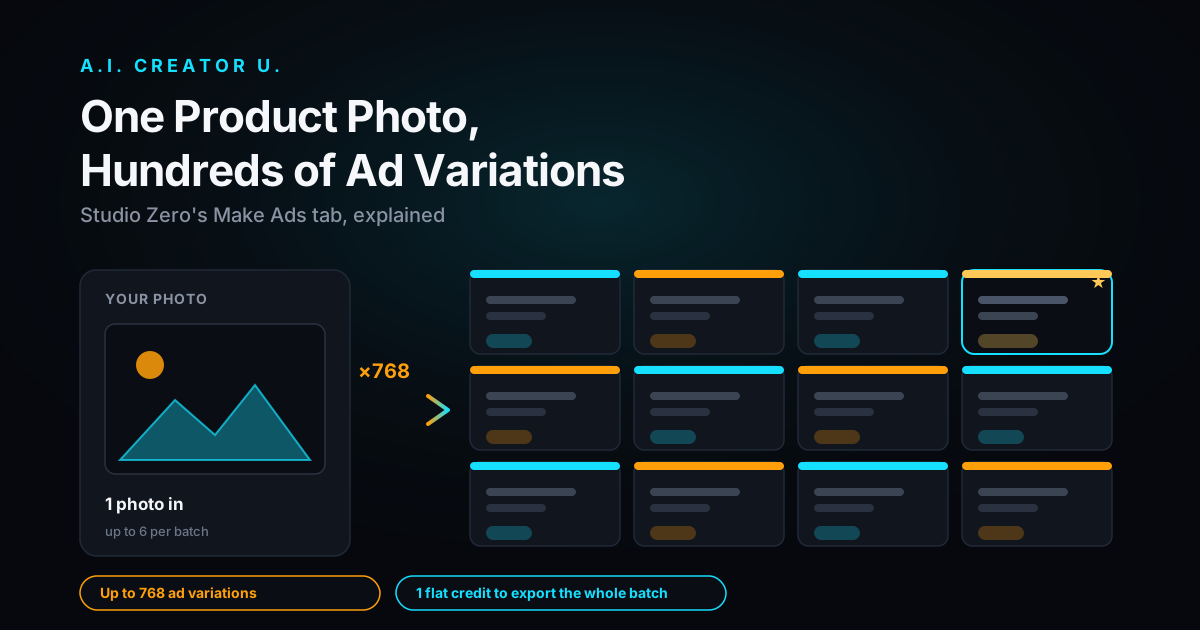
Carousel Studio takes a product photo (yours or output from a shoot like this one) and turns it into a templated, swipeable Instagram carousel ad, a different output format entirely, not another photo style.
A common workflow: run a Model Photoshoot for the source images, then feed the strongest shot into Carousel Studio for the swipe-through ad format, or into a product-photo-to-video pipeline to get a video ad out of the same shoot. One upload, three different outputs.
Common Mistakes That Waste a Shoot
The biggest one is treating this like a single-image generator and picking a style that doesn't match the scene you also picked manually, fighting the recommended pairings for no reason. The second is skipping the contents reference photo on a product where what's inside matters, then being surprised two of the eight shots don't show it. The third is uploading a single low-quality product photo as your only reference; the tool can work from one image, but giving it two or three angles (including packaging, if relevant) noticeably improves how accurate the product looks across all eight shots, since those extra references get pulled in automatically.
FAQ
Does Model Photoshoot work for anything besides clothing? Yes, that's the point of it versus Try-On. Model Photoshoot is built for any physical product: supplements, skincare, gadgets, food and beverage, home goods. Try-On is the apparel-specific tool.
Can I use my own Character Studio character instead of a stock model? Yes. If you've already built a character in Character Studio, you can select them in the model step and their character sheet becomes the locked reference for the whole shoot, so it's genuinely them across all eight images, not a similar-looking AI face.
What if I don't like the model AI casts for me? You can always browse the stock roster (20 diverse models) or pick your own character instead of using "Cast for me." There's no penalty for changing your mind before you confirm the shoot; credits aren't charged until you commit.
Do I have to pick a style and scene, or can AI just handle it? You can skip both. "Let AI pick the look" and letting a style carry its own world (or picking from its recommended scenes) both work, and for a first shoot, that's the recommended path rather than picking blind.
Is the half-price starter shoot only for Model Photoshoot? The first-shoot discount applies once per account, the first time you generate photos in Studio Zero, not specifically tied to Model Photoshoot. If you've already used it on a different Studio Zero photo tool, it won't be available again here.
Get Your First Shoot at Half Price
If you're still shooting product photos on a white background or paying by the hour for a photographer, this is the faster, cheaper middle ground. Upload one product photo, pick a model, and let Studio Zero build the campaign. Your first shoot is 4 photos for 4 credits, and if you're a new account, you're starting with up to 16 free credits to try it.