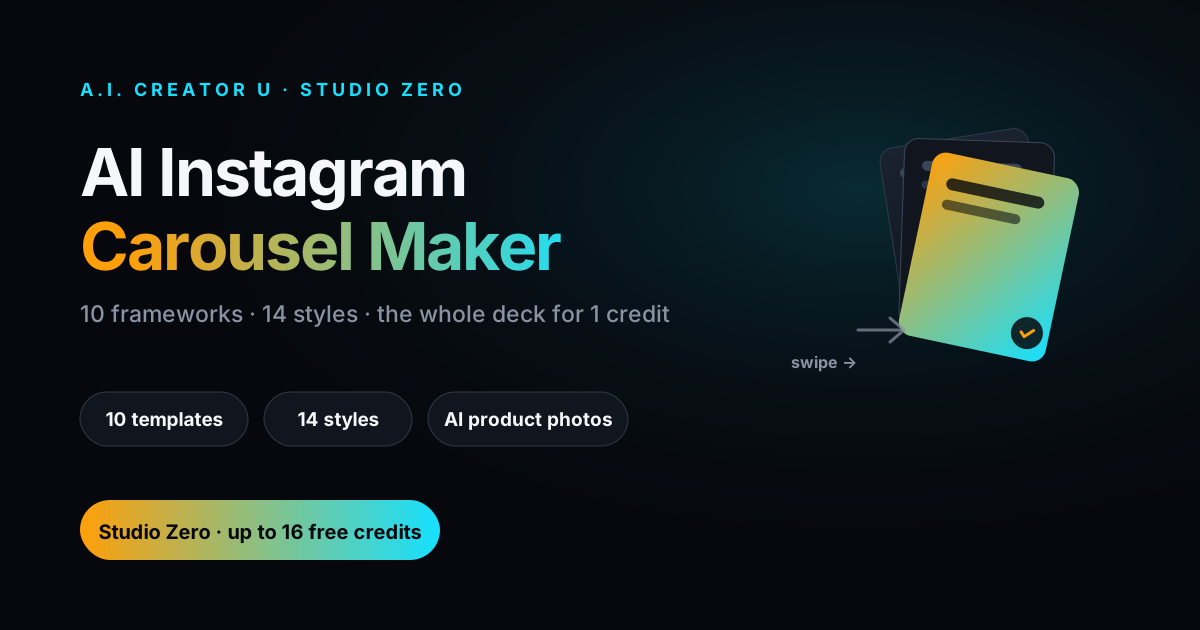
Quick answer: Studio Zero has a built-in AI Instagram Carousel Maker: pick one of 10 proven content frameworks, tell it what you're selling, and it writes a full slide deck (headlines, body copy, caption, hashtags) plus optional AI product photos for the slide backgrounds. You edit the text, pick from 14 visual styles, and export a ready-to-post ZIP at 1080×1350 or 1080×1080. The whole deck costs 1 credit to write and 1 credit to export, no matter how many slides you use.
Most sellers still build carousels the slow way: Canva, a template they found on Pinterest, twenty minutes of dragging text boxes around, and copy they wrote at 11pm that reads like every other "5 things you didn't know" post in your niche. Meanwhile the format itself is quietly the best-performing thing on Instagram right now, and almost nobody in the DTC space is using it well.
Why carousels are worth the extra ten minutes
Social media benchmarking firm Socialinsider's 2026 data puts carousels at a 0.50% engagement rate, the highest of any Instagram post type, ahead of Reels (0.48%) and well ahead of static images (0.33%). Other trackers report an even bigger gap, with carousels pulling multiples more reach and saves than a single photo post. The exact number depends on who's measuring, but every report agrees on the direction: swipe-through content beats single images, and it's competitive with or ahead of video, without the production lift of shooting a Reel.
There's a simple reason for that. A carousel forces a sequence: hook, then payoff, one idea per slide. Instagram's algorithm rewards the swipe (it's a stronger completion signal than a video watch), and the format is genuinely better for the thing most product sellers actually need, which is explaining why someone should buy something. A single image can show a product. A carousel can make an argument.
The catch is that a good carousel takes real thought: a hook that earns the swipe, a structure that doesn't repeat itself slide to slide, copy tight enough to read in two seconds, and a caption that doesn't just restate slide one. That's the part Studio Zero's Carousel tool automates, and it's a tool How to Make AI Video Ads That Convert barely touches, because it's a different medium entirely: no video, no motion, just a swipe sequence built to sell.
What's actually in the Carousel tool
Open any Studio Zero project and there's a "Carousels" tab sitting next to Photos, Videos, and Ads. It's not a beta feature or something buried behind a flag. It walks you through three decisions and then writes the whole thing.
Step 1: pick a content framework. You're choosing one of 10 templates, each built around a specific angle that's proven to work for product content:
| Template | The hook | Best for |
|---|---|---|
| Ingredient / Feature Breakdown | "What's actually inside?" | Trust and education |
| Is This For You? | "This may be for you if…" | Qualifying buyers |
| Myth vs Fact | "Myths that keep people confused" | Building authority |
| Daily Routine | "The 60-second routine" | Making the product feel easy to use |
| Problem-Aware | "You don't need a complicated routine" | Direct response |
| Do This, Not That | "Do this, not that" | Shares and saves |
| Objections / FAQ | "Does it actually work?" | Skeptical buyers |
| What To Look For | "Check these before you buy" | Saves and trust |
| Product Story | "Why we made this" | Brand building |
| Comparison | "Cheap option vs quality option" | Helping buyers decide |
If you genuinely don't know which one fits, there's a "make it for me" option that defaults to Problem-Aware, which is the safest starting point for most cold-audience product content.
Step 2: pick the look. Slide count (3 to 8, most sellers land on 6 or 7), a font, and one of 14 visual styles. Three of those styles are built entirely from your brand kit's colors ("Brand bold," "Brand duo," "Brand light"), so if you've already set up brand colors in Studio Zero, the deck matches your feed without you touching a color picker. The other 11 are fully designed looks: warm gradient (Sunset), editorial serif (Cream serif), outlined display type (Retro outline), dark navy with gold accents (Navy & gold), neon-on-dark (Glow tech), textured slate (Dot grid), notebook-paper (Notebook), sage green (Sage), deep purple (Grape), warm underlined serif (Amber), your product photo behind a fade (Photo-backed), and a clean white minimal look. You can switch styles after the deck exists, so it's cheap to try a couple and see what reads better against your feed.
Step 3: it writes the deck. This is where the AI does the actual work: a headline and optional body line for every slide, a full Instagram caption (hook line, two or three supporting sentences, a CTA), 10 to 15 hashtags, and three alternate hook options for slide one, each pulling a genuinely different angle: curiosity, a bold claim, a direct question. If none of the three hooks land, "more hooks" regenerates a fresh batch for another credit. Same for the caption if the first draft isn't your voice.
You can turn on a creator attribution overlay too (name, handle, and your logo pulled straight from your brand kit) if you want the carousel to look like it's coming from a person, not a storefront, which matters more than most sellers assume: UGC Ads with AI: The No-Creator Playbook covers why that framing consistently outperforms obviously-branded creative.
Turning slides into actual images
Text-only slides work fine for some templates (Myth vs Fact and Objections/FAQ read well as clean typography), but Ingredient Breakdown and Product Story usually want a real photo behind the words. If you've uploaded at least one product photo to the project, any slide can generate an AI product photo as its background, built from the "image idea" the AI already wrote for that specific slide when it drafted the deck. No product photo uploaded yet, no slide photo, that's a hard requirement, not a soft warning: the tool won't fabricate a product image out of nothing.
There's also a free stock photo search built in (powered by Pexels) for lifestyle or contextual background images that aren't your product itself, useful for a "Daily Routine" opener or a "this may be for you if" qualifying slide where you want a mood shot rather than the product front and center.
What it actually costs
Everything in the Carousel tool runs on flat, predictable pricing, which matters when you're testing five templates before you find the one that converts:
| Action | Cost |
|---|---|
| AI writes the full deck (copy + caption + hashtags + hook options) | 1 credit |
| Regenerate hook options | 1 credit |
| Rewrite the caption | 1 credit |
| Generate one AI product photo for a slide | 1 credit |
| Export the finished carousel (ZIP, any slide count 3 to 8) | 1 credit |
That last line is the one worth calling out: export is a single flat credit whether you're shipping a 3-slide teaser or an 8-slide deep dive. Studio Zero also charges the export fee after the ZIP successfully renders and before the download starts, so a render that fails partway through doesn't cost you anything. New accounts start with up to 16 free credits, which is enough to draft, restyle, and export two or three full carousels before you're deciding whether to buy more.
Compare that to the actual cost of a carousel built the traditional way: a Canva Pro seat, a copywriter's time (or your own, priced at whatever an hour of your evening is worth), and the back-and-forth of getting ten slides to feel like one cohesive piece instead of ten separate Canva templates stapled together. Best AI Tools for Dropshipping Video in 2026 runs the same math for video, and the gap is similar: AI tools aren't free, but they're a fraction of the time cost of doing it by hand.
The compliance guardrail you don't have to think about
If you sell supplements, wellness products, or anything health-adjacent, this matters more than the styling options. The AI writing the copy is explicitly instructed to never make disease, treatment, cure, or prevention claims, and to stick to subjective-experience and "support" language instead: "supports your morning routine," never "treats fatigue," "supports focus," never "cures brain fog." It also won't invent specific factual claims: no fabricated stats, no made-up certifications, no ingredients you didn't tell it about.
That's not a content warning bolted on after the fact, it's baked into the system prompt for every copy generation in the tool, which means you don't have to remember to sanitize AI-written claims before you post them. You should still read every draft before it goes live (that's true of literally any AI copy, ours included), but the tool is set up to keep you out of FTC and Meta ad-policy trouble by default rather than by accident.
Three mistakes that kill carousel performance
Front-loading the pitch. If slide one is "Buy our product," nobody swipes to slide two. The hook has to be curiosity, a claim, or a question, not the offer. That's exactly why the tool generates three distinct hook angles instead of one: you're supposed to actually pick, not just accept whatever comes first.
Making every slide the same weight. A carousel that's eight slides of equal-intensity claims reads like a wall, not a story. The strongest decks follow a shape: hook, then rising specificity, then a slide that's allowed to breathe (a lifestyle shot, a quote, a pause), then the CTA. If your deck feels flat when you preview it, that's usually a slide-count or template mismatch, try dropping to 5 or 6 slides rather than padding to 8.
Ignoring the caption. The caption is not a formality. It's what shows in the feed before anyone swipes, and it's frequently the deciding factor in whether the swipe happens at all. Don't just accept the first draft; if it reads generic, hit "rewrite" (one credit) until it sounds like something a person actually typed.
Where this fits with the rest of Studio Zero
The Carousel tool lives next to Studio Zero's other tabs for a reason: the same product photos you upload for product ad videos or the Try-On tab feed straight into carousel slide backgrounds, and the same brand kit that colors your video ads also drives the three "on brand" carousel styles. If you're running Instagram Reels ads already, our guide to the AI Instagram Ad Generator is the video-first counterpart: same platform, different format, and honestly the two work best together. A carousel earns the save and the slow read; a Reel earns the fast scroll-stop. Most winning product pages on Instagram right now are getting hit by both.
Ready to build one? Open a project in Studio Zero, upload a product photo, and hit the Carousels tab. The first deck is one credit to see if the framework fits before you commit to styling it out.
FAQ
Do I need existing brand colors set up to use the Carousel tool? No. The 11 "designed" styles work with any account, no brand kit required. The 3 "on brand" styles pull from your Studio Zero brand kit if you've set one up, but that's a bonus, not a prerequisite.
Can I use my own photos instead of AI-generated ones? Yes. Any slide can carry your own uploaded product photo instead of generating one, and the free Pexels stock search covers lifestyle or contextual shots. AI slide photos are an option for slides that need something you don't already have.
What format does the export come in? A ZIP file with each slide as a numbered PNG (01.png through however many slides you used) at 1080×1350 (Instagram's default 4:5 portrait) or 1080×1080 (square), plus a caption.txt with your caption and hashtags ready to paste straight into the Instagram composer.
Does it work for non-supplement, non-health products? Yes, the compliance guardrail only activates its stricter language for supplement, health, and wellness products. Everything else gets the same 10 templates and full creative range without those restrictions.
Can I save a carousel and come back to it later? Yes. Drafts autosave every couple of seconds while you're editing, and there's a "pick up where you left off" list showing your saved drafts by name, so you can start three carousels, compare them side by side, and only export the one that's actually working.