Real UGC ads still beat polished brand video. That hasn't changed. What's changed is that you no longer need to find, brief, pay, and wait on an actual creator to get that look. You can build the whole thing yourself, from hook to CTA, in an afternoon.
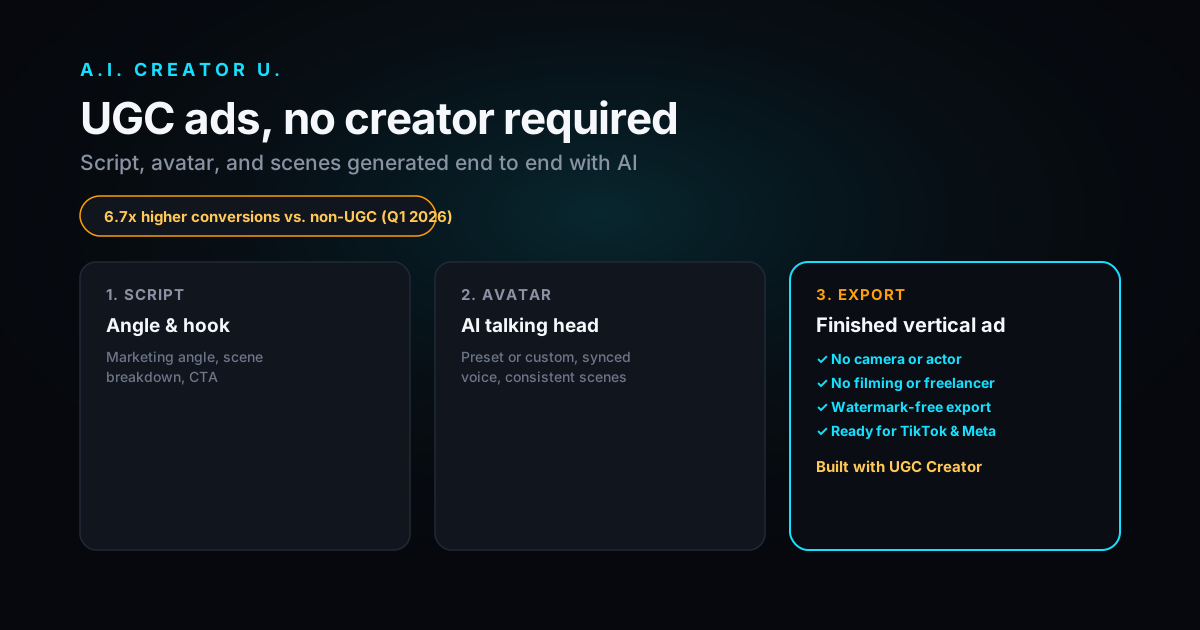
Quick answer: AI UGC ads are short, casual-looking product videos built with AI avatars, cloned voices, and AI-generated b-roll instead of a hired creator and a camera. You write (or generate) a script around a marketing angle, pick or upload an avatar, generate the scenes, and export a finished vertical ad. Tools like A.I. Creator U's UGC Creator do this end to end for a few credits per scene, no filming, no freelancer marketplace, no waiting on a shot list.
What "AI UGC Ads" Actually Means
"UGC" used to mean a real customer or hired creator filmed themselves talking about a product. It worked because it looked unpolished and felt like a recommendation, not an ad. "AI UGC" borrows the format, the handheld energy, the direct-to-camera pitch, the casual cuts, but generates every frame. No camera, no talent release, no shipping a sample product to a stranger's apartment.
Under the hood, an AI UGC ad is usually three things stitched together: a talking-head scene (an AI avatar delivering your script with a synced voice), a handful of b-roll scenes (the product in use, close-ups, demo shots), and a hook line up front strong enough to stop a scroll. The AI does the acting, the AI does the camera work, and you do the strategy.
This isn't a gimmick anymore. It's how a lot of the fastest-scaling e-commerce and app brands make their Meta and TikTok creative today, precisely because the format that converts best also happens to be the cheapest one to generate synthetically.
Why UGC-Style Ads Still Win
The data backs up what performance marketers already suspected. Emplifi's Q1 2026 social benchmarks reported UGC driving 6.7x higher conversion rates than non-UGC content, up from 4.3x the quarter before. Separately, UGC-style ads are commonly reported to pull 4x higher click-through rates and roughly half the cost-per-click of standard display creative, and brands that feature UGC on product pages see conversion lifts north of 100%. Treat exact multipliers as directional (they move by category, platform, and season), but the pattern is consistent across every source: content that looks like it came from a real person outperforms content that looks like an ad.
Why? Trust and pattern-interruption. Feed scrollers have built a reflex for skipping anything that looks produced. A shaky, direct-to-camera clip with a real (or real-looking) person doesn't trigger that reflex. It reads as a recommendation before it reads as a pitch.
| Format | Feels like | Typical strength | Typical weakness |
|---|---|---|---|
| Studio/brand video | An ad | Brand consistency, polish | Skipped fast, expensive to produce |
| Real hired UGC | A recommendation | High trust, proven performance | Slow (sourcing, shipping, editing), $50 to $500+ per creator |
| AI UGC | A recommendation | Same trust cues, minutes not weeks | Needs a decent script and a believable avatar to land |
The honest caveat: AI UGC only works when the script and hook are good. A believable avatar reading a boring script still gets skipped. The format buys you the trust cue. It doesn't buy you the idea.
What You Need Before You Start
Nothing exotic. Before you open a UGC ad tool, have these ready:
- A product image or two. Real photos of the actual product, not a stock photo. The AI needs to know what it's supposed to be showing.
- One marketing angle. Not five. Pick the single strongest reason someone buys ("it fixes the thing every competitor ignores," "it's the only one that actually fits in a bag," whatever's true for you). One sharp angle beats a script that tries to cover everything.
- A CTA. "Link in bio," "Shop now," "Use code X." Decide it before you script, not after.
- A tone. Energetic, calm, professional, casual, or aggressive. This changes how the script gets written and how the avatar delivers it.
That's it. You don't need a shot list, a talent budget, or a filming location. If you're still deciding what to say, not just how to say it, borrow structure from an ad that's already working: find a UGC ad in your niche that's clearly running (been live a while, lots of comments), and reverse-engineer its hook, pacing, and CTA before you write your own. You're not copying it, you're studying what already earned attention in your category.
How to Make an AI UGC Ad, Step by Step
This is the actual workflow inside UGC Creator, condensed to the parts that matter:
- Set up the project. Name it, pick your aspect ratio (9:16 for TikTok/Reels, 16:9 if it's headed to YouTube or a landing page).
- Add the product. Drop in your product name, a short description, your CTA, and one or two real product images. This is what grounds every generated scene in your actual product instead of a generic stand-in.
- Pick a marketing angle. Generate a few angle options from your product info, or write your own. Each angle comes with a suggested hook and an emotional target, which is genuinely the hardest part of ad-writing to do from scratch.
- Choose an avatar. Use a preset AI avatar, or upload reference images to build a custom one. This is the "actor" for your talking-head scenes, and it's reused consistently across every scene so the same "person" appears throughout.
- Generate the script. The script comes back broken into scenes (hook, problem, solution, demo, CTA), each tagged with an emotion and an estimated duration, so you're not staring at a wall of text trying to figure out where the cuts go.
- Generate scenes and visuals. Each scene becomes either a talking-head clip (the avatar delivers the line, voice synced) or a b-roll clip (the product shown in use). Scene images run 2 credits each; the video pass on a scene (Kling 2.6, 5 seconds, audio included) runs 10 credits. You can regenerate any single scene that doesn't land without redoing the whole ad.
- Export. Pull the finished, watermark-free vertical ad and push it straight to your ad account.
Eight scenes, a hook, and a CTA is a full ad. Most first drafts run 20 to 40 credits depending on how many scenes you regenerate. That's a finished ad for less than a single hour of a freelance editor's time, and you can make three variations to test instead of committing to one.
What Actually Works (and What Doesn't)
A few things separate an AI UGC ad that performs from one that gets scrolled past:
The hook has to earn the first second. Don't open with the product. Open with the problem, a bold claim, or a pattern interrupt ("I was today years old when I found out..."). The script tool generates hook options specifically because this is the part people default to skipping.
One avatar, consistent through the whole ad. Switching faces mid-ad breaks the illusion instantly and reads as obviously synthetic. Reuse the same avatar reference across every talking-head scene.
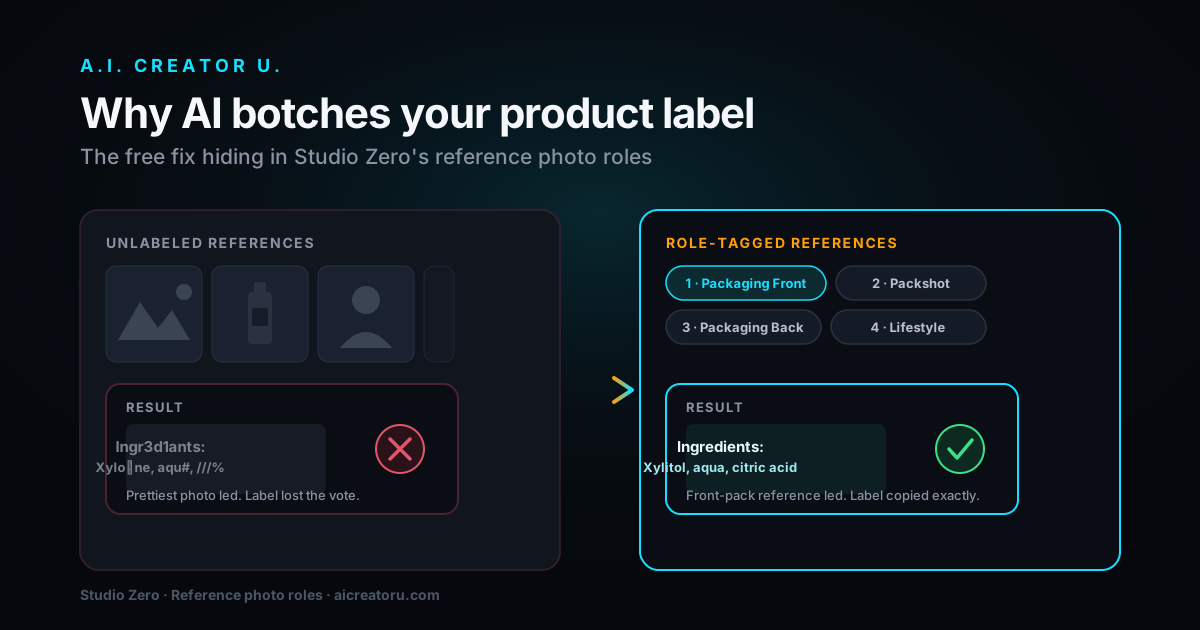
Real product images beat descriptions. The more accurate the product photo you feed in, the more the AI's rendering of your product matches reality, which matters a lot once someone clicks through to your actual product page and it needs to look like the same item.
Don't over-polish. This is the one that trips up people coming from a brand-video background. A too-clean AI UGC ad defeats the entire point of the format. Slightly imperfect pacing and a conversational tone outperform a broadcast-quality delivery here.
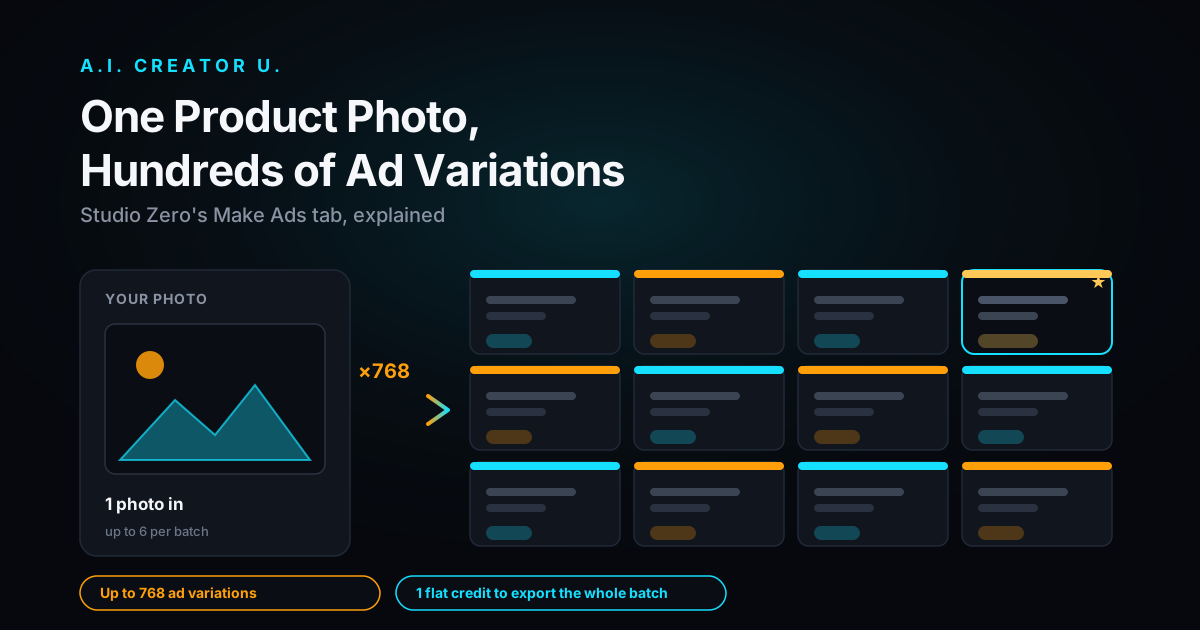
Test the angle, not just the edit. If an AI UGC ad underperforms, the fix is rarely "better video quality." It's almost always the hook or the angle. Generate two or three angle variants off the same product and test them against each other before you assume the format doesn't work for you.
AI UGC vs. Hiring Real Creators
Neither one is universally right. Here's the honest tradeoff:
| AI UGC | Hired creators | |
|---|---|---|
| Turnaround | Minutes | Days to weeks |
| Cost per ad | A handful of credits | $50 to $500+ |
| Iteration | Regenerate any scene instantly | Reshoot = new booking |
| Authenticity ceiling | Very good, not perfect | Can't be beat when it's genuine |
| Best for | Rapid testing, high creative volume, tight budgets | Hero campaigns, influencer partnerships, top-of-funnel trust building |
The strongest operators use both. AI UGC for volume testing (throw ten angles at the wall cheaply, see what the algorithm rewards), then real creators for the winning angle once you know it converts. If you're weighing whether to go the human route instead, our guide to becoming a UGC creator covers that side honestly, and our roundup of the best UGC tools for creators is worth a look if you're comparing more than one platform.
Where This Fits Into Your Broader Ad Strategy
UGC-style ads are one format inside a bigger playbook. If you haven't nailed down the fundamentals of what makes AI video ads convert (hook structure, pacing, platform-native specs), start with our complete guide to making AI video ads that convert. It covers the strategy layer this article assumes you already have.
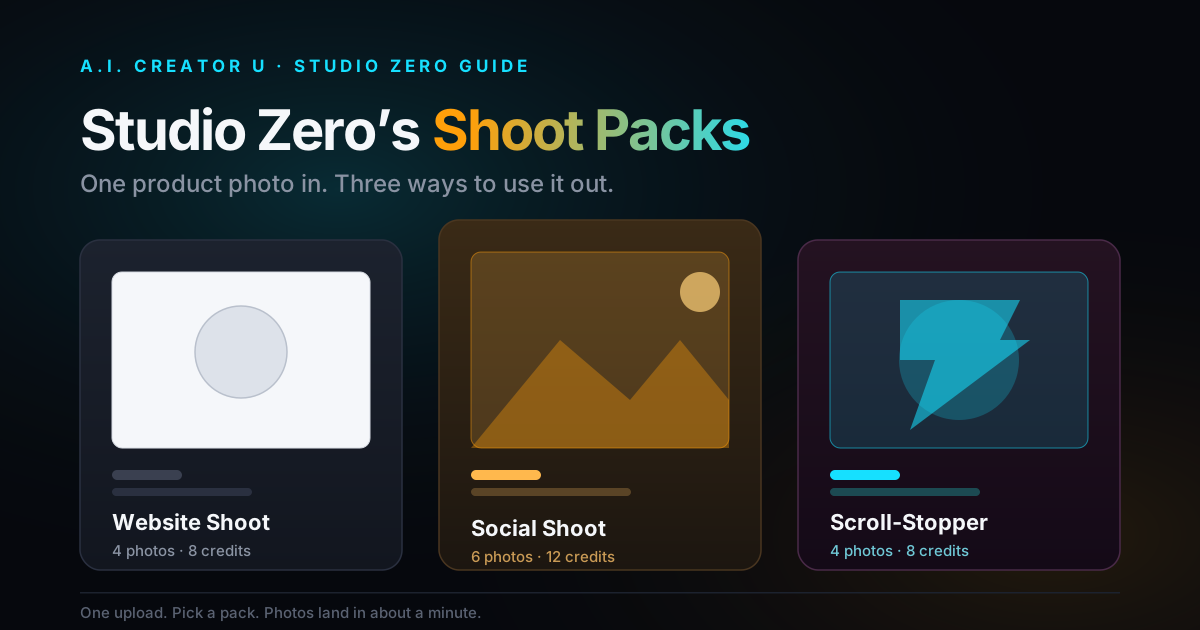
If your product is more "hero shot" than "person talking to camera," that's a different job. Studio Zero handles product photography and lifestyle scenes from a URL or reference photos, and pairs naturally with UGC Creator: use Studio Zero for the clean product shots, UGC Creator for the talking-head trust-builder, and cut them together into one ad.
A Note on Disclosure
Platform rules on AI-generated ad content shift more often than most marketers check. Both TikTok and Meta have added disclosure requirements around synthetic and AI-generated media over the past couple of years, and enforcement details change. Before you launch anything at scale, pull up the current ad policy on whichever platform you're running on and confirm what labeling, if any, applies to your specific creative. It takes five minutes and it's a lot cheaper than a suspended ad account.
Ready to Build One
You don't need a creator roster, a shot list, or a week of turnaround to test whether UGC-style creative works for your product. New accounts get up to 16 free credits on signup, enough to build and export a first ad and see the format for yourself. Start your first AI UGC ad and generate a hook, a script, and a finished vertical ad in one sitting.
FAQ
What are AI UGC ads? AI UGC ads are short, casual-style product ads built entirely with AI: an AI avatar delivers a scripted pitch, AI-generated b-roll shows the product in use, and the whole thing is edited into a finished vertical video. They're designed to look and feel like organic creator content instead of brand advertising.
Do AI-made UGC ads actually convert as well as ads with real creators? They can, especially for testing and volume. The performance driver behind UGC (a casual, trust-coded format that doesn't trigger "ad blindness") comes from the format and the hook, not from the person being a real human. A weak script with a real creator will still underperform a sharp script with an AI avatar. The ceiling for pure authenticity still belongs to genuine creator content, but for rapid testing and iteration, AI UGC closes most of that gap.
How much does it cost to make an AI UGC ad? Inside UGC Creator, scene images run 2 credits each and scene videos run 10 credits each (Kling 2.6, 5 seconds, audio included). A full ad with a hook, a handful of scenes, and a CTA typically lands in the 20 to 40 credit range depending on how many scenes you regenerate. New accounts start with up to 16 free credits.
Can I run AI UGC ads on TikTok and Meta? Yes, both platforms accept AI-generated video creative, and AI UGC is already a mainstream ad format on both. Follow each platform's current ad policies on AI-generated or synthetic media disclosure, which change from time to time, so check the live policy on the ad platform before a launch rather than assuming last year's rules still apply.
Do I need my own product photos to start? Yes, and it matters. Feed the tool real photos of your actual product rather than relying on a text description. The AI uses those images to keep the product's shape, color, and details consistent across every generated scene, which is what makes the final ad look like your real product instead of a generic stand-in.