Quick answer
An AI video ad converts when it earns a real hook in the first 2 to 3 seconds, looks native to the feed it's running in (not like an ad), and gets to the offer fast. You don't need a camera crew to hit that bar anymore: turn a product photo into a video with a tool like Studio Zero, pair it with an AI-generated UGC-style talking head from UGC Studio or a cinematic clip from Create Video (Seedance 2, Kling 3.0, VEO 3.1, Grok Imagine 1.5), then cut it to the platform's native length: 9 to 15 seconds for TikTok, 5 to 15 for Reels and Stories. The rest of this guide is the actual workflow, not the theory.
Most AI video ads don't fail because they're AI. They fail because they look like ads.
Here's the uncomfortable truth about AI video ads in 2026: the tech stopped being the bottleneck a while ago. Seedance, Kling, and VEO can all produce a clean, well-lit product shot from a single photo. The bottleneck now is that most people generate a pretty clip and stop, when a pretty clip and a scroll-stopping ad are two different things.
A video ad that converts isn't judged on production value. It's judged on whether someone mid-scroll decides, in about a second and a half, that this is worth their attention. Platforms have been saying this for years, and 2026's data backs it up harder than ever: the highest-performing TikTok ads land in the 9 to 15 second range, and the ones that outperform organic content are the ones that don't look like they were made by a brand at all.
That's the actual opportunity with AI video ads. Not "make video cheaper." Make the native, ugly-good, testimonial-style content that used to require paying fifteen different creators for fifteen different takes, and generate it from your own product photos in an afternoon instead.
What actually makes a video ad convert?
Strip away the platform jargon and it comes down to four things, in order:
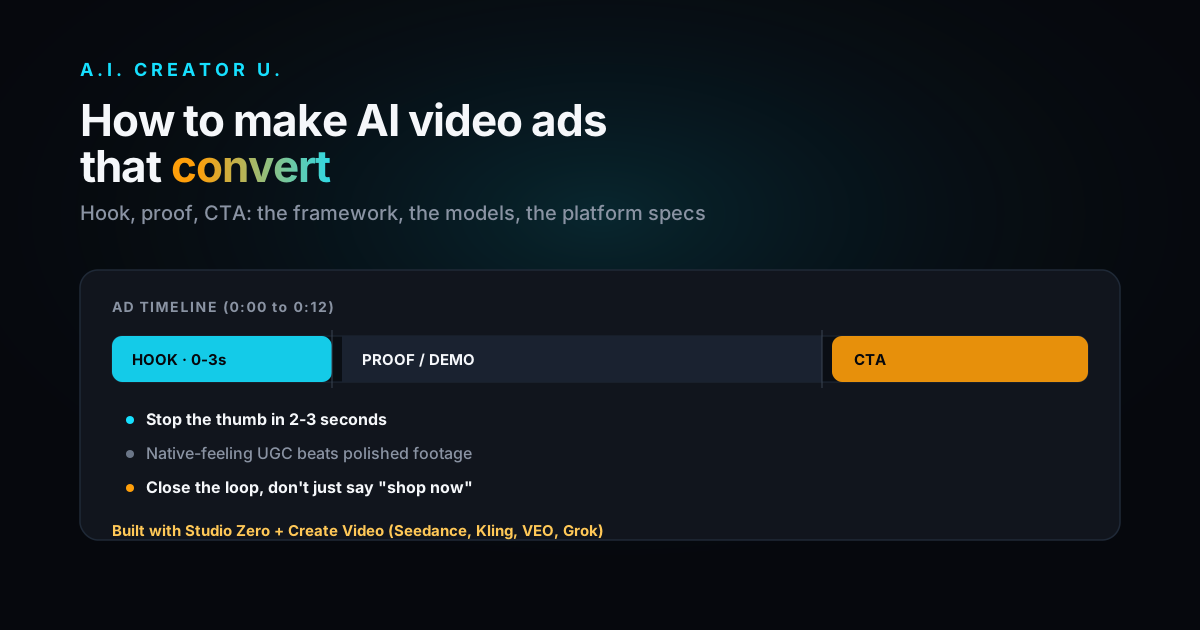
The hook (first 1 to 3 seconds). This is the single highest-leverage part of the ad. If the first frame and first line don't stop a thumb, nothing after it matters, because nobody sees it. A hook is a question, a bold claim, a visual pattern-interrupt, or a "before" state the viewer recognizes in themselves. It is never your logo.
The native feel. Ads that look like ads get skipped. Ads that look like a friend showing you something get watched. That's why UGC-style talking-head ads and handheld-feeling product clips consistently beat polished commercial footage on TikTok and Reels, even when the polished version cost ten times as much to make.
The proof. Somewhere in the middle third, you need the moment that makes the claim believable: the before/after, the demo of the product actually working, the "here's what happened when I used this for two weeks" beat. This is where most brand-made ads go soft and where AI-generated UGC actually shines, because you can generate the specific proof moment your product needs instead of hoping a hired creator improvises it well.
The CTA. Not "shop now" tacked on at the end. A CTA that repeats the outcome the viewer just watched ("that's the [product] I just showed you, link's below") outperforms a generic one, because it closes the loop instead of asking the viewer to remember what they just saw.
Everything below is built around hitting those four beats fast, using tools that already exist in your stack.
How to make an AI video ad, step by step
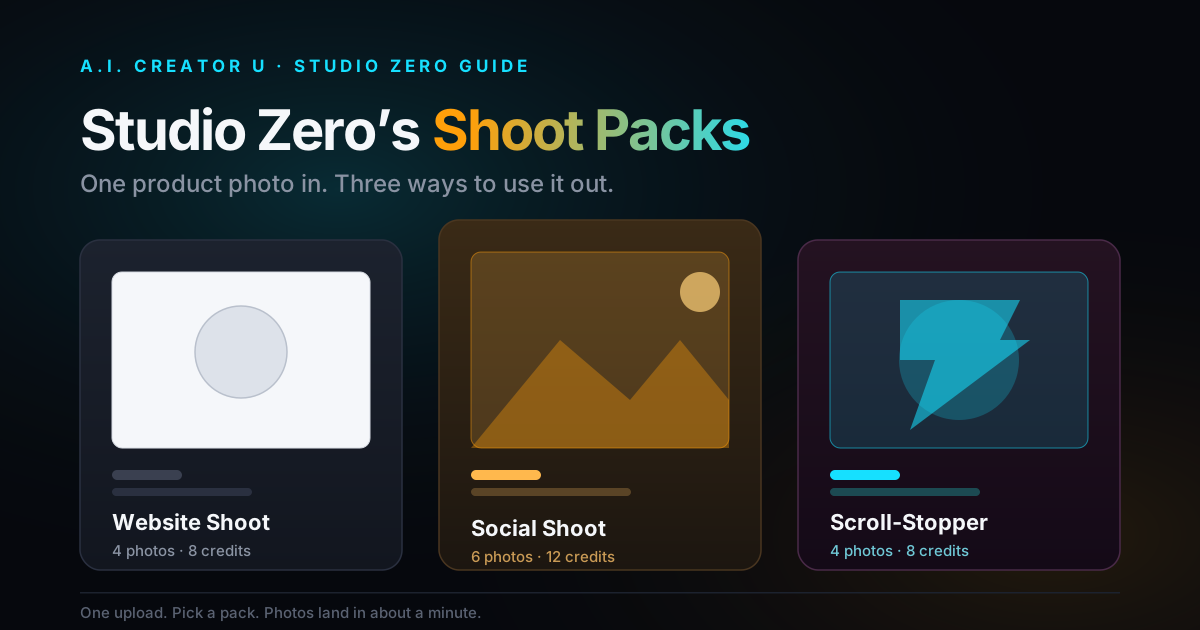
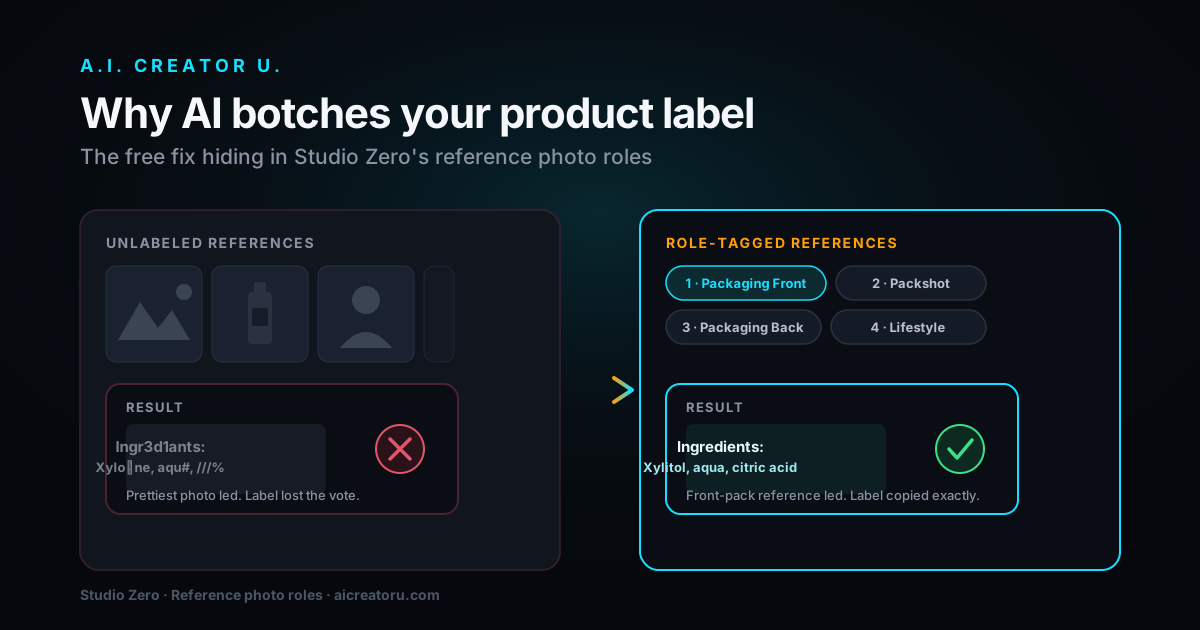
1. Start from a real product photo, not a prompt. The single biggest quality jump in AI product ads came from grounding generation in an actual photo of the actual product, instead of describing it in text and hoping the model gets the label right. In Studio Zero, you upload one product shot and generate studio shots, lifestyle scenes, and short video ads that keep your product's actual packaging, color, and shape intact, because the model is working from the real image, not a text guess.
2. Decide which format fits the product. Not every product wants the same ad shape. A skincare product wants a testimonial or before/after. A gadget wants a demo. A fashion item wants an on-model try-on. Studio Zero handles the try-on case directly (upload a flat garment photo, get an on-model shot without a photoshoot), which is otherwise one of the more expensive ad types to produce for real.
3. Add the human element if the product needs a face. Plenty of ads convert better with someone talking to camera than with product footage alone, especially testimonial and unboxing formats. That's what UGC Studio is for: pick an AI character, feed it your product details and angle, and it writes the script, generates the hook line, and builds the talking-head footage around it, without booking a creator or a studio day.
4. Generate the motion. For the cinematic or lifestyle-scene version of the ad, Create Video gives you a real choice of engines depending on what you need: Seedance 2 for fast, native-audio-in-one-pass clips, Kling 3.0 for more filmic motion, VEO 3.1 when you need Google's newer physics and prompt adherence, and Grok Imagine 1.5 as a fast newer option. None of them are the "right" answer for every ad. Match the engine to the shot.
5. Cut it to the platform, not the other way around. This is the step people skip and it's the one that costs the most conversions. A 30-second ad built for YouTube does not perform as a 30-second TikTok ad. Trim to the platform's real sweet spot (see the table below) before you spend a dollar on media.
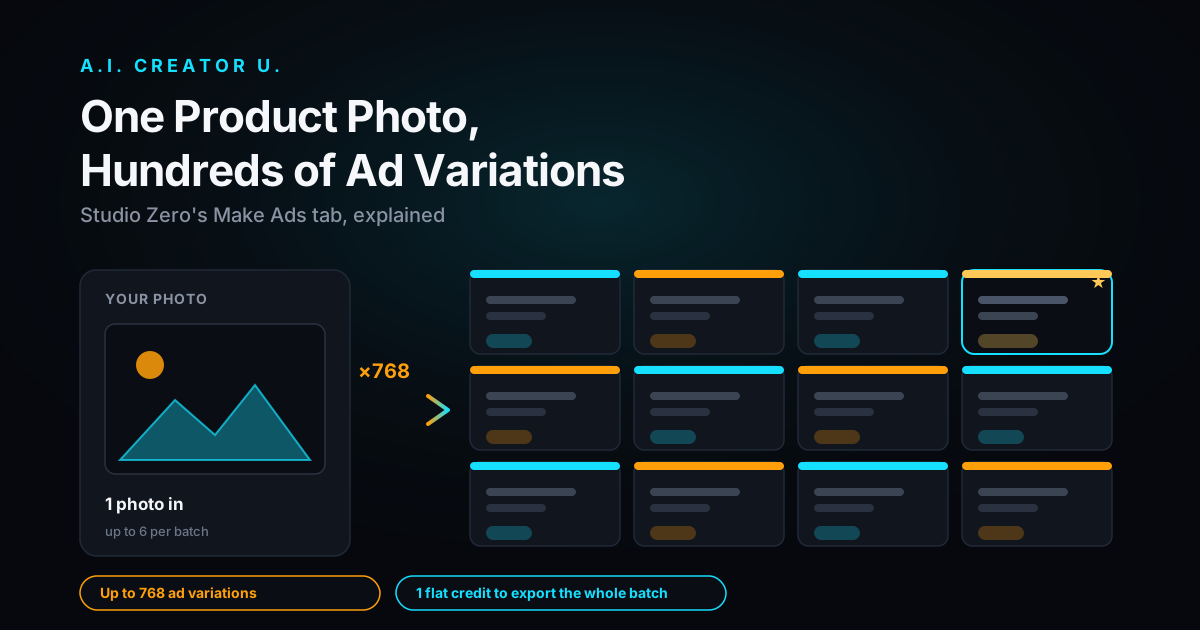
6. Ship variations, not one hero ad. Feed algorithms reward creative diversity. A handful of hook variations on the same core ad, tested in parallel, consistently beats putting your whole budget behind one "perfect" cut, because you don't actually know which hook wins until real people scroll past it.
Which AI model should you use for video ads?
| Model (in Create Video) | Best for | Trade-off |
|---|---|---|
| Seedance 2 | Fast turnaround, native audio generated in the same pass | Less filmic than Kling/VEO on complex motion |
| Kling 3.0 | Cinematic movement, product-in-motion shots | Slower per clip than Seedance 2 |
| VEO 3.1 | Strongest prompt adherence and physics accuracy | Costs more credits per clip |
| Grok Imagine 1.5 | Fast, newer option worth testing against your usual pick | Less of a track record than the others |
None of these replace the other tools in the stack. They're the motion engine. Studio Zero and UGC Studio are what get you from "a product photo" to "an ad with a hook, proof, and CTA" using one of these engines underneath.
Best AI video ad formats for ecommerce (ranked by how often they actually convert)
- UGC testimonial. A person talking directly to camera about the product, in their own words. Still the highest-converting format on TikTok and Reels because it reads as a recommendation, not an ad.
- Before/after. Works especially well for anything with a visible transformation: skincare, fitness, home organization, cleaning products. The "after" is your proof beat.
- Unboxing / first impression. Leans on curiosity and the parasocial feeling of watching someone discover something. Pairs well with a product that has a satisfying reveal (packaging, mechanism, texture).
- Product-in-motion / demo. Show the thing doing the thing. Best for products where the value is visual and immediate (a gadget working, a tool solving a problem on screen).
- Comparison / alternative. "I stopped using X and started using this instead." Borrows credibility from the thing it's replacing. Works well once you have a few other formats already running and want a MOFU angle.
Platform specs you actually need (2026)
| Platform | Best aspect ratio | Sweet-spot length | Hook window |
|---|---|---|---|
| TikTok In-Feed | 9:16 | 9 to 15 sec (up to 60 sec max) | First 2 to 3 sec |
| Instagram/Facebook Reels | 9:16 | 5 to 15 sec | First 3 sec |
| Facebook Feed | 4:5 or 1:1 | 15 to 60 sec | First 3 sec |
| YouTube Shorts | 9:16 | Under 60 sec, shorter performs better | First 2 to 3 sec |
Keep captions on by default. A large share of these ads get watched with sound off for the first few seconds, and a hook that only works with audio loses most of its audience before it ever lands.
Common mistakes that kill conversion
Burying the hook after a logo or intro. Every second before the hook is a second of drop-off. Cut cold into the moment.
Reusing one long-form video everywhere. The 30-second YouTube cut and the 12-second TikTok cut should not be the same file with different crop. Re-edit for the platform's actual attention span.
Making it look too finished. A flawless studio ad reads as an ad and gets the skip. A slightly rough, native-feeling clip reads as a recommendation and gets the watch.
Shipping one ad and waiting. You don't know which hook works until you test more than one. Generate three or four hook variants on the same core ad and let the data pick the winner, rather than guessing up front.
Ignoring the CTA's job. "Link in bio" is not a CTA, it's an afterthought. Restate what you just showed and tell the viewer exactly what happens if they tap.
FAQ
Do I need real footage, or can the whole ad be AI-generated? You can build the entire thing from a product photo and, if the format calls for a face, an AI character. Studio Zero handles the product side (studio shots, lifestyle scenes, try-ons, short video ads) and UGC Studio handles the talking-head side. Plenty of brands mix in real footage too. Neither is required.
Which format should I test first if I only have time for one? UGC testimonial. It's the format most likely to read as native on TikTok and Reels, and it's the easiest to generate multiple hook variations of quickly.
How long should my first AI video ad actually be? Start at 9 to 15 seconds for TikTok and Reels. That's the range platforms consistently show performing best, and it forces you to cut every non-essential second, which is good discipline for the hook-proof-CTA structure anyway.
Do these platforms require disclosing AI-generated content? Some do, particularly for synthetic media on certain platforms, and policies shift. Check the current disclosure rules on whichever platform you're running paid media on before you launch, since this is a fast-moving area.
What's the difference between Studio Zero and UGC Studio for ads? Studio Zero is built around your actual product: photo-grounded studio shots, lifestyle scenes, try-ons, and short video ad cuts. UGC Studio is built around a talking-head creator: it writes the script and generates an AI character delivering it. Most ad accounts end up using both, since a strong ad set usually mixes a product-focused cut with a testimonial-style one.
Where to go from here
If you're starting from a product photo, Studio Zero is the fastest path to a usable ad: upload one shot, get studio images, lifestyle scenes, and a short video ad without touching an editor. If your product needs a person talking about it, UGC Studio builds the script and the talking-head footage around your angle. For the deeper cuts on specific pieces of this workflow, see how to make AI product videos for dropshipping, the best AI video ad generators compared, and how to build a TikTok ad with AI step by step.
Pick one format, one platform, one hook. Ship it this week, look at what the numbers actually say, and let that decide what you make next.