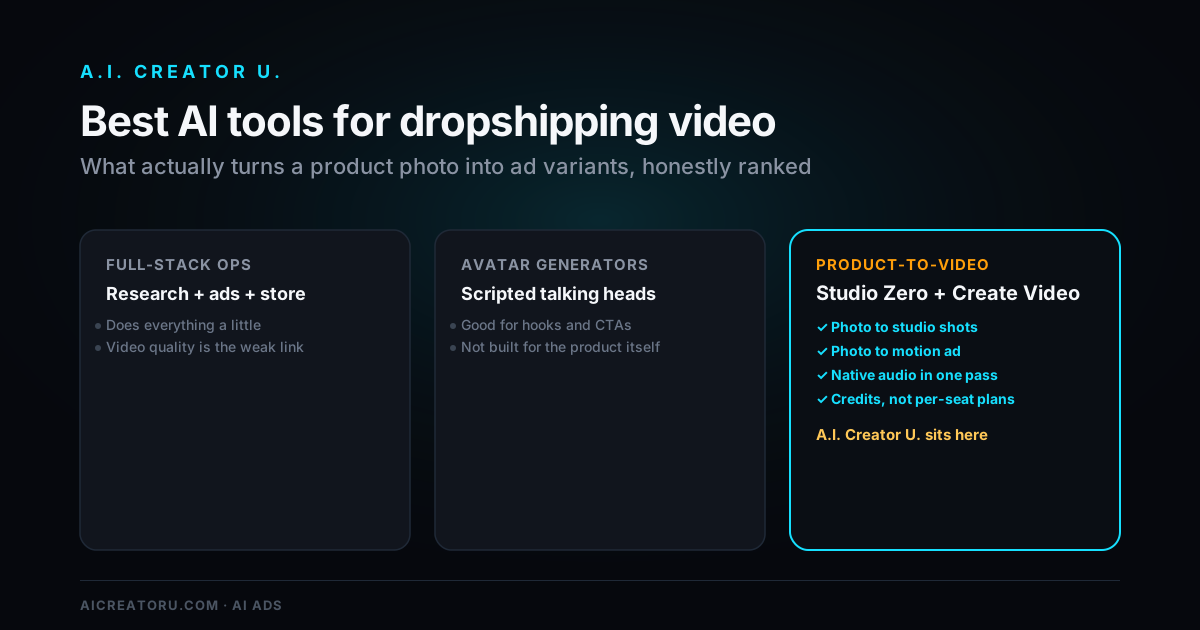
Quick answer: the best AI tools for dropshipping video split into three lanes: full-stack "ops" platforms (Sell The Trend, AdStellar) that bundle product research with mediocre video, avatar generators (Creatify, Shhots AI) that are strong on scripted talking-head hooks but weak on the actual product, and product-to-video tools built around a real photo or clip. A.I. Creator U sits in that third lane: Studio Zero turns one product photo into ad-ready shots, Create Video turns a photo or clip into a motion ad across five current-generation models, and everything runs on shared credits instead of five separate subscriptions.
Every dropshipping seller hits the same wall eventually. You find a product with real demand, you've got a clean supplier photo, and you have zero interest in filming yourself holding it up to a ring light. So you open a tab, type "best AI tools for dropshipping video," and land on a listicle written by someone who's never shipped a single ad with the tools they're ranking.
We ship ad creative through A.I. Creator U every week, so this isn't a neutral roundup and we're not pretending otherwise. But we've also used or tested the tools below directly, and we'll tell you where they beat us. If a tool fits your workflow better than ours, use it. The goal here is fewer wasted credits, not a sales pitch dressed as a guide.
What You Actually Need an AI Video Tool to Do
Strip away the marketing and a dropshipping video tool has exactly one job: take a supplier photo (or a product you already have in hand) and turn it into a short, platform-native ad fast enough that you can test ten variants before your competitor tests two.
That breaks into four things that actually matter:
- Speed per variant. If one clip takes 20 minutes, you'll test three hooks a week instead of thirty.
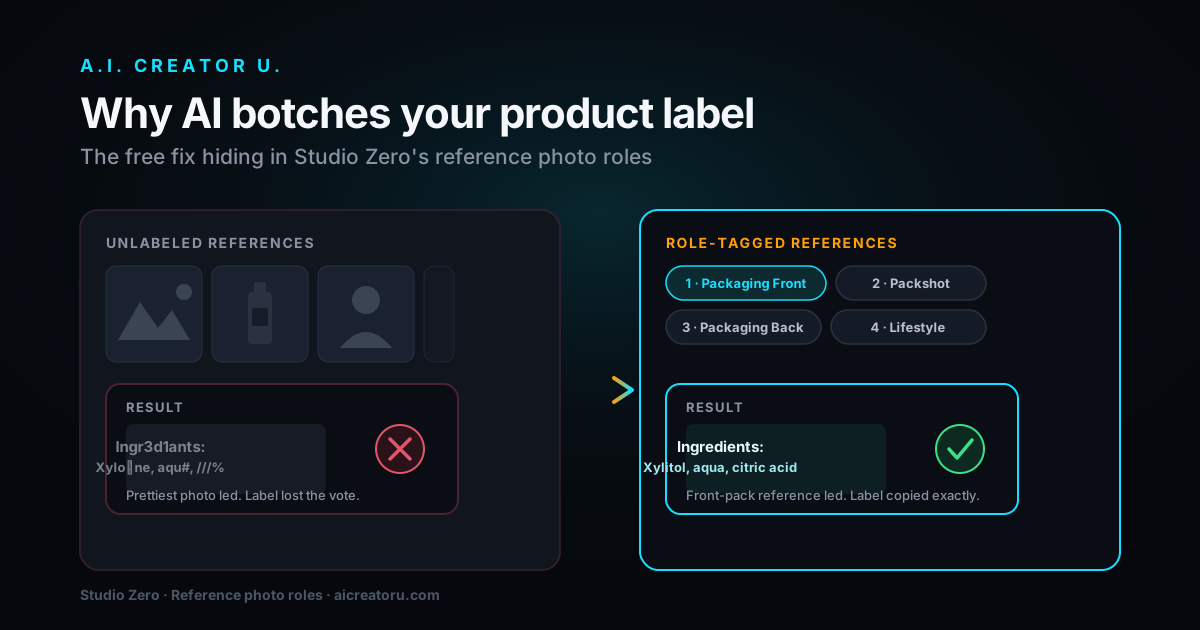
- Product fidelity. The bottle, the packaging, the logo. If the AI redesigns your product mid-generation, the ad is unusable no matter how cinematic it looks.
- Native audio. A silent product spin with music slapped on in CapCut reads as 2023. Voiceover, ambient sound, and a script that lands in the same generation pass is where the format's headed.
- Cost that scales with testing volume. You're not making one hero ad. You're making a pile of them and killing most.
Everything below gets scored against those four, not against how flashy the demo reel looks.
The Best AI Tools for Dropshipping Video, Compared
| Tool | Best for | Input | Native audio | Free tier |
|---|---|---|---|---|
| A.I. Creator U (Studio Zero + Create Video) | Product photo to shots and motion, in one workflow | Photo, video, or reference | Yes, in the generation pass | Up to 16 free credits, no card |
| Creatify | Avatar-led scripted ads from a product URL | Product page URL | Yes (voice on the avatar) | Reported limited free trial |
| Shhots AI | Fully automated supplier-URL-to-finished-ad pipeline | Supplier URL (AliExpress, CJ, Shopify) | Yes, auto voiceover | Reported free credits on signup |
| CapCut Commerce Pro | Mobile editing for sellers already inside TikTok Shop | Manual clips + AI assist | Manual, editor-driven | Free app, paid add-ons |
| Sell The Trend / AdStellar | Product research bundled with ad generation | Product URL or catalog | Varies by module | Reported free trial tiers |
A few honest notes on that table. Full-stack platforms like Sell The Trend and AdStellar are built to do research, video, and campaign management all at once, and that breadth is exactly why the video module usually feels like an afterthought bolted onto a product-finder tool. If you're already paying for one of those for research, don't expect its video output to compete with a tool built only to generate video.
Avatar tools like Creatify are genuinely good at what they're good at: a talking-head hook that explains a product in fifteen seconds flat, which converts well for problem-aware audiences on TikTok. What they're not built for is making the product itself look premium in motion, because the avatar is doing the selling, not the object.
Pricing and free-tier details on third-party tools change often enough that we won't pretend a specific dollar figure here will still be true when you read this. Check each tool's current pricing page before you commit a card.
How A.I. Creator U Fits Into the Workflow
We built two tools that cover the two halves of this job, and you can use either alone or chain them.
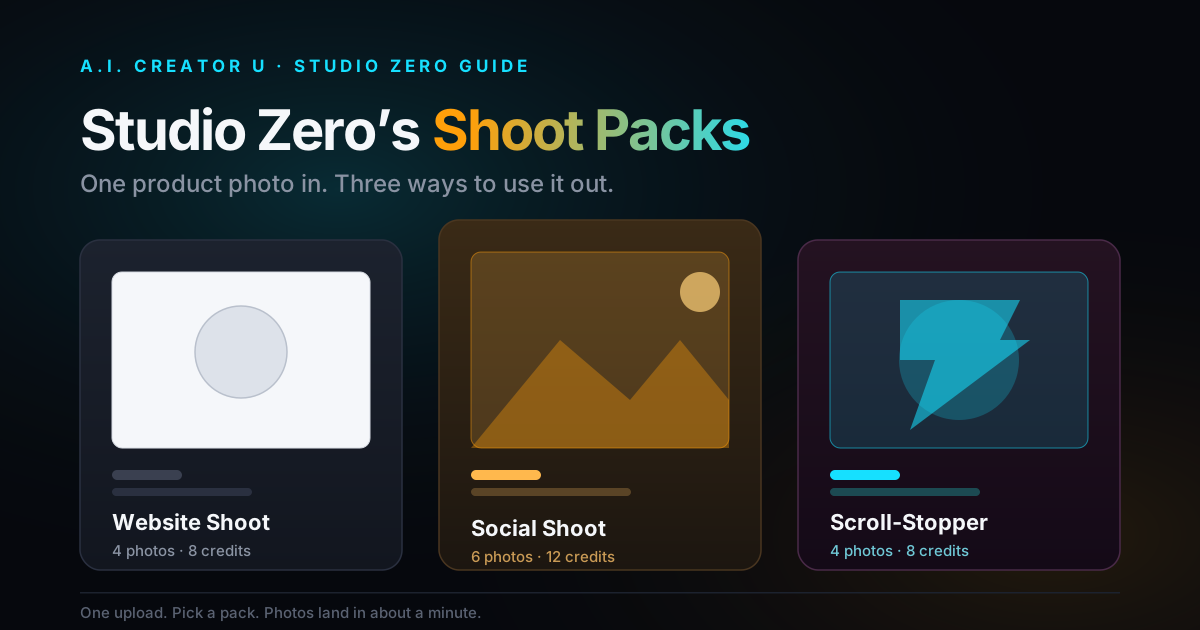
Studio Zero takes a single product photo and generates studio-quality shots, UGC-style creative, and on-model try-on images, the kind of static and near-static assets that used to require a photographer and a rented lightbox. This is the step most dropshippers skip and shouldn't; a bad source photo makes every downstream video worse.
Create Video is where the photo (or a Studio Zero output) becomes motion. The model picker currently includes Seedance 2.5, Kling 3.0, VEO 3.1, Grok Imagine, and MiniMax H3, each with different strengths on camera movement, realism, and clip length, and several of them generate native audio (voiceover, ambience, sound design) in the same pass instead of requiring a separate audio step.
Both run on the same credit balance, which matters more than it sounds. You're not choosing between "the research subscription" and "the video subscription" and "the voiceover subscription." One balance, spend it where the testing tells you to.
From One Photo to Ten Ad Variants: A Practical Framework
- Start with your cleanest product photo. Even the best model can't invent detail that isn't in the source image. A well-lit, in-focus photo beats a blurry supplier stock shot every time.
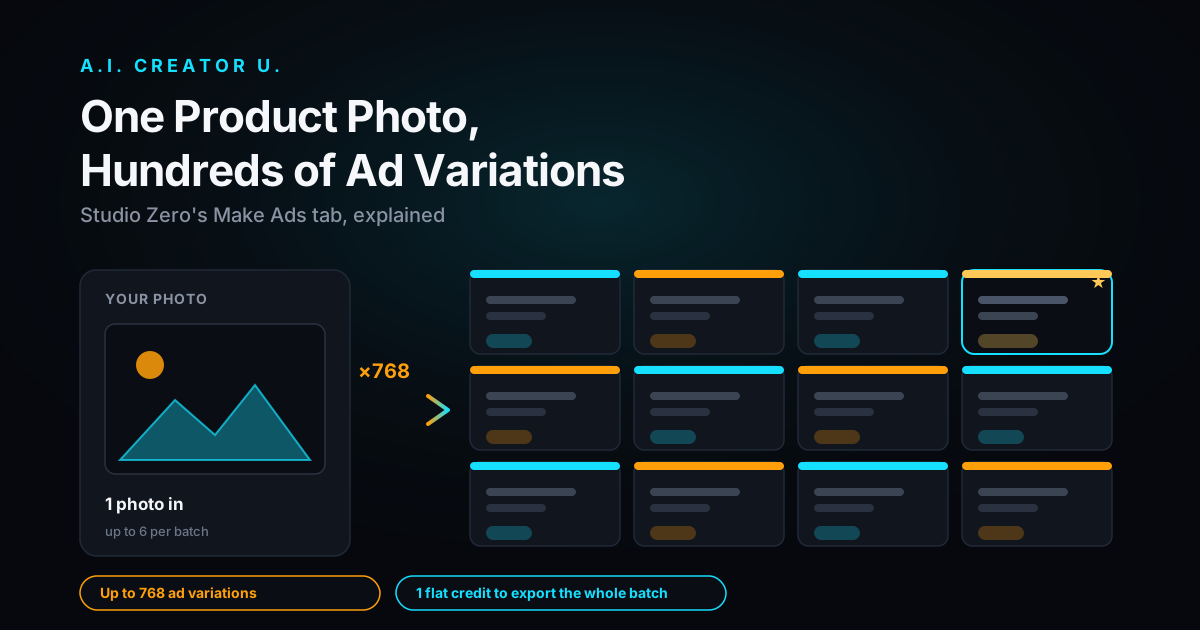
- Generate three to five studio/UGC variants in Studio Zero. Different backgrounds, different framing. This is your creative pool, not your final pick.
- Push your top two or three into Create Video. Try more than one model here; Kling 3.0 and VEO 3.1 read camera motion differently, and a product that looks static in one can look genuinely premium in another.
- Write three distinct hooks, not three phrasings of the same hook. "This solved my back pain" and "I was skeptical until I tried this" are the same ad twice. Attack a different angle, price objection, novelty, social proof, per hook.
- Ship all of it and let the platform's algorithm do the ranking. Most sellers over-index on picking a "winner" themselves before spend has told them anything. Ten mediocre-looking variants that actually run beat one perfect one that never launches.
That whole loop, photo to ten testable variants, is realistically a 45 to 60 minute session once you've done it twice. The first time will take longer while you learn which model suits your product category.
Avatar or Product-First: Which Angle Actually Converts?
Here's the opinion part, and it's earned from running both kinds of creative: for most physical dropshipping products, product-first video with a written hook outperforms avatar-led explainer ads. An avatar selling a phone case is a person telling you a phone case is good. A phone case dropping, bouncing, and surviving on camera is the product telling you itself. The second one needs less trust in the messenger.
That's not universal. Avatar ads earn their keep on products that need explanation, supplements, software, anything with a "here's exactly how this works" burden. If your product is visual and self-evident, spend your credits on making the object look incredible in motion instead of hiring a synthetic spokesperson to describe it.
If you want the avatar route done right, our AI Spokesperson Video Generator guide covers that workflow specifically. If you're leaning product-first, the step-by-step dropshipping video workflow walks through the exact prompt structure we use.
Common Mistakes That Kill Dropshipping Video Ads
- Reusing the same hook across every variant. You're not testing creative, you're testing thumbnails of the same idea.
- Ignoring native aspect ratio. A 16:9 clip squished into a 9:16 feed reads as low-effort before anyone hears the pitch.
- Skipping audio entirely. Silent product spins get scrolled past. Even a simple voiceover or ambient sound lifts watch time.
- Testing one variant at a time. Sequential testing burns days you don't have. Batch five to ten variants and let spend sort them.
- Over-polishing before you've validated the product. Don't spend your whole credit balance perfecting an ad for a product that hasn't proven it sells.
Where This Fits in the Bigger Picture
Video is one input into a paid-ads system, not the whole system. Once you've got creative that's actually testing well, the complete guide to AI video ads that convert covers the rest: budget structure, how many variants to launch per test, and when to kill a loser instead of tweaking it.
Ready to try it on a real product? Open Studio Zero and run your first photo through it. Up to 16 free credits, no card required, and you'll have a testable variant before you'd have finished reading a tenth "best tools" listicle.
FAQ
Do I need a filming setup to make dropshipping video ads with AI? No. Every tool in this guide, including A.I. Creator U, works from a single product photo or a supplier image. A phone photo in decent light is enough to start; you don't need a camera rig, lighting kit, or a model.
How many ad variants should I actually test per product? Most sellers running paid social see meaningfully faster signal with five to ten variants per product rather than one or two. The point isn't volume for its own sake, it's giving the ad platform's algorithm enough options to find a real winner within the first 48 hours of spend.
Is an avatar generator or a product-focused tool better for TikTok Shop ads? It depends on the product. Items that need explanation (how something works, why it's different) tend to convert better with a scripted avatar hook. Visually self-evident products (apparel, gadgets, home goods) usually perform better with product-first motion video and a written hook instead.
Do these tools work if my product photos are low quality? They work, but the output quality tracks the input quality closely. A blurry, poorly lit supplier photo will produce a blurry, poorly lit result no matter which model generates it. Spend five minutes getting a clean source photo before you generate anything.
Does A.I. Creator U charge separately for the photo-to-shot step and the video step? No. Studio Zero and Create Video draw from the same credit balance, so you're not paying for two separate subscriptions to cover the two halves of the workflow.