How to Make Winning Facebook Video Ads with AI (2026 Guide)
Most Facebook video ads die in the first second. Not because the product is bad. Because nothing happens fast enough to stop a thumb mid-scroll, and by the time the "brand story" kicks in, the viewer is three posts further down their feed.
AI changed the economics of fixing that. You used to need a videographer, an editor, and a few hundred dollars per concept just to test a hook. Now you can generate five different openings from one product photo before lunch, and Meta's own algorithm will happily tell you which one earns its keep.
Quick answer: to make a Facebook video ad with AI, generate your footage from a product photo, script, or short prompt (Create Video or Studio Zero handle this), keep the clip between 6 and 20 seconds with the hook in the first 3, export at 4:5 or 9:16, add burned-in captions since most people watch with sound off, and upload straight to Meta Ads Manager or Advantage+. The whole loop, from idea to a testable ad, fits in under 20 minutes once you've done it twice.
This guide walks through the actual workflow, the specs that keep your ad from getting cropped or rejected, and the mistakes that quietly kill performance before the algorithm even gets a fair look.
Why Facebook video ads are different from Instagram or TikTok
Facebook still runs on News Feed logic even though most of its inventory is now Reels, Marketplace, and Stories. That means your ad shows up next to a mix of family photos, group posts, and other ads competing for the same three seconds of attention. There's less native "entertainment mode" than TikTok and less aesthetic curation than Instagram. Viewers on Facebook are older on average and more skeptical of anything that looks like an ad, which is exactly why raw, UGC-style footage tends to outperform polished commercials here.
The upside: Facebook's ad targeting and Advantage+ automation are still some of the most mature in the industry. Feed it a handful of creative variants and it will find the audience segment that responds to each one, often faster than you'd expect. Your job is supplying enough good creative variety for the algorithm to have something to sort through. That's the part AI actually solves.
What actually makes a Facebook video ad work
Three things, in order of how much they matter:
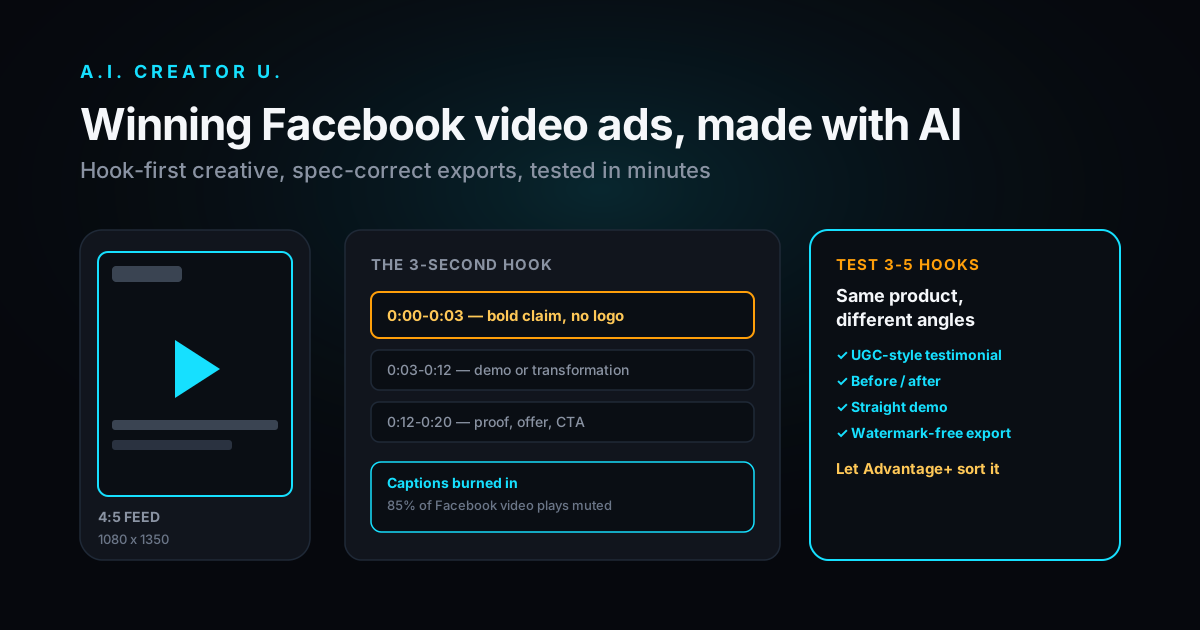
- The hook. The first 3 seconds decide whether anyone sees seconds 4 through 20. A bold claim, an unexpected visual, or a question aimed straight at the viewer's problem beats a logo intro every time.
- Sound-off clarity. Most Facebook video plays muted until someone taps it. If your message only lands through the voiceover, you've lost the majority of your reach. Captions aren't optional here, they're load-bearing.
- A reason to stop scrolling that isn't "we're a brand." Product-in-hand demos, before/after transformations, and real (or AI-generated) people talking directly to camera consistently beat studio-lit product shots on Feed and Reels placements.
Everything else, music choice, color grade, transitions, matters less than people assume. Get those three right and a rough-looking ad will still convert.
The 5-step AI workflow
Here's the framework we use internally and the one built into the product, start to finish.
1. Pick your angle before you generate anything
Decide whether this ad is a product demo (show it working), a UGC-style testimonial (someone talking about why they love it), or a before/after (problem, then solution). Trying to cram all three into one 15-second clip is the single most common reason AI-generated ads feel generic. Pick one angle per ad and make three or four variants of just that angle.
2. Script the hook first, the rest second
Write your opening line before you touch a generation tool. It should work as text on screen with the sound off. "I returned three of these before I found the one that actually works" beats "Introducing our newest product" every time, because it implies a story instead of announcing a pitch.
3. Generate the footage
This is where the actual AI work happens, and the tool depends on your angle:
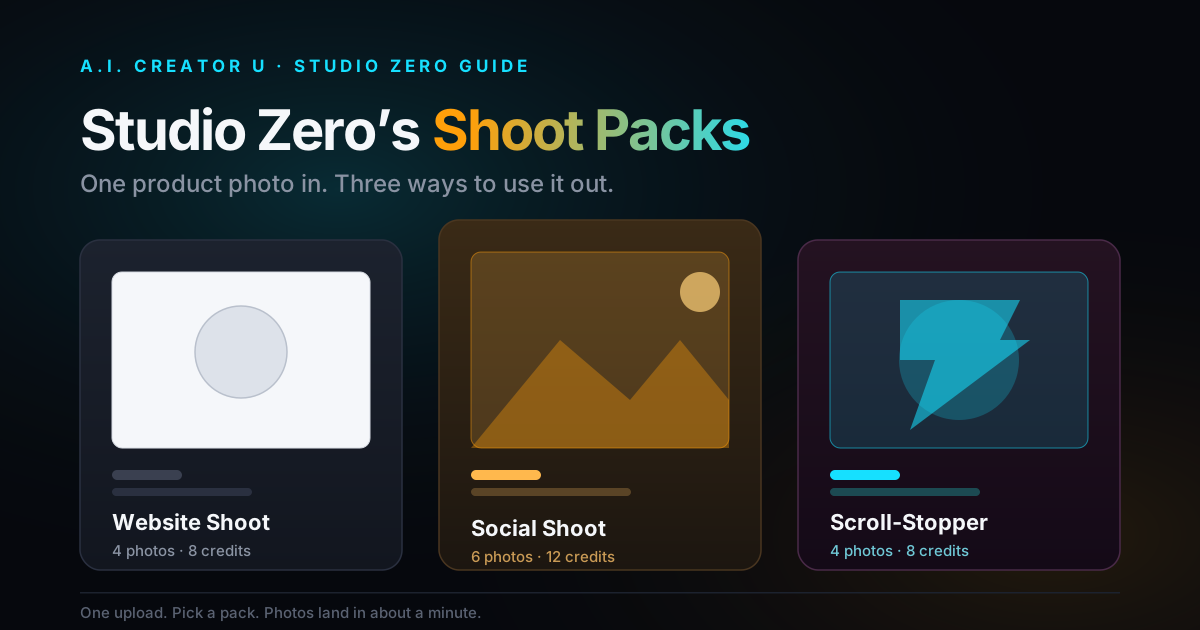
- Product demo or transformation → Studio Zero turns a single product photo into shoppable, ad-ready shots and clips without a physical shoot.
- UGC-style talking-to-camera ad → the AI UGC Studio generates a presenter delivering your script on camera, no talent booking required.
- Cinematic or scene-based footage → Create Video, our text/image-to-video tool, runs on Seedance 2.5, Kling 3.0, VEO 3.1, and Grok Imagine, so you can pick a model by look and budget rather than being stuck with whatever one engine gives you.
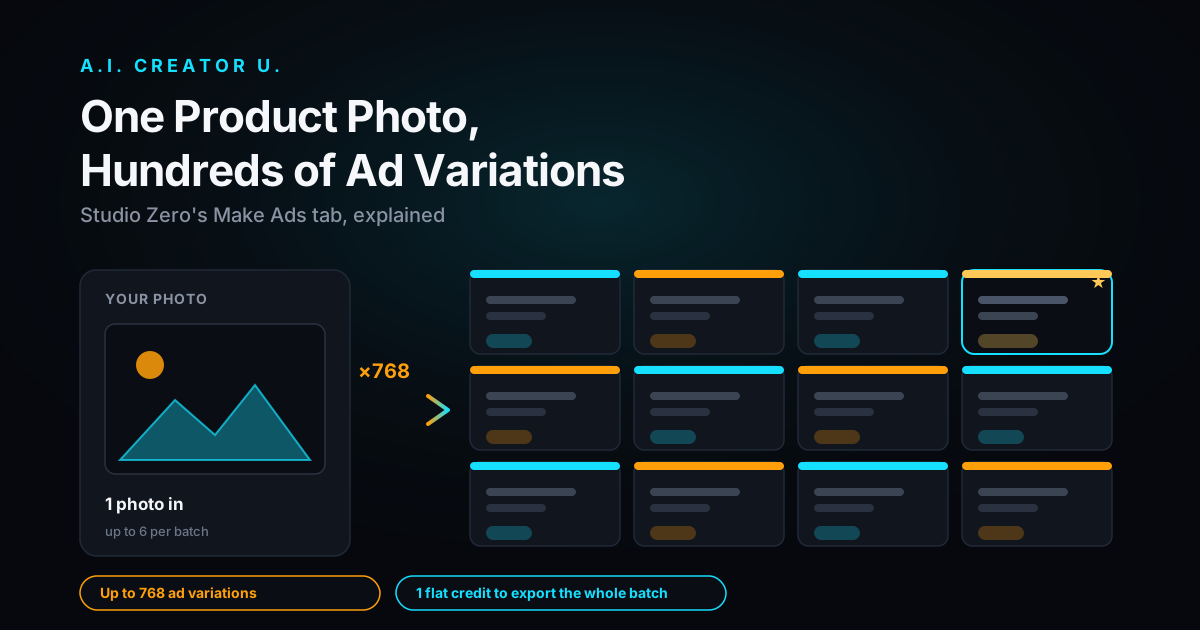
Generate 3 to 5 hook variants of the same core clip. This is the part that used to be impossible on a small budget and is now the actual unlock: testing hooks costs you credits, not a reshoot.
4. Add voice and captions
If your ad needs narration, generate it in Seed Audio rather than recording a shaky phone-mic voiceover, and burn captions directly into the video. Don't rely on Meta's auto-captions alone. They're improving but still mistime words often enough to undercut a fast-paced hook.
5. Export to spec and duplicate per placement
Export at the aspect ratio your primary placement needs (see the table below), then duplicate and reframe for the others rather than relying on Meta to auto-crop. A center-framed 9:16 clip that gets algorithmically squeezed into 16:9 almost always looks worse than one you cropped on purpose.
Facebook video ad specs by placement
Getting this wrong is how ads get rejected, cropped badly, or shown to the wrong device type. These are the numbers that matter as of 2026.
| Placement | Aspect ratio | Recommended length | Notes |
|---|---|---|---|
| Feed (mobile + desktop) | 4:5 (1080x1350) | 15-30 sec | Best all-round choice, fills the most vertical screen without rejection |
| Reels | 9:16 (1080x1920) | Under 30 sec, up to 90 sec max | Vertical only, hook in first 3 sec is non-negotiable |
| Stories | 9:16 (1080x1920) | Under 20 sec | Full-screen, tap-through behavior means front-load everything |
| In-stream / video views | 16:9 (1920x1080) | 6-15 sec | Shown mid-video, shorter performs better here |
| Marketplace | 1:1 (1080x1080) | 15-30 sec | Square holds up across both mobile and desktop layouts |
File format is MP4 or MOV, under 4GB, 30fps for most product content. If you're only exporting one version, 4:5 is the safest single choice since it displays acceptably across Feed, Marketplace, and most placements without looking stretched.
Mistakes that quietly tank performance
Branding before the hook. If your logo, product name, or "Introducing" title card eats the first second, you've spent your most valuable real estate on something the viewer doesn't care about yet.
One ad, one variant. Meta's delivery system rewards creative diversity. Running a single video against a broad audience and hoping it performs is the slowest way to find a winner. Five cheap hook variants beat one expensive "perfect" ad almost every time we've tested it.
Ignoring the caption-off experience. Watch your own ad muted before you launch it. If you can't follow the story without sound, neither can most of your audience.
Treating AI output as final. Generated footage is a fast first draft, not a finished ad. Trim dead frames, add captions, and check the hook still lands once it's compressed and cropped for the actual placement. The five extra minutes save you a wasted budget cycle.
Should you run AI creative through Advantage+ or a manual campaign?
Advantage+ shopping campaigns are built to reward exactly what AI generation makes cheap: creative volume. The system tests combinations of your uploaded videos, headlines, and audiences automatically, which means the bottleneck stops being "can we afford to test five ideas" and starts being "do we have five decent ideas ready to upload." That's a much better problem to have.
Manual campaigns still make sense if you already know your audience cold, a retargeting segment for example, and want tighter control over budget per ad set. But for cold prospecting, where you genuinely don't know which hook or angle will land, feed Advantage+ your AI-generated variants and let the delivery system do the sorting. Checking back in after 48 to 72 hours, once each variant has enough impressions to be meaningful, beats making a gut call on day one.
One caution worth flagging: don't upload five hooks that are actually the same idea in different words. Advantage+ can only find a winner if the variants are meaningfully different, a testimonial angle against a product demo against a before/after, not five versions of the same script with synonyms swapped.
A quick real workflow example
Say you're selling a skincare tool. Instead of one polished commercial, generate three separate hooks from the same product photo in Studio Zero: one showing the before/after texture change, one framed as "things I wish I knew before buying this," and one straight product demo with a hand holding the device. Add a UGC-style talking segment from the AI UGC Studio for the testimonial angle, generate a voiceover in Seed Audio for the demo cut, caption all three, export each at 4:5, and launch them as separate ads in the same ad set. Let Advantage+ find which angle actually resonates before you spend more credits refining any single one of them.
That's the whole shift AI brought to this: you're no longer betting the budget on one creative idea. You're testing a handful cheaply and doubling down on whatever the data says is working, which is honestly how paid social was always supposed to work.
Ready to build your first batch of hooks? Start with 15 free credits and generate your first Facebook ad variant in the next ten minutes.
FAQ
How long should a Facebook video ad be? For Feed, 15 to 30 seconds performs best. For in-stream placements, keep it to 6 to 15 seconds. Reels can run longer, but shorter clips with a fast hook still tend to outperform longer ones for cold-audience ads.
What aspect ratio should I use for Facebook ads? 4:5 (1080x1350) is the safest single format since it displays well across Feed, Marketplace, and most mobile placements. If you're running Reels or Stories specifically, switch to 9:16.
Do I need captions on Facebook video ads? Yes. Most Facebook video plays muted by default, and a large share of viewers never tap to unmute. Burned-in captions make sure your message lands regardless.
Can I make Facebook video ads without filming anything? Yes. Tools like Studio Zero generate ad-ready video from a single product photo, and the AI UGC Studio generates a presenter talking through your script on camera, so you can build a full ad without a camera, a studio, or hired talent.
How many creative variants should I test at once? Three to five hook variants per angle is a reasonable starting point. Meta's delivery algorithm performs better with creative diversity to sort through, and generating multiple AI variants costs a fraction of what a reshoot would.
Should I use Advantage+ for AI-generated video ads? For cold prospecting, yes. Advantage+ is built to sort through creative variety automatically, which pairs well with generating several distinct AI hooks instead of one. Just make sure the variants are genuinely different angles, not the same script reworded, or the system has nothing meaningful to compare.
Want the full playbook for building an ad strategy around this, not just one video? Read How to Make AI Video Ads That Convert for the complete framework, or check AI Instagram Ad Generator and TikTok Ad Maker: How to Make TikTok Ads with AI for the platform-specific versions of this same approach.