AI Ads for Shopify Stores: A Starter Guide (2026)
Most Shopify sellers lose the ad game before they even launch a campaign. Not because their product is bad, not because their targeting is off, but because the creative is boring. You can throw $50 or $5,000 a day at Meta and TikTok, and if the first three seconds of your ad don't hook anyone, the algorithm quietly buries it and your money is gone.
AI ad tools exist to fix exactly that problem: getting from "one so-so product photo" to "a stack of scroll-stopping ad creative" without a studio, a model, or a production budget. Here's what actually works for Shopify stores right now, what doesn't, and how to build your first batch of AI ads today.
Quick answer
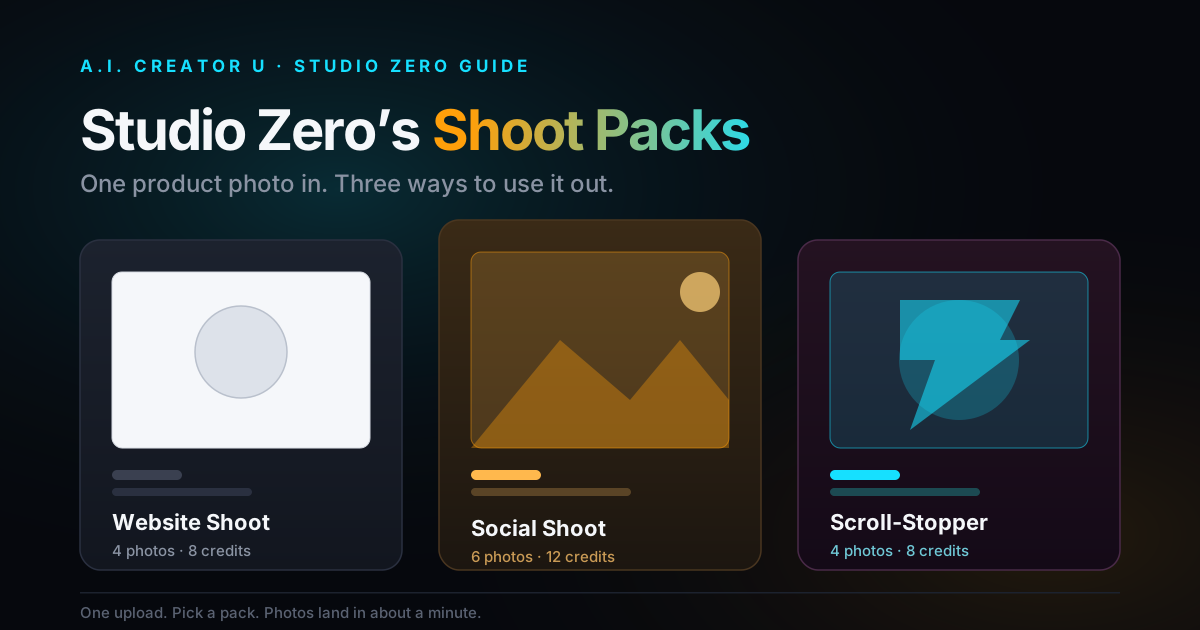
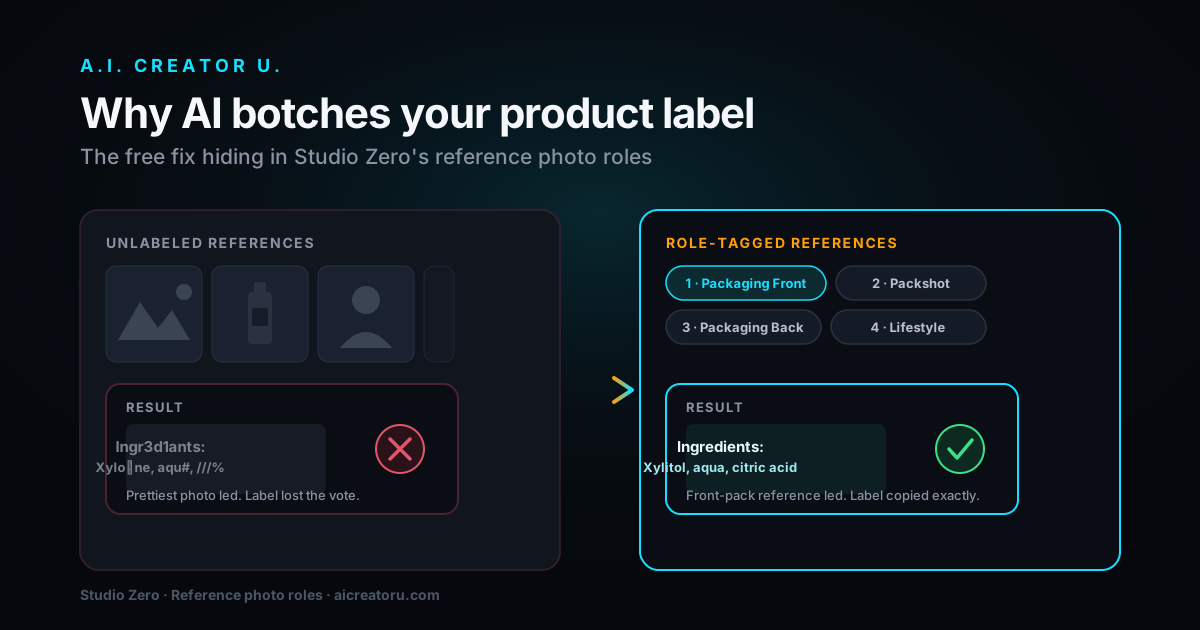
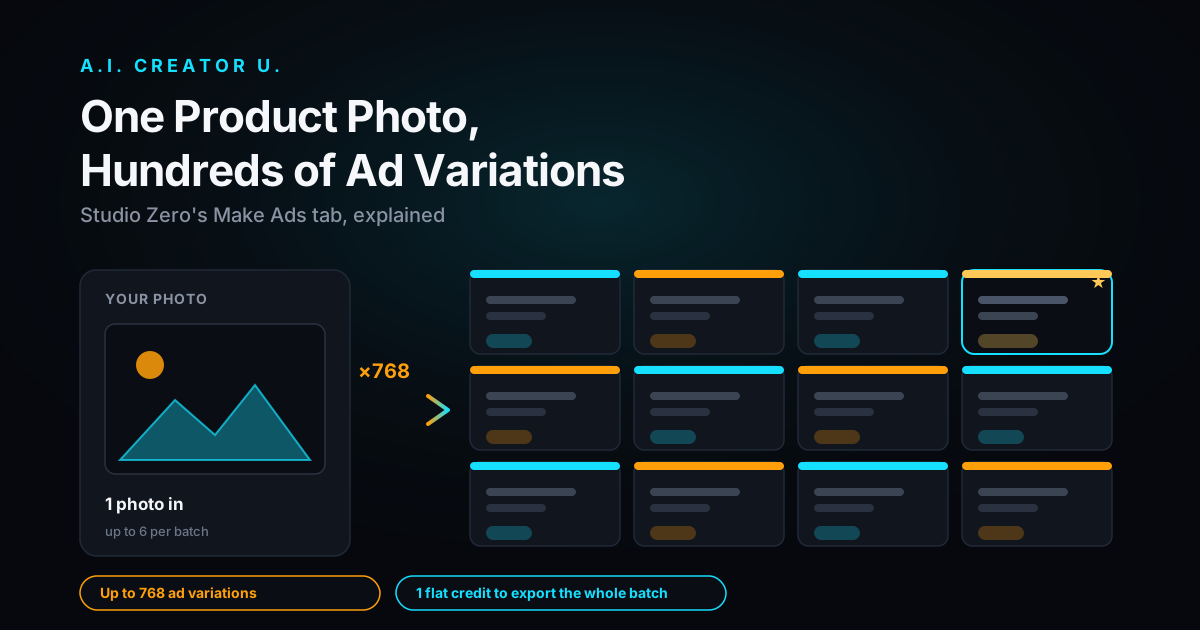
AI ads for Shopify are ad creative (photos, video, and UGC-style clips) generated from your existing product photos using AI tools, instead of a photoshoot or a paid creator. For most Shopify sellers, the workflow is: upload a product photo or paste your store link, generate multiple styles (studio, lifestyle, video ad, on-model try-on), then export sized for whichever platform you're running ads on. Tools like our Studio Zero do this specifically for Shopify and DTC brands, turning one photo into a full ad set in minutes, on a credit-based plan with no photographer or model day-rate.
Why "just take better photos" isn't the real advice anymore
Every guide from 2022 tells you to hire a photographer, book a model, rent a studio. That advice isn't wrong, it's just expensive and slow for a store that's testing five products a week to see what sells. If you're dropshipping or running a lean DTC brand, you don't have three days and a four-figure budget for a photoshoot before you even know if the product converts.
AI creative tools flip the order of operations. You test the ad first, cheaply, and only invest more once you've got a winner. That's the actual shift: creative used to be the bottleneck before testing, now it's fast enough to be part of the testing loop itself.
What Shopify sellers actually need in ad creative
Not every product needs the same treatment, and this is where a lot of sellers waste money generating creative that doesn't match how the platform actually converts. Three buckets cover almost everything:
Static product shots. Clean, on-brand images for your product page, collection grid, and static Meta/Instagram feed ads. These need to look premium enough to build trust on the listing page itself, not just in the ad.
Lifestyle and UGC-style images. A product in someone's hand, on a counter, in a "real" setting. These outperform sterile studio shots in-feed because they don't read as an ad at first glance, and that half-second of hesitation is what stops the scroll.
Video ads. Short vertical clips for TikTok, Reels, and Stories. This is where most of the ad spend on Shopify stores goes in 2026, and it's also where a single photo turned into motion (a slow push-in, a rotate, a "reveal" cut) punches well above its production cost.
A good AI ad stack gives you all three from the same source image, so you're not paying separately for a photographer, a video editor, and a UGC creator to cover one product launch.
How to make AI ads for your Shopify store: the actual workflow
Here's the process, using the same shape our own Studio Zero tool runs:
- Start from what you already have. Paste your Shopify product link or upload a photo, even a rough supplier photo works as a starting point. You don't need a good photo, you need a photo.
- Pick your output styles. Studio (softbox, clean pedestal, store-ready hero frame), lifestyle (natural light, tactile setting), high-ticket/editorial (rim light, polished surfaces, campaign weight), or on-model try-on for apparel. Generate more than one, because you genuinely don't know which one converts until you test it.
- Generate a video ad from the same asset. A push-in, a rotate, or a UGC-style "phone camera" clip works well as a hook for TikTok and Reels. Keep it under 30 seconds. Longer isn't better here.
- Export sized for the platform you're actually running. Every platform wants a different crop and resolution (more on that below), so don't just download one square image and reuse it everywhere.
- Test three to five variants per product before you scale spend. The point of AI creative isn't to make one perfect ad, it's to make enough variants that you find the one that works without spending a production budget to find out.
That's it. No photographer, no model booking, no waiting on a freelancer's turnaround time. The tradeoff is you have to actually do the testing step, because AI creative removes the cost barrier to testing, not the need for it.
Platform specs that actually matter in 2026
Get these wrong and your ad gets cropped badly or rejected outright. Current guidance reported by Shopify and ad-platform documentation:
| Platform / placement | Aspect ratio | Length | Notes |
|---|---|---|---|
| TikTok In-Feed | 9:16 | 15 to 30 sec sweet spot (up to 60 sec allowed) | Native, unpolished footage reportedly outperforms polished ads; hook in the first 3 seconds is doing most of the work |
| Instagram / Facebook Reels | 9:16 | Under 30 sec | 1440x2560 recommended resolution per Meta's specs |
| Facebook / Instagram Feed (static) | 4:5 | N/A | 1440x1800 recommended resolution |
| TikTok Spark Ads | 9:16 | Match organic post length | Boosts an existing organic-style post rather than a standalone upload |
The pattern across every platform: vertical, short, and native-feeling beats horizontal, long, and polished. If you're generating one AI video and cropping it to fit everywhere, you're already behind sellers who generate natively for each placement.
Where AI ads fit depending on what kind of Shopify seller you are
This isn't one-size-fits-all advice. The right AI ad workflow depends on your business model:
Dropshippers get the most leverage here. You're testing products constantly, and a supplier's one ugly listing photo becoming a full ad set before you've spent a dollar on Meta or TikTok spend is the entire game. Read our product photo to video ad guide for the exact workflow.
Shopify / DTC brands use AI ads to keep creative fresh without a photographer on retainer. Ad fatigue is real, an audience that's seen the same three product shots for six weeks stops clicking, and rotating in new AI-generated angles weekly costs a fraction of a reshoot.
Apparel and fashion sellers get the most unusual win: on-model try-on shots generated from a flat garment photo. No model day-rate, no fitting session, and you can generate the same garment on multiple body types for a lookbook that used to require a full shoot.
Amazon and marketplace sellers running Shopify alongside need infographic-ready angles and hero shots that lift conversion on crowded listings, which is a slightly different creative job than a scroll-stopping ad, but the same source photo can usually do both.
If you want the fuller playbook on the video-ad side specifically, our pillar guide on making AI video ads that convert covers hooks, pacing, and offer structure in more depth than this starter guide.
Common mistakes Shopify sellers make with AI ads
Generating one image and stretching it across every platform. A 1:1 square doesn't belong on TikTok, and a 9:16 vertical crops badly into a Facebook feed. Generate per-placement, it takes minutes, not hours.
Skipping the hook. The first 1 to 3 seconds decide whether anyone watches the rest, reportedly accounting for the majority of scroll-past decisions on TikTok specifically. If your AI video opens with a logo or a slow fade, you're burning your best real estate on nothing.
Treating AI creative like a one-shot deal. The advantage of AI ads is volume at low cost. Sellers who generate one ad and run it for a month are leaving the actual advantage (cheap iteration) on the table.
Ignoring your brand kit. Random styles across every ad make your store look unbranded and untrustworthy at scale, even if each individual image looks good. Lock in a consistent look (colors, lighting style, framing) across a product line before you scale spend.
Not matching creative to intent. A UGC-style "phone camera" clip works for cold-audience TikTok ads. A clean studio shot works better for retargeting people who already looked at the product page. Using the polished version for cold traffic, or the rough version for retargeting, is backwards more often than people expect.
How to tell which AI ad creative is actually working
Generating five variants is only half the job. You still need to know which one to scale, and "it looks good to me" isn't a metric. Watch three numbers before you decide anything:
Hook rate (or thumb-stop rate). The percentage of people who watch past the first 3 seconds instead of scrolling. If this is low across every variant, the problem isn't the offer, it's the opening frame. Swap in a different first shot before you touch anything else.
Click-through rate by variant, not by campaign. Most ad managers let you break performance out per creative. Don't average across your five AI-generated variants and call it a day, look at which specific style (studio, lifestyle, UGC-style, on-model) actually pulled clicks for this product. The winning style is genuinely different from product to product; a supplement brand and a phone case rarely win with the same look.
Cost per add-to-cart, not cost per click. A cheap click that never converts is worse than a slightly more expensive one that does. Once a variant clears a reasonable click threshold, let it run long enough to see whether it's actually pulling people into the cart, not just getting them to tap.
Give each variant enough spend to get a real read (a common rule of thumb is at least 3x your target cost-per-result before judging it) and kill the losers fast. This is the part AI creative genuinely changes: because generating the next batch of variants costs a few credits instead of a few hundred dollars, you can afford to actually kill your losers instead of nursing a mediocre ad because it's the only creative you paid for.
Get your first batch of AI ads live
You don't need a production budget to find out if a product converts, you need enough creative variants to actually test it. Start with a Shopify product you're unsure about: paste the link into Studio Zero, generate a studio shot, a lifestyle shot, and a short video ad from the same photo, and run all three before you commit real ad spend to any one of them. New accounts get up to 16 free credits to try it, more than enough to generate your first test batch.
If you want more on the specific creative formats, our guides on TikTok product ad templates and AI product videos for dropshipping go deeper on format-specific tactics than this starter guide covers.
FAQ
Do I need a big ad budget to start running AI ads on Shopify? No. The point of AI creative is separating the cost of making an ad from the cost of testing it. You can generate a full set of studio, lifestyle, and video ad variants for a single product, then start with a small daily budget (many sellers report starting around $10 to $20/day per ad set) to see which creative earns engagement before scaling spend.
Is video or static image better for a new Shopify store's first ad campaign? Video generally wins on TikTok and Reels placements, where native-feeling motion outperforms static images. Static images still work well for Meta feed placements and retargeting. Most sellers should test both from the same source photo rather than picking one and hoping.
Can AI actually generate a usable ad from just one bad product photo? Yes, that's specifically the use case. A rough supplier photo or a quick phone shot is enough of a starting point for tools like Studio Zero to generate studio-quality, lifestyle, and video variants. You're not limited by the quality of your original photo the way you would be with traditional photo editing.
What ad length should I use for TikTok and Instagram Reels in 2026? Reported guidance points to 15 to 30 seconds as the sweet spot for both, even though TikTok technically allows up to 60 seconds. The first 3 to 6 seconds carry the most weight for retention, so keep the hook tight regardless of total length.
Do I need separate creative for TikTok versus Facebook and Instagram? Ideally yes. All three favor a 9:16 vertical format for video, but native TikTok content tends to look rougher and more UGC-style, while Meta placements can handle more polished creative, especially for retargeting. Generating per-platform, even from the same source image, consistently performs better than reusing one asset everywhere.