Most TikTok product ads fail in the first three seconds, not the last. You can have the perfect offer, a great product, and a decent budget, and still get skipped because the first frame looks like an ad. Templates fix that. Not because they're clever, they fix it because they force you to put the hook, the proof, and the CTA in the order the algorithm actually rewards.
Quick answer: The TikTok product ads that convert follow one of five repeatable structures (POV unboxing, problem-agitate-solve, before/after demo, UGC testimonial stitch, or the "3 reasons" listicle), run 9 to 21 seconds, and get uploaded at 1080×1920. You don't need a creator on retainer to build them. A product photo, a script, and an AI video tool covers four of the five templates end to end.
What Actually Makes a TikTok Product Ad Convert?
TikTok's own data says 63% of the highest-CTR ads hook the viewer inside the first three seconds, and roughly 71% of viewers decide whether to keep watching or scroll in that same window (as reported by TikTok for Business creative benchmarks). That's not a nice-to-have stat, it's the whole game. If your ad opens with a logo, a slow zoom on packaging, or "Hi, I'm the founder of...", you've already lost most of the audience before your offer shows up.
The ads that survive that window share three things: they open mid-action instead of mid-intro, they sound like a person talking to camera instead of a voiceover reading copy, and they close the loop (state the offer, show the product working, tell the viewer what to do) well before the video ends. Everything below is built around protecting those three things.
The 5 TikTok Product Ad Templates That Actually Convert
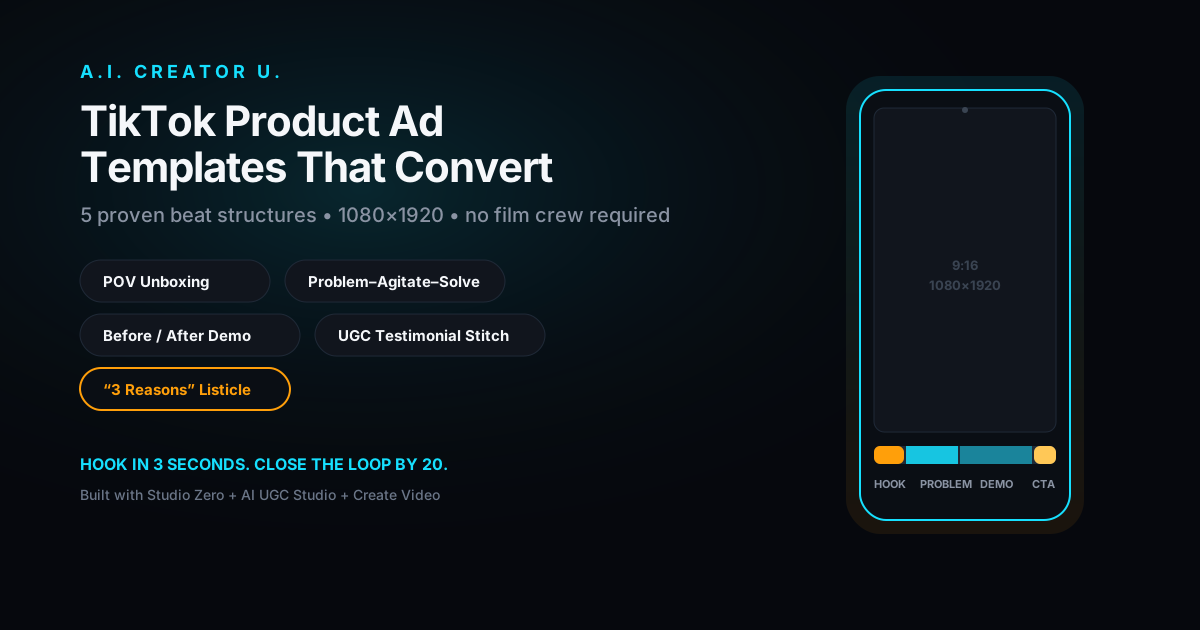
You don't need twenty ad concepts. You need five structures, each shot two or three different ways, tested against each other. Here's the set that shows up over and over in winning ecommerce and DTC creative:
| Template | Beat structure | Best for | Length |
|---|---|---|---|
| POV Unboxing | Open on hands opening the box (0-3s) → first reaction (3-8s) → quick use/demo (8-15s) → CTA (15-18s) | New product launches, "is this legit" skepticism | 15-18s |
| Problem-Agitate-Solve (PAS) | State the annoying problem (0-3s) → agitate/relate to it (3-8s) → introduce product as the fix (8-16s) → CTA (16-20s) | Products that solve a specific pain point | 18-21s |
| Before/After Demo | Show the "before" state (0-4s) → product applied/used (4-14s) → "after" reveal (14-19s) → CTA (19-21s) | Visually provable results (skincare, cleaning, fitness, home) | 19-21s |
| UGC Testimonial Stitch | Hook as a direct-to-camera claim (0-3s) → why they tried it (3-9s) → what changed (9-16s) → CTA (16-19s) | Building trust with skeptical buyers | 16-19s |
| The "3 Reasons" Listicle | Bold claim/number hook (0-3s) → reason 1, 2, 3 with quick cuts (3-16s) → CTA (16-18s) | Products with multiple selling points, comparison shoppers | 15-18s |
A note on that "Best For" column: don't pick one template and run it forever. The reason these five work as a set is that they attack the same buyer from five different angles of skepticism (is it real, does it solve my problem, does it actually work, can I trust this person, why this over alternatives). Run all five against the same product before you decide which one to scale.
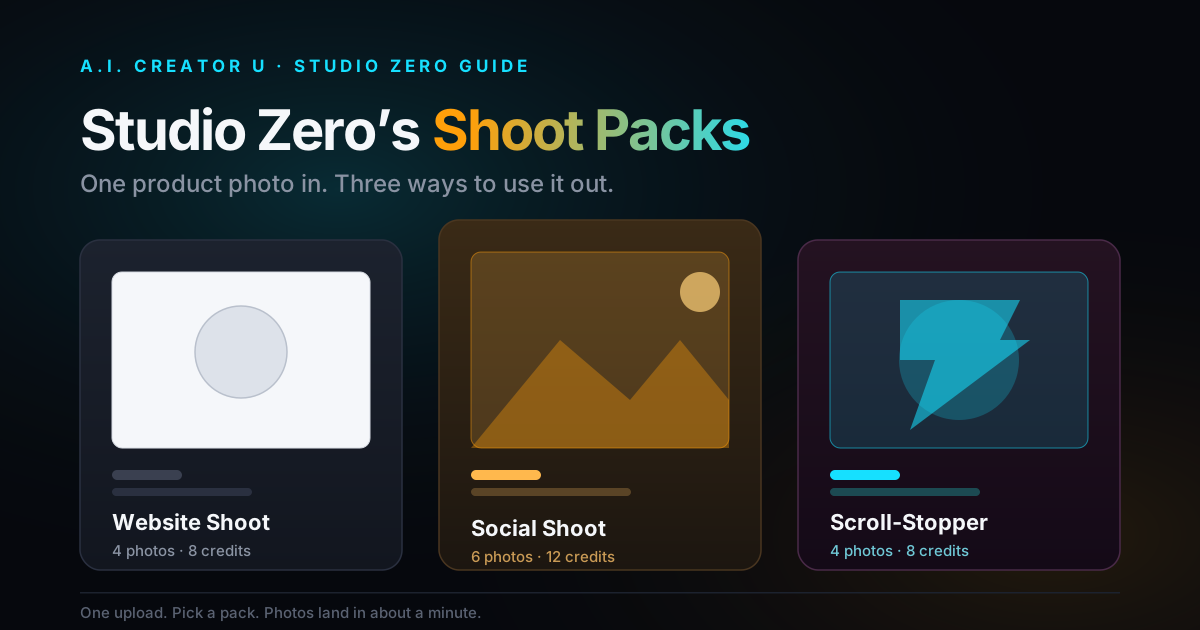
Studio Zero is built for the templates that start from a still product photo (POV Unboxing, Before/After, the Listicle), turning one clean shot into the multiple angles and motion you need for each beat. For the two that live or die on a person talking to camera (PAS, UGC Testimonial), the AI UGC Studio generates the spokesperson take without booking a creator or a studio day.
How Long Should a TikTok Product Ad Be?
This is where the guidance genuinely splits, and both sides are right depending on your goal. TikTok's platform-level recommendation leans toward 9 to 15 seconds for pure engagement and completion rate. But data on direct-response performance (the ads actually driving purchases, not just views) favors 21 to 34 seconds, because that's roughly the time it takes to hook, show the problem, and prove the solution without rushing the CTA (as reported by TikTok creative agencies tracking conversion data through 2026).
Read that as: if you're running for awareness or top-of-funnel reach, cut tight to 15 seconds. If you're running for purchases, give yourself the extra beats, 18 to 21 seconds is the sweet spot for four of the five templates above. Just never pad. Every second that doesn't move the viewer toward the CTA is a second closer to a skip.
What Are TikTok's Actual Ad Specs?
Get this wrong and your ad gets cropped, letterboxed, or rejected before it ever reaches an audience. As of TikTok's current Ads Manager documentation:
| Spec | Requirement |
|---|---|
| Aspect ratio | 9:16 (vertical), full-screen. 1:1 and 16:9 are technically accepted but render with black bars |
| Resolution | 1080×1920 recommended, 540×960 minimum |
| File format | .mp4, .mov, .mpeg, .3gp, or .avi |
| Max file size | 500MB |
| Bitrate | 516 kbps minimum, 2,500 kbps+ recommended if you're using on-screen text or tight product shots |
| Safe zones | Keep key content clear of the top ~150px and bottom ~175px, where UI and captions sit |
| Captions | Up to 4 lines visible in-feed |
The safe zone rule is the one people skip and regret. If your CTA text or product name sits in that bottom strip, TikTok's own "Shop Now" button and caption text will cover it.
Should You Run It as a Spark Ad or a Regular In-Feed Ad?
Spark Ads boost a real, already-posted TikTok video, so it shows up under your (or a creator's) actual profile, carrying its existing likes, comments, and view count. Regular In-Feed ads are built straight in Ads Manager with no organic history attached. TikTok has reported Spark Ads pulling meaningfully higher completion rates and 6-second view-through rates than standard in-feed placements, largely because they read as native content instead of an ad unit.
Here's the practical version: if a template is already getting organic traction (or you're working with a creator's account), boost it as a Spark Ad, you're borrowing social proof the algorithm already trusts. If you're testing a brand-new template cold with no organic history, run it In-Feed first, since Spark requires a live post to boost and you'll iterate faster without waiting on organic performance to build.
How to Build These Templates Without Filming Anything
This is the part that used to require a creator, a ring light, and a Saturday. Here's the actual workflow:
- Start with one clean product photo. Lighting matters more than the camera. A phone shot on a plain background works.
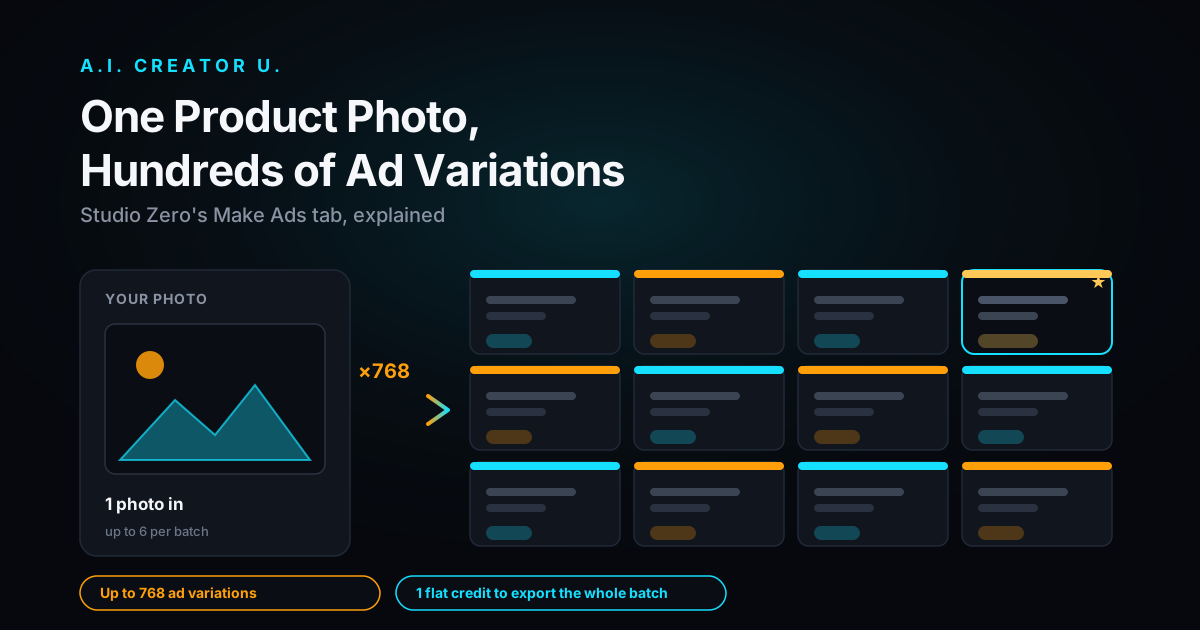
- Generate the base shots in Studio Zero. Turn that single photo into the multiple angles, backgrounds, and lifestyle contexts each template needs, without a reshoot for every variation.
- Add motion with Create Video. Seedance 2 Mini (free tier, 480p/720p) is enough for a fast first draft of the Unboxing or Before/After beats. Move to Seedance 2 for the version you'll actually spend ad budget on, it renders up to 2K/4K and handles image-to-video with native audio in one pass, so you're not stitching a separate voiceover track for a simple product pan.
- Build the talking spokesperson beat in AI UGC Studio. This covers PAS and Testimonial Stitch, the two templates that need a person delivering the hook and the "why I tried this" line straight to camera.
- Cut captions and pacing to the beat structure, not the other way around. Match cuts to the timestamps in the table above; don't let the edit run long because a shot looked nice.
- Export at 1080×1920 and check the safe zones before uploading to Ads Manager.
Five templates, two tools, no film crew. Test all five, kill the two that underperform after a few days of spend, and put real budget behind the winners.
Common Mistakes That Kill TikTok Product Ads
A few patterns show up in almost every underperforming ad we see:
- Opening with the brand instead of the hook. Nobody stops scrolling for a logo. Save the brand name for the CTA.
- Studio-polished footage. Ironically, the more an ad looks like a TV commercial, the worse it performs. Native, slightly rough footage reads as trustworthy on this platform.
- Silent-safe editing. 93% of TikTok users watch with sound on (as reported by TikTok's own usage data). If your ad only makes sense muted, you built it for the wrong platform.
- One template, run forever. Even a winning ad decays. Rotate in a fresh template or a new hook line every one to two weeks.
- CTA buried at the very last second. Give the viewer at least two seconds to read and act on it, not a flash-cut at frame 719.
FAQ
How long should a TikTok product ad be? 9 to 15 seconds if you're optimizing for reach and completion rate. 18 to 21 seconds if you're optimizing for actual purchases, since most templates need those extra beats to hook, prove, and close.
Do I need a UGC creator to make a good TikTok product ad? No. Two of the five templates (POV Unboxing, Before/After Demo) work entirely from product footage. The two that need a person talking to camera (PAS, Testimonial Stitch) can be built with an AI spokesperson in AI UGC Studio instead of booking talent.
What size and resolution does TikTok require for video ads? 9:16 vertical at 1080×1920, minimum 540×960, uploaded as .mp4, .mov, .mpeg, .3gp, or .avi under 500MB. Keep captions and CTAs out of the top 150px and bottom 175px, where TikTok's own UI sits.
Should I run my product ad as a Spark Ad or a regular in-feed ad? Spark Ads boost an existing organic post and inherit its social proof, generally pulling higher completion rates. Regular In-Feed ads run cold with full creative control and no waiting on organic traction first. Test new templates In-Feed, then Spark the ones that catch on.
How many ad variations should I test before scaling? Run all five templates against the same product before committing budget. You're testing which skepticism angle (authenticity, pain point, proof, trust, comparison) your specific audience responds to, and that varies more by product than most sellers expect.
Ready to build the set? Start with a product photo in Studio Zero, or generate your first talking-head hook in AI UGC Studio. If you want the fuller playbook on turning any product shot into finished ad creative, read how to turn a product photo into a video ad and the no-creator UGC ads playbook next, or start from the AI video ads guide for the full-funnel view.