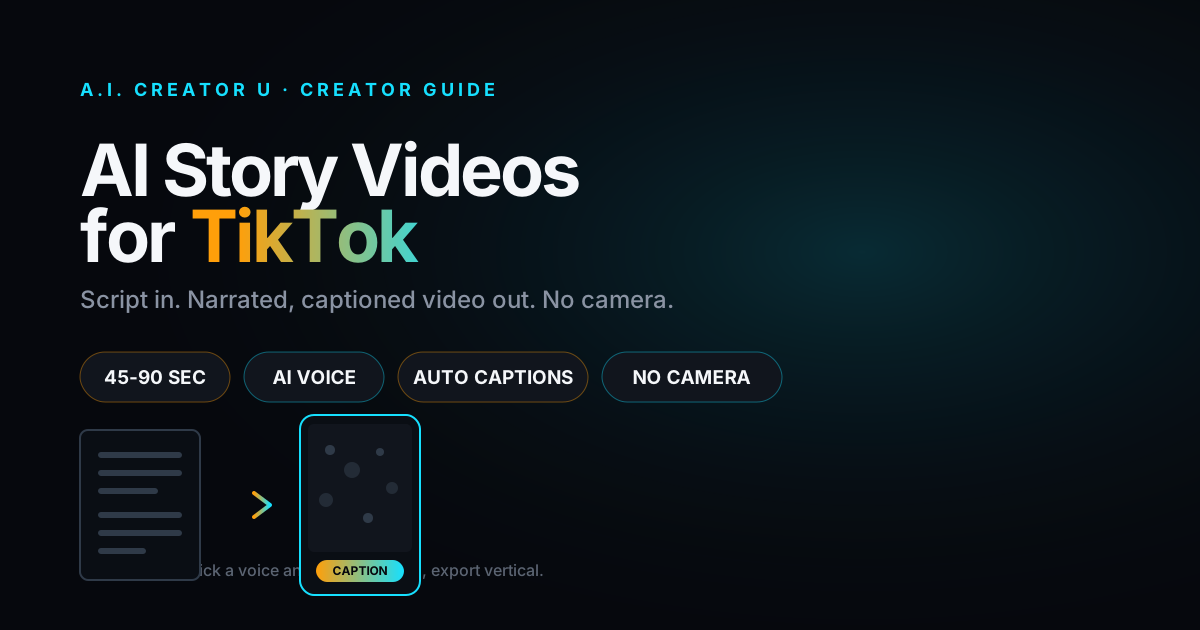
Quick answer: an AI story video is a narrated, captioned TikTok built from a script instead of a camera. You write or paste a story, an AI voice reads it, animated captions sync to every word, and satisfying background footage (Minecraft parkour, Subway Surfer, a ball dropping into paint) runs underneath to hold the scroll. No face, no mic, no editing timeline. Tools like Tales Teller in A.I. Creator U's Brainrot Generator do the whole thing in one pass: paste text, pick a voice and a background, export a finished vertical video.
If you've scrolled TikTok or Reels for more than five minutes, you've seen one. A calm voice reading a wild Reddit-style confession while someone's Minecraft character speedruns a parkour course underneath. It looks lazy. It isn't. It's one of the highest-retention formats on the platform right now, and it's built almost entirely with AI.
What is an AI story video, exactly?
Strip away the meme energy and it's a simple stack of four layers:
- A script. Usually first-person, usually a confession, a twist, a revenge story, or an "AITA"-style dilemma. Text only.
- An AI voice. Text-to-speech reads the script out loud, timed word by word.
- Animated captions. Bold, TikTok-style captions appear in sync with the voice, usually one to three words at a time so the eye never stops moving.
- Background footage. Looping, low-stakes, visually busy gameplay or oddly satisfying footage that gives the eye something to track while the ear listens to the story.
None of the four layers require you to be on camera, own a ring light, or know how to edit. That's the entire appeal. The format converts writing into watch time.
Why this format is eating so much watch time right now
A few things are converging at once, and none of them are hype.
Faceless content stopped being a workaround and became a strategy. Creators who don't want to be recognized, don't want to film daily, or just don't have the setup for talking-head video have leaned hard into formats that separate the story from the storyteller. We cover the broader shift in The Faceless Content Playbook, but story videos are the purest version of it: there's genuinely nothing to film.
Audiences have stopped punishing "no face." Some creator-economy surveys have reported that a majority of younger viewers say content quality matters more to them than seeing the person behind it. Treat that as directional, not gospel, but it matches what's visible in the feed: anonymous storytime accounts regularly out-perform accounts with a face and a following.
The background footage is doing real cognitive work, not just filling space. Split attention (listening to a story while watching a mindless loop) is why these videos hold to the end instead of getting scrolled past at second three. The gameplay isn't decoration. It's the thing that keeps a thumb from moving.
It's fast. A talking-head video takes a script, a set, a take (or ten), and an edit. A story video takes a script and about three minutes of clicking. That speed is what lets accounts post daily without burning out, which is most of what actually drives TikTok's algorithm to keep showing you to new people.
The anatomy of a story video that actually holds attention
Every piece of this stack has a job. Get one wrong and the whole video gets scrolled past, no matter how good the others are.
| Element | Its job | Where creators get it wrong |
|---|---|---|
| The hook (first 2 seconds) | Stop the thumb before the brain decides to scroll | Starting with setup ("So this happened last year...") instead of the conflict |
| Voice | Carry emotion without sounding robotic or monotone | Picking a flat, low-energy voice because it's the default |
| Captions | Keep the eye moving, reinforce the words that matter | Full sentences on screen at once, dead reading time |
| Background footage | Hold visual attention without competing with the story | Footage too chaotic (fights for attention) or too static (defeats the purpose) |
| Pacing | Land a twist or payoff before the algorithm's attention window closes | Padding a 20-second story into 90 seconds |
The hook matters more than every other row combined. "I found out my roommate had been reading my diary for three years" beats "This story is about something that happened with my roommate" every time, and it's not close. Write the hook last, after you know exactly what the twist is, so you can front-load the sharpest version of it.
How to make an AI story video (step by step)
This is the actual workflow inside Tales Teller, A.I. Creator U's captioned-story tool (part of the Brainrot Generator hub, alongside the fake-text-message builder):
- Write or paste your script. First person, one clear conflict, one twist or resolution. 150 to 400 words is the sweet spot for a 45 to 90 second video, which is the length that performs best for this format.
- Pick a voice. Tales Teller runs the script through AI text-to-speech and previews the voice before you commit, so you can audition two or three before locking one in. Match the voice's energy to the story: a calm, measured voice for a slow-burn confession, a faster and more animated one for a chaotic story.
- Choose a background category or skip it. The built-in library runs Minecraft parkour, Subway Surfer runs, satisfying (soap cutting, kinetic sand, pressure washing) clips, and Monopoly Go footage, or you can turn background video off entirely for a cleaner, caption-only look.
- Set your caption style. Pick a font (bold impact fonts like Anton and Bebas Neue read best at a glance), a position (top, middle, or bottom, depending on where the background action sits), and let the tool auto-sync captions to the voice track word by word.
- Generate and review. The tool builds captions and timing automatically; you can regenerate captions independently of the voice if the sync feels off before you commit to a final render.
- Export vertical. Out comes a finished 9:16 video, ready to post or drop straight into your TikTok drafts.
That's the whole pipeline. No timeline, no keyframes, no separate caption app. Signing up gets you 15 free credits to run your first few, so you can test two or three voice-and-background combinations before deciding what fits your channel.
5 hook templates you can steal right now
The hook is the only line most viewers will ever hear you say, so it's worth having a few reliable structures on hand instead of freestyling one every time. These five cover most of the confession, revenge, and dilemma formats that work in this space. Swap in your own details:
- "I found out [shocking fact] after [time period] of [normal situation]."
- "My [family member/coworker/roommate] did something I still can't believe, and it cost them everything."
- "Everyone told me I was wrong for this. I still don't think I was."
- "I got a call at 2am that changed how I saw my [relationship] forever."
- "This is the exact text that ended a 10-year friendship."
Notice none of them explain the story, they just name the stakes. That's the whole job of a hook: promise a payoff specific enough that skipping it feels like missing something.
How often to post (and why cadence beats perfection)
Because a single AI story video takes minutes instead of hours, the real lever isn't polish, it's volume and variation. Accounts that treat this format seriously tend to post once or twice a day and rotate hooks, voices, and backgrounds deliberately rather than settling on one combination and repeating it. A few practical habits:
- Batch scripts, not videos. Write five to ten story scripts in one sitting, then generate videos from the batch across the week. Writing is the part that benefits from a clear head; generating is mechanical.
- Rotate backgrounds on purpose. If your last three posts all used Subway Surfer, switch to satisfying footage or Minecraft for the next one. Visual sameness makes an account feel repetitive even when the stories are strong.
- Watch your first 3-second retention, not just views. TikTok's own analytics show average watch percentage per post. A video that loses half its audience in the first three seconds has a hook problem, not a story problem, and no amount of editing the back half will fix that.
- Recycle strong formats, not stories. If a particular hook structure or background pairing outperforms the rest, reuse the structure with a new story rather than assuming the win was a fluke.
Where to actually get story ideas
The scripts are the one part of this you can't fully automate and still keep quality high. Three honest options:
Write originals. The most durable approach, and the one that avoids any question about whose story you're reading. AITA-style dilemmas, workplace drama, roommate horror stories, and "petty revenge" formats are evergreen because they're universally relatable and easy to invent believably.
Adapt public stories with real changes. If you're pulling inspiration from Reddit threads or story-sharing forums, rewrite them substantially rather than reading them verbatim, both because near-identical reposts get called out fast by an audience that has seen the original, and because you want a script that fits your pacing, not someone else's.
Use AI to draft, then edit hard. A language model can spit out a serviceable first draft of a confession-style story in seconds. Treat that draft as raw material, not a final script. Cut the setup down to one sentence, sharpen the hook, and make sure the twist actually lands instead of fizzling out.
Whichever route you pick, read the finished script out loud once before you generate the video. If you stumble over a sentence, the AI voice will make it sound worse, not better.
Common mistakes that quietly kill retention
The hook explains instead of hooking. "Let me tell you about the time..." is a throat-clear. Cut straight to the conflict.
The voice doesn't match the story's energy. A monotone voice reading a frantic, high-stakes story creates a mismatch that audiences feel even if they can't articulate why. Preview before you commit.
Captions dump full sentences on screen. The entire value of animated captions is motion. One to three words at a time keeps the eye tracking; a full sentence sitting still for four seconds gives the brain permission to scroll.
Background footage is either boring or too loud. Static or slow-moving background footage doesn't hold attention any better than a black screen. But footage with its own dramatic beats (a big Subway Surfer near-miss, say) can actually pull attention away from the story at the worst moment. The best background footage is busy but rhythmically predictable.
The story runs too long. If the twist doesn't land inside 90 seconds, most of the audience that would have appreciated it has already left. Cut ruthlessly. A tighter 45-second version of a good story consistently outperforms a padded 2-minute version of the same story.
Posting one and calling it a test. This format's whole advantage is speed. One video tells you almost nothing; ten videos with different hooks, voices, and backgrounds tell you what your specific audience actually responds to.
AI story videos vs. fake text message videos: which format fits your idea?
Both live in the same corner of TikTok and both run through the Brainrot Generator, but they're built for different kinds of stories. Story videos with narration and background footage suit longer, more atmospheric stories with a clear arc. The fake text message format suits punchier, dialogue-driven moments where the "reveal" is a single message, not a full narrative. If your idea has a twist that lands in one line, text messages will hit harder. If it needs buildup, narrate it.
For a broader look at how these formats fit into a full faceless content strategy, from posting cadence to monetization, see AI Brainrot Videos: How They're Made and the Faceless Content Playbook.
FAQ
Do I need to show my face or record audio to make an AI story video? No. The entire format is built to run without a camera or microphone. The voice comes from AI text-to-speech, and the visuals come from your script's captions plus stock-style background footage.
How long should an AI story video be? Most well-performing story videos land between 45 and 90 seconds. That's roughly a 150 to 400 word script at natural speaking pace, long enough for a real setup and payoff, short enough to hold attention to the end.
Is it legal to use Reddit stories in AI story videos? Reading someone else's story verbatim without permission is legally and ethically murky, and audiences increasingly call out obvious reposts. The safer path is writing original stories or substantially rewriting public ones in your own words and pacing.
What background footage works best for story videos? Busy but rhythmically predictable footage, like Minecraft parkour, Subway Surfer runs, or satisfying/oddly-relaxing clips, holds attention without competing with the narration. Avoid footage with its own big dramatic spikes; it pulls focus away from the story at the wrong moment.
Can I turn an AI story video into a script for other platforms? Yes. Once you have a tight, well-paced script and a voiceover, the same asset works as a YouTube Short, a Reels post, or even a podcast-style clip. The video format changes; the writing does the heavy lifting everywhere.
Try it
You don't need a script doctor or a video editor to test this format, just a story worth 60 seconds of someone's attention. Head to Tales Teller inside the Brainrot Generator, paste a script, pick a voice and a background, and export your first AI story video. New accounts start with 15 free credits, enough to test a few voice-and-background combinations before you settle on the mix your audience responds to.