Fake Text Message Videos: The Complete Guide (2026)
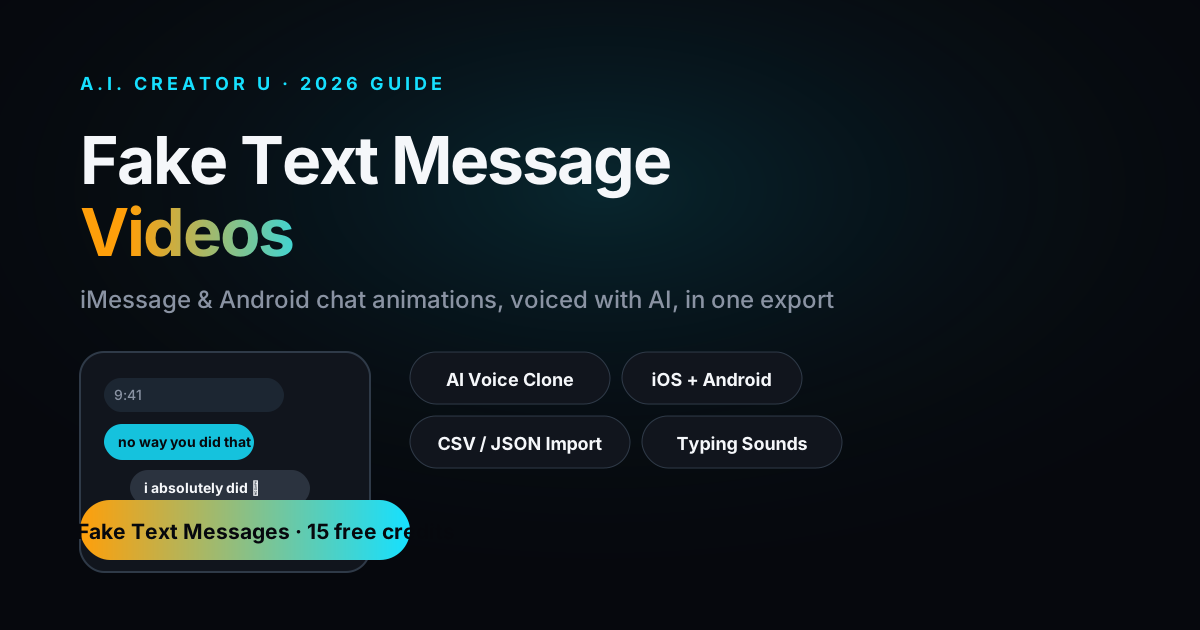
Quick answer: A fake text message video is a screen-recorded-style clip of a fabricated iMessage or Android conversation, usually narrated by AI voices reading each side out loud, built for storytime content, prank reveals, or ad hooks. You write the conversation, pick a theme (iOS light, iOS dark, or Android), assign a voice to each sender, and the tool animates the bubbles in with typing sounds and timestamps while the voices read the lines. A.I. Creator U's Fake Text Messages tool (in the Brainrot suite) does this end to end for 4 credits for the first 30 seconds, then 1 credit per 15 seconds after that.
Scroll TikTok for ten minutes and you'll hit one: two gray and blue bubbles trading a story that escalates from "so this happened at work today" to something that gets 40,000 comments arguing about who's wrong. There are over 4.9 million TikTok posts under "fake text messages," and the format hasn't slowed down. It works because it mimics something everyone already reads all day: a text thread. No face, no set, no editing skill required. Just a story and two voices.
Here's the problem: most of the apps built for this only spit out a still image. Great for a screenshot post, useless for video. This guide covers what actually makes a video version work, the exact settings that separate an amateur clip from one that holds attention, and how to build one start to finish.
What is a fake text message video, exactly?
It's a video that recreates a text conversation as it "happens," animated bubble by bubble, usually with:
- A phone-frame UI (iOS or Android) with a realistic status bar and contact name
- Message bubbles that pop in one at a time, in order, like you're watching someone type live
- Typing indicators ("...") and a send sound, sometimes a delay between messages for pacing
- AI voiceover reading each message in a distinct voice per sender, so the viewer doesn't have to read silently
- A caption or hook layered over the top, and often a background video playing behind the phone mockup
The AI voice layer is what separates 2026's version from the screenshot-app era. A wall of text you have to pause and read doesn't survive the scroll. A conversation you can listen to while doing something else does. That's the whole unlock.
Why this format keeps working
It's instantly legible. Nobody has to be told what a text thread is or how to parse it. Zero learning curve, so the hook lands in the first bubble.
It hides the "AI video" tell. No uncanny faces, no lip-sync artifacts to notice. The UI is deliberately flat and familiar, so all the attention goes to the story, not the medium.
It's cheap to make in volume. One good script becomes a video in minutes. That means you can post daily without burning out a creator's face or voice, which matters if you're running an anonymous or faceless account (more on stacking this with a faceless channel strategy below).
The reveal is built in. Good text-story videos are structured as a slow reveal: bubble three recontextualizes bubble one. That's a retention mechanic most other short-form formats have to fight for.
The 6 elements that separate a good one from a bad one
| Element | Amateur version | What actually works |
|---|---|---|
| Pacing | Every message appears instantly, all at once | Vary the delay: quick back-and-forth for banter, a longer pause before the twist |
| Voices | Same flat TTS voice for both senders | Two clearly distinct voices, one per sender, so the ear can track who's talking without looking |
| Theme | Generic light-mode bubbles | Match the theme to the story: iOS dark for something tense, iOS light or Android for casual/comedic |
| Timestamps | None, or obviously fake round numbers | Realistic device clock + message time, ideally synced |
| Hook | Story starts with "so basically..." | Bubble one is the most interesting line, not the setup |
| Length | Rambles for 90 seconds to fit "the whole story" | Cut ruthlessly. 30-45 seconds with a clean beat is stronger than 90 seconds of filler |
The pacing point matters most. If you've watched enough of these, you can tell within three bubbles whether the creator delayed messages on purpose or just let the tool run at a fixed interval. The fixed interval ones feel like a slideshow. The paced ones feel like you're eavesdropping.
How to make one, step by step
- Write the conversation first, as a script, not in the tool. Two senders, escalating stakes, a twist by message 8-10. Read it out loud once. If it's boring read aloud, it'll be boring watched.
- Open the Fake Text Messages tool (
/tools/text-messagesinside A.I. Creator U). Paste your script in manually, or bulk-import it as a CSV or JSON file if you're batching multiple videos. - Pick your theme: iOS light, iOS dark, or Android. Match it to tone, not just preference, dark mode reads as more serious or dramatic.
- Set up your two characters. Name them, upload a profile photo for each (JPG/PNG, under 3MB), and assign a voice to each from the built-in library, or clone a real voice if you want a recognizable narrator.
- Add message images where the story calls for it. You can drop a photo into any bubble (up to 10MB, JPG/PNG/GIF/WebP), which is how the "wait, send me a pic" beat gets its payoff.
- Set your timestamps. Sync the message clock to the device clock for a clean, realistic look, or set it manually if you want the timestamps to tell part of the story (3am texts hit different than 2pm ones).
- Toggle sound effects on. Typing sounds and send/receive dings do real work here, they're what makes it feel live instead of like a slideshow.
- Optionally drop in a background video so the phone mockup sits over motion instead of a static color, which helps it not look like a screen recording of nothing.
- Render and check the pacing. Watch it once before posting. If a beat feels rushed or a pause drags, adjust the per-message delay and re-render, it's cheaper to fix now than to post something flat.
Credits scale with length: 4 credits covers the first 30 seconds, then 1 credit per additional 15 seconds, rounded to the nearest whole number. A tight 45-second video runs about 5 credits, which is why cutting ruthlessly (see the table above) isn't just a creative call, it's also the cheap option.
Voice choice matters more than people think
The single biggest quality gap between a video that feels made and one that feels found is voice casting. Two things to get right:
Contrast. If both voices sit in the same pitch and pacing, the ear has to work to track who said what, and that friction kills retention. Pick voices that are audibly different: different gender presentation, different pace, different energy.
Match to character. A dry, deadpan voice reading an unhinged text is funnier than an unhinged voice reading it, because the mismatch does the comedic work for you. This is the same instinct that makes multi-voice AI dialogue land in narrated formats generally, casting against the obvious choice usually beats casting for it.
If you're recreating a specific person's texting voice, cloning matters too, a viewer who knows the real person will clock a generic TTS voice instantly and the illusion breaks.
Where fake text videos fit in a content strategy
They're rarely the whole strategy, they're a format inside one. A few ways creators are using them well right now:
- Storytime channels. A dedicated account posting daily text-story drops, often anonymous, often built around a recurring "character" or persona rather than a real face. This pairs directly with running a faceless content strategy, since the voices carry the channel instead of a presenter.
- Ad hooks. A "wait, this actually happened to me" text exchange as the first 3 seconds of a UGC-style ad, before cutting to the product. It works because it doesn't read as an ad in the first frame.
- Brainrot compilations. Fake text videos slot naturally alongside other rapid-cut, high-density formats. If you're not familiar with that wider format, the rundown on how brainrot videos actually get made covers the sibling tools that stack well with this one.
- Community/fandom content. Fictional conversations between characters, "what if X texted Y" premises, which get built the exact same way but with invented personas instead of real stories.
The line between "storytime" and misleading content
Worth saying plainly: most of this content is understood by the audience as fiction or dramatization, the way a reenactment or a "storytime" video always has been. Where it gets murky is when a fake conversation is presented as real evidence about a real, identifiable person without disclosure, that's a different thing than "here's a story that happened to me" and it's worth staying on the right side of that line, both ethically and because platforms increasingly flag manipulated-media content that impersonates real individuals without context.
FAQ
Do I need to record my screen to make one of these? No. Screen-recording a texting app was the old method and it's fragile (autocorrect, notifications, wrong contact photo). A dedicated tool builds the whole conversation as a video directly, with the theme, voices, and timing you choose, no phone required.
Can I use a cloned voice for the narration? Yes, if you have a voice in your library (your own or one you've cloned with permission), you can assign it to either character instead of a stock voice. See the voice cloning guide if you're new to how that works.
What's the ideal length for a fake text video? 30 to 45 seconds for most storytime content. Long enough for a real setup-and-payoff, short enough to hold attention through a full watch, which is the metric that actually moves distribution.
Can I import a whole script instead of typing message by message? Yes. The tool accepts a CSV or JSON import, which is the faster path if you're batching several videos or converting scripts you've already written elsewhere.
Does the background need to be a video? No, a solid or gradient background works fine and keeps focus on the phone. A background video (someone walking, driving, doing a task) adds motion and can help the clip not read as static, but it's optional.
Try it
If you've got a story worth telling, the fastest way to see whether this format works for your account is to make one. A.I. Creator U's Fake Text Messages tool handles the theme, the voices, the timestamps, and the render in one pass, no screen recording, no separate voice tool, no manual sound-effect layering. Start building one with the 15 free credits every new account gets, or explore the rest of the Brainrot suite if you want to stack this format with the others creators are using to post daily without burning out.