YouTube doesn't care that your video was made with AI. It cares whether people watch it. That distinction matters more than any "will AI content get buried" fear you've read on a forum, because it means the format you pick determines your ceiling far more than the tool you used to make it.
Quick answer: the AI video formats that actually perform on YouTube right now are 15 to 40 second Shorts for discovery, 10 to 30 minute long-form for revenue, and faceless explainer or story formats for creators who don't want to be on camera. AI-generated footage gets the exact same distribution as filmed footage as long as it hits the same watch-through and click-through numbers. The one thing that can tank you isn't the AI, it's skipping the "Altered or synthetic content" disclosure when your video should have one.
That's the whole game in two sentences. Everything below is how to actually execute it.
Does YouTube penalize AI-generated videos?
No, not for being AI-generated. YouTube's ranking system looks at click-through rate, average view duration, and session watch time, not where the pixels came from. A Seedance clip that holds attention for 45 seconds beats a filmed clip that loses viewers at second 8, every time.
What YouTube does penalize is a specific pattern: mass-produced, repetitive content with little editing or added value, like a robotic text-to-speech voice reading a Wikipedia summary over a slideshow of stock photos. That's covered under YouTube's inauthentic content policy, and it applies whether you made it with AI or copy-pasted it by hand. The bar isn't "no AI," it's "does this add something a viewer couldn't get from ten other channels."
The other thing that trips people up is disclosure. If your video uses AI to create realistic footage, voices, or events that could be mistaken for real, YouTube requires you to check "Altered or synthetic content" in YouTube Studio at upload. As of earlier this year, YouTube also runs automatic detection that can apply the label itself if you skip it, and reportedly, skipping it on purpose is a three-strike offense (warning, then a 90-day monetization suspension, then removal from the Partner Program). The label itself doesn't hurt distribution or monetization. Not disclosing when you should is the actual risk.
Which AI video format should you actually make?
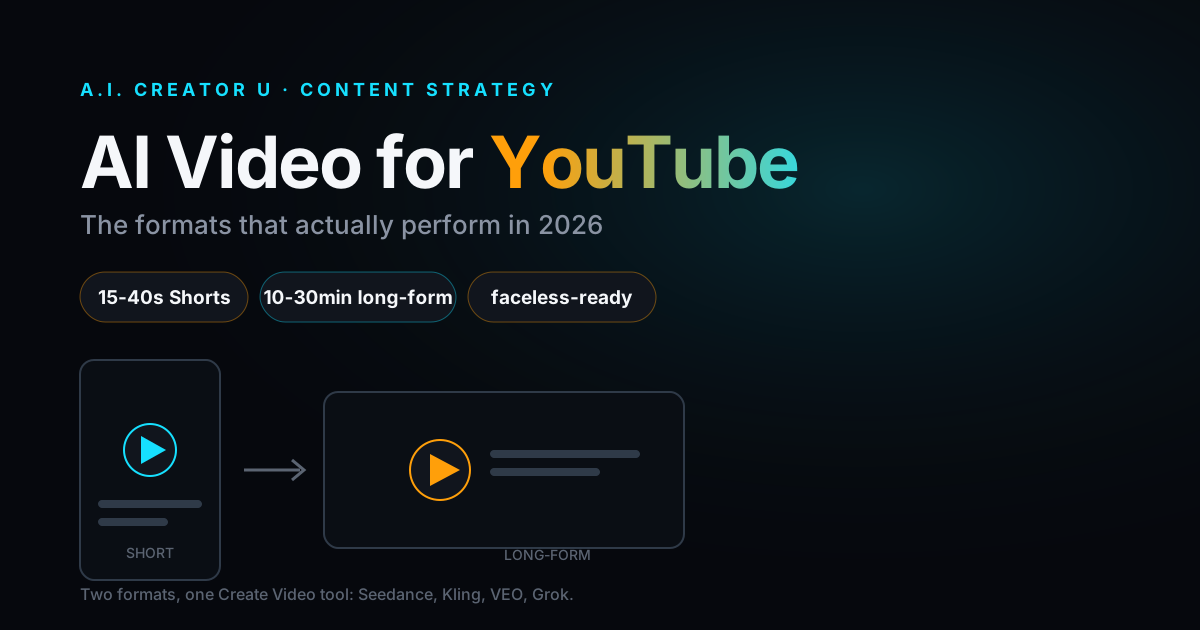
Pick based on what you're optimizing for, not what looks impressive. Here's how the three main formats stack up:
| Format | Length | What it's good for | Typical output pace |
|---|---|---|---|
| Shorts | 15-40s (up to 60s for story/tutorial beats) | Discovery, channel growth, testing hooks fast | Multiple per week, low cost per clip |
| Mid-form | 3-8 min | Product demos, tutorials, "how I did X" | 1-2 per week |
| Long-form | 10-30 min | Ad revenue, subscriber growth, authority | 1 per week is enough |
A few things worth knowing before you commit to one:
Shorts are reportedly pulling over 200 billion daily views on YouTube and averaging higher engagement than TikTok or Reels, which makes them the cheapest way to get in front of new viewers. But Shorts monetize worse per view than long-form. If revenue is the goal, not just reach, that math matters.
Long-form is reportedly generating up to 5x more ad revenue per view than Shorts, mostly because mid-roll ads only run on longer videos and CPMs in finance, tech, and education niches are reportedly landing in the $12 to $35 RPM range. Channels that publish at least one 15-minute video a week also reportedly grow subscribers faster than channels that only post Shorts, because long-form is what actually builds session time and "up next" recommendations.
The honest answer for most creators: do both. Shorts for the top of the funnel, long-form for the bottom. AI video makes that combination realistic on a solo creator's schedule in a way it wasn't three years ago, because you're not booking a shoot day for either one.
The Shorts format that's actually working
Three formats keep showing up on winning AI Shorts channels:
- The single-shot hook. One clip, one strong visual, a caption that promises a payoff in the first two words. No cuts. This is where a model like Seedance 2 earns its keep, because it generates native audio and motion in one pass instead of stitching silent clips together in an editor.
- The transformation reveal. Before/after, image-to-video morphs, a still photo that comes alive. This format leans on first-frame/last-frame control, which lets you lock the exact starting and ending image so the reveal lands on beat instead of drifting.
- The talking-head explainer without a talking head. A character or AI twin delivers the line to camera. This is where Character Studio does the heavy lifting: you build the character once, then reuse it across a week of Shorts instead of generating a new face every time and losing consistency.
Whichever one you pick, remember that a reported 80% of Shorts get watched with the sound off. If your hook only works with audio, you've already lost most of your audience. Burn the caption into the video.
The long-form format that's actually working
Long-form AI video breaks into two honest categories:
Fully AI-narrated explainers. Faceless channels covering finance, tech breakdowns, history, or true crime, built from B-roll generated scene by scene and a cloned or licensed narration voice. This is a real, monetizable format when the script is original and the pacing is tight. It is not a real format when it's fifteen minutes of the same three stock clips looping under a wall of text. YouTube's inauthentic content policy exists specifically because that version got spammed hard enough to force a crackdown.
AI-assisted, not AI-only. Most successful "AI" long-form channels aren't 100% generated. They're a real host or a consistent AI character, AI b-roll to cover what would otherwise cost a location shoot or a stock license, and normal editing on top. This is the format that survives algorithm and policy changes, because the value isn't "we used AI," it's "we made something worth 12 minutes of your time," and the AI is just how the b-roll got made cheaply.
If you're building a script-driven explainer channel, don't skip the actual prompt work. We wrote a full breakdown of what makes an AI video prompt actually hold together across a sequence of shots in How to Write AI Video Prompts That Actually Work, which is the difference between b-roll that looks like fifteen unrelated clips and b-roll that looks like one video.
Turn one long-form video into a week of Shorts
You don't need two separate production pipelines. The channels growing fastest right now are reportedly the ones that treat every long-form video as a Shorts factory, not a one-off upload.
Here's how it actually works with AI video: once you've generated and edited your long-form explainer, go back through the script and flag the three or four moments with a standalone punchline, a surprising stat, or a clean visual beat. Those become your Shorts. If the original scene was generated at a wider aspect ratio, you're not stuck. Regenerate just that beat as a vertical clip using the same reference image or character, so the Short still matches the long-form video's look instead of feeling like a mismatched clip. That's a five-minute regeneration, not a reshoot.
This is also where a consistent character pays off twice. Build your AI twin or character once in Character Studio, and it holds its look across the long-form video and every Short pulled from it, so viewers who land on a Short and click through to the channel see the same "face" they just watched. Consistency is what turns a random viral clip into a subscriber, not the other way around.
A simple production framework
Here's the workflow that scales past "one video and I'm exhausted":
- Script first, always. Even a five-bullet outline. AI video without a script turns into random generation with no throughline, and viewers can feel it.
- Storyboard the shots you actually need. Not every line needs a new generation. Reuse a strong clip across two beats if the pacing allows it.
- Generate in batches, not one at a time. Queue your reference images and prompts for a whole episode's b-roll in one sitting instead of context-switching between writing and generating.
- Pick the model for the shot, not the whole video. A quick establishing shot doesn't need your most expensive model. Save the higher-tier generation for the shots doing the emotional or narrative work. If you're deciding between models, Seedance 2 vs VEO 3.1 vs Kling 3.0 breaks down which one actually wins for which kind of shot.
- Edit like it's footage, because it is. Cut on action, trim dead air, add captions. AI video still needs a real edit pass. Skipping this is the single biggest tell that a video was rushed.
- Disclose if it's realistic. Check the "Altered or synthetic content" box in YouTube Studio when your video shows realistic people, voices, or events that aren't real. It costs you nothing and it's the one policy mistake that's actually avoidable.
Which models fit which YouTube format
You don't need to master every model in Create Video, you need to know which one to reach for. Seedance 2 (and the 2.5 tier for longer, up to 30-second single generations) is the strongest general pick for talking segments and product-style b-roll, because it handles native audio and multiple reference images in one generation instead of requiring a separate voice pass. Kling 3.0 is built for multi-shot consistency, meaning the same character across several cuts, which matters more for long-form explainers than for one-off Shorts. VEO 3.1 leans cinematic, good for the establishing shots and wide scenes that set a video's tone. Grok is a solid budget option for quick motion tests before you commit credits to a higher-tier generation.
If image-to-video is more your speed, animating product photos, portraits, or static art into motion, we walked through the full process in Image-to-Video AI: The Complete Walkthrough.
And if the actual goal is a channel where you never show your face, the format decisions above are only half the picture. The other half is voice, consistency, and pacing across dozens of videos, which we cover start to finish in The Faceless Content Playbook.
Start making YouTube-ready AI video
You don't need a studio, a mic setup, or a film degree to put out a Short today and a long-form explainer next week. Create Video gives you Seedance 2/2.5, Kling 3.0, VEO 3.1, and Grok in one place, with free credits to try it before you commit to anything.
FAQ
Does AI video hurt my YouTube channel's reach? No. YouTube ranks on click-through rate and watch time, not on whether the footage was filmed or generated. A well-made AI Short competes on equal footing with a filmed one.
Do I have to disclose that my video is AI-generated? Only if it shows realistic people, voices, or events that could be mistaken for real. Check "Altered or synthetic content" in YouTube Studio at upload. It's reported to have no effect on distribution or monetization eligibility.
Are Shorts or long-form better for AI video creators? Shorts are cheaper to produce and grow reach fastest. Long-form reportedly pays better per view because of mid-roll ads. Most channels that grow well run both, Shorts for discovery, long-form for revenue.
What length should my AI Shorts be? 15 to 40 seconds tends to hold watch-through best for most niches. Story or tutorial-style Shorts can stretch closer to 60 seconds if the pacing earns it.
Which AI model should I use for YouTube b-roll? Seedance 2 or 2.5 for general talking and product segments with native audio, Kling 3.0 when you need the same character consistent across multiple shots, VEO 3.1 for cinematic establishing shots, and Grok for fast, low-cost motion tests.
Can a fully AI-narrated channel actually get monetized? Yes, as long as it offers original value, meaning a real script, real editing, and a clear point of view. What gets penalized is mass-produced, repetitive content with no added effort, not the use of AI itself.