Seedance 2 vs VEO 3.1 vs Kling 3.0: Which AI Video Model Should You Actually Use?
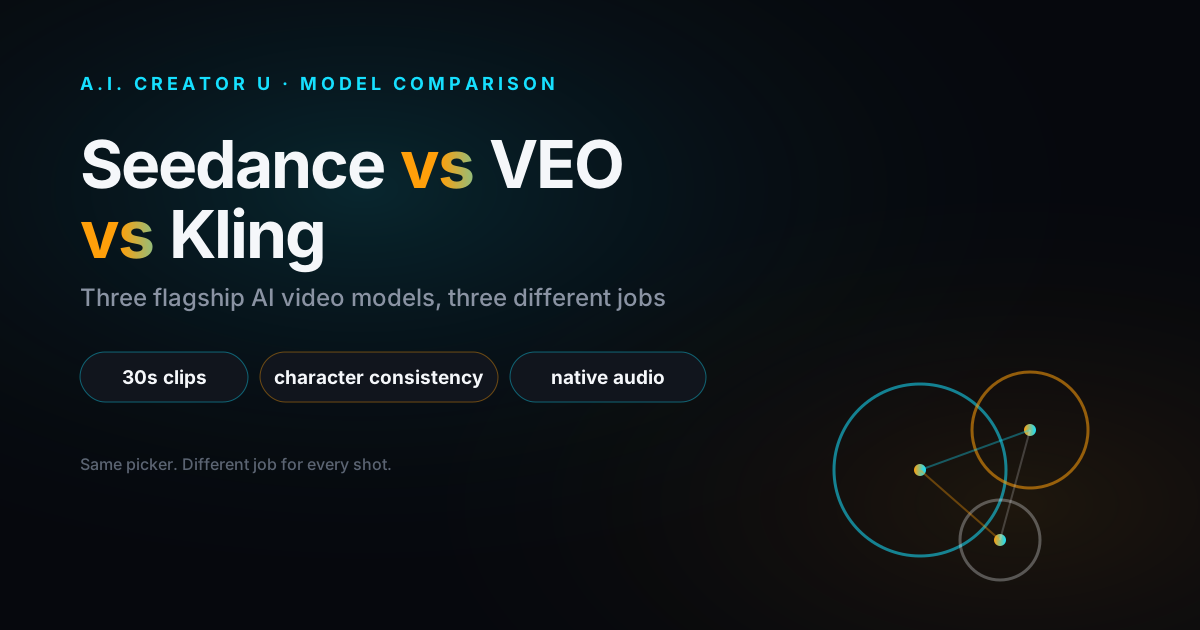
Quick answer: Reach for Seedance 2.5 when you need the longest clips (up to 30 seconds), the most reference inputs, or you're editing an existing video with a prompt. Reach for Kling 3.0 when a character has to look and sound the same across multiple shots. Reach for VEO 3.1 Quality when the clip is the hero asset and audio-visual polish matters more than speed or cost. None of them is "the best" model. They're three different tools that happen to compete for the same job title.
If you've spent any time comparing AI video generators in 2026, you've noticed the reviews all read the same: a spec table, a shrug, and "it depends on your use case." True, but useless. This is the version with actual numbers, actual limits, and an actual recommendation for the four situations you'll run into most.
Why this comparison keeps coming up
Seedance, VEO, and Kling all shipped major upgrades within months of each other this year. Seedance 2.5 launched June 23, 2026, generating native 30-second clips in a single pass with support for up to 50 multimodal references, according to ByteDance's own release notes. Kling 3.0 followed in early February, unifying Kuaishou's video, audio, and text pipelines into one multimodal model and reportedly hitting $300 million in annualized revenue faster than any AI video platform before it. Google's Veo 3.1 has been iterating since its October 2025 launch, adding a 4K upscale path and, as of this year, spatial audio that generates three-dimensional sound environments rather than flat stereo.
Three different labs, three different bets on what "better" means. That's why the comparison won't collapse into a single winner, and why picking one and ignoring the other two is leaving capability on the table.
What each model is actually built for
Seedance 2.5: the longest leash
Seedance 2.5 is the model you reach for when the job needs room to breathe. Inside our Create Video tool it accepts any integer duration from 4 to 30 seconds in one generation, which is roughly double what the other two flagships allow in a single pass. It also takes the most reference material of the three: up to 30 images, 10 reference videos, and 10 audio clips, addressed directly in your prompt with @image1, @video1, and @audio1 tokens.
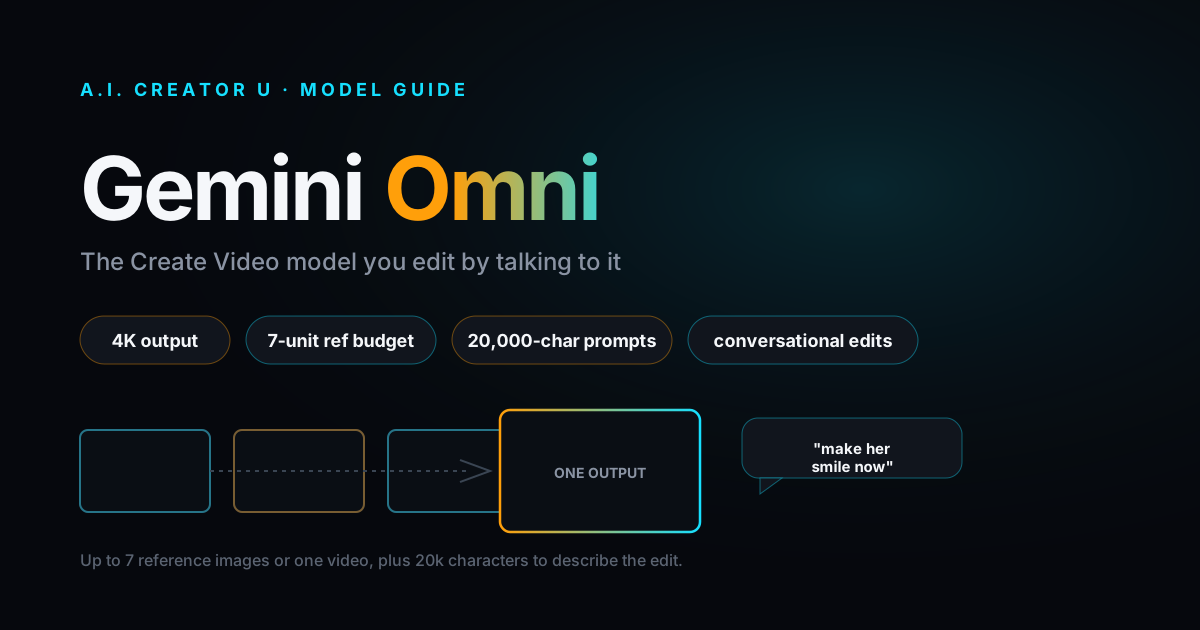
The feature that actually changes workflows is prompt-driven editing. You attach an existing clip as a reference and phrase your prompt as an instruction (something like "Strictly edit @video1, change the lighting to golden hour") instead of describing a new scene from scratch. That's a real edit pass on footage you already generated, not a fresh regeneration that happens to look similar.
The tradeoff: Seedance 2.5 currently tops out at 720p (480p and 720p only, no 1080p or 4K), and generation runs 3 to 8 minutes depending on length and reference count. If the deliverable needs to be the sharpest thing in the feed, this isn't the tier for that.
Kling 3.0: the one that remembers your character
Kling 3.0's whole reason for existing is consistency across shots. Kuaishou built Elements 3.0 around what they call a Director Memory system, and the practical effect is that a character's face, posture, clothing, and voice hold steady from one generation to the next, not just within a single clip. If you're building anything episodic, an ongoing brand mascot, a recurring host, a multi-scene ad, this is the model that doesn't make you re-establish the character every time.
In our tool, Kling 3.0 supports clips from 3 to 15 seconds, multi-shot mode (it reads your prompt for scene coverage and picks its own camera angles and cuts), a std/pro quality toggle, and start/end frame control. It doesn't take reference videos or audio uploads the way Seedance does, and there's no resolution selector, you get what the model gives you. What you're trading reference flexibility for is a model that's specifically good at not forgetting who your character is.
Kling 2.6 sits underneath it as the budget option: 5 or 10 second clips only, no reference inputs, no multi-shot, but noticeably cheaper and fast enough for high-volume iteration on ideas you haven't committed to yet.
VEO 3.1: the one built for the ear as much as the eye
Google's Veo 3.1 is the model to pick when the audio track matters as much as the picture. It generates native synchronized audio, dialogue, music, ambient sound, in the same pass as the video, and Google's reported spatial audio implementation (three-dimensional sound placement rather than flat stereo) is a capability no other model in this category currently claims. Reports also describe phoneme-accurate lip sync across eight languages, which is the kind of detail that separates a video that looks generated from one that doesn't.
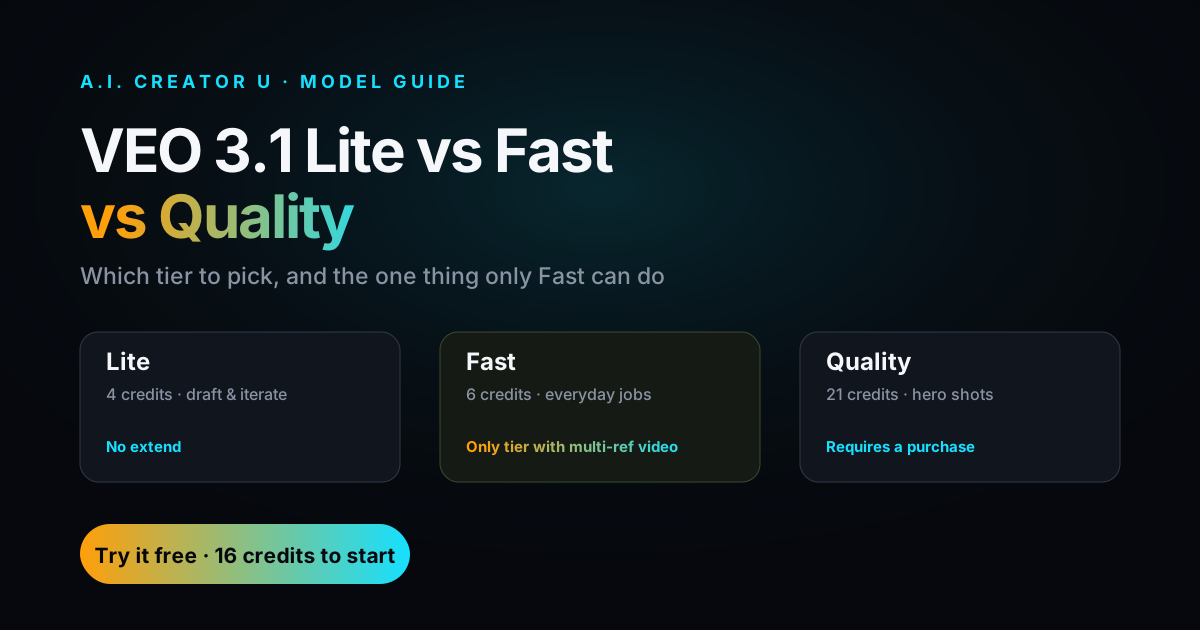
Inside Create Video, we run three VEO 3.1 tiers: Lite (cheapest, quick drafts), Fast (the balance most people should default to), and Quality (the polish tier for hero clips, cinematic camera movement, and complex physics). None of the VEO tiers expose a resolution dropdown or reference-video support in our implementation, and Lite/Fast/Quality all cap at 2 to 3 reference images. VEO isn't the model for heavy multi-reference work. It's the model for when eight seconds of finished-looking footage matters more than flexibility.
The side-by-side
| Model | Best for | Max clip (single gen) | Resolution (in-app) | Native audio | Reference inputs | Faces |
|---|---|---|---|---|---|---|
| Seedance 2.5 | Long clips, heavy references, prompt-driven edits | 30 sec | 480p / 720p | Yes | Up to 30 images, 10 video, 10 audio | Allowed |
| Seedance 2 (Fast/Quality) | Everyday cinematic video, fast turnaround | 15 sec | 480p / 720p | Yes | Up to 9 images, 3 video, 3 audio | Allowed |
| Kling 3.0 | Character consistency, multi-shot storytelling | 15 sec | Model-set | Yes | Start/end frame only, no ref uploads | Allowed |
| Kling 2.6 | Cheap, fast iteration | 10 sec | Model-set | Sound toggle | None | Allowed |
| VEO 3.1 Quality | Hero clips, cinematic polish, audio precision | 8 sec (per gen) | Model-set | Yes | Up to 2 images | N/A |
| VEO 3.1 Fast/Lite | Quick drafts, cost-sensitive iteration | 8 sec (per gen) | Model-set | Yes | Up to 2-3 images | N/A |
Speed estimates in-app: Seedance 2 Fast runs 3 to 5 minutes, Seedance 2.5 runs 3 to 8, and both VEO and Kling generations typically land in a similar window depending on load. None of these are instant, budget for it.
A framework, not a coin flip
Instead of asking "which model is best," ask these four questions in order:
1. Does a character need to survive more than one shot? If yes, start with Kling 3.0. Elements 3.0's consistency handling is the actual differentiator here, and no amount of clever prompting in another model reliably replicates it across separate generations.
2. Does the clip need to run longer than 15 seconds, or do you need to edit footage you already made? Seedance 2.5 is the only one of the three that does either. The 30-second single-pass generation and prompt-driven video editing aren't available anywhere else in this lineup.
3. Is this the hero asset, the thing a paid ad or a launch post lives or dies on? VEO 3.1 Quality. The audio spatialization and lip-sync precision are worth the extra render time when the clip is doing real work, not just filling a feed slot.
4. Are you iterating on ten ideas to find the one worth finishing? Don't burn flagship credits testing concepts. Seedance 2 Mini, Kling 2.6, and VEO 3.1 Lite exist specifically for this. Find the idea cheap, then regenerate the winner on the model that actually fits it.
What this looks like in practice
Say you're building a 30-second product launch video with a recurring on-screen host. Draft the concept and pacing with Seedance 2 Mini or Kling 2.6, cheap and fast, so you're not paying flagship rates to find out the script doesn't work. Once the structure holds, generate the host's key shots in Kling 3.0 so the face and voice stay locked across every cut. If the ad needs a single 20+ second unbroken take somewhere in the middle, that's a Seedance 2.5 job, nothing else in this lineup gets you past 15 seconds in one pass. And if there's one hero shot, the opening frame, the product reveal, that needs to look like it came out of a real production, send that one to VEO 3.1 Quality and eat the extra render time.
That's four models across one 30-second video, and it's not overkill. It's just matching the tool to what each three-to-eight-second decision actually needs.
A note on picking by resolution alone
It's tempting to sort this comparison by resolution and call it a day. Don't. Seedance 2.5 caps at 720p in-app while VEO can reportedly reach 4K through other access points, but resolution isn't the bottleneck for most short-form and ad content, which gets compressed hard by every platform it's posted to anyway. Character consistency, audio quality, and clip length change what you can build. Resolution mostly changes how it looks on a monitor nobody's watching it on. Weight your decision toward the capability the shot actually needs, not the biggest number on the spec sheet.
If you want the deeper mechanics on any one of these, we've covered each in full: how to use Kling 3.0 walks through Elements and multi-shot setup, how to use Google Veo 3 covers prompt structure for the audio-first workflow, and how to use Seedance 2.0 has the complete prompting framework for reference-heavy generations. For the full landscape of models and when to use which, the AI Video Generation guide is the pillar piece this one sits under.
All three models live in the same Create Video tool, so switching between them for a single project is a picker click, not a new subscription.
FAQ
Do I have to choose one model for an entire project? No, and you shouldn't. The strongest workflows mix models by shot: character-driven scenes in Kling 3.0, long unbroken takes or edits in Seedance 2.5, hero shots in VEO 3.1 Quality, and cheap drafts in whichever budget tier fits. All three are available from the same picker in Create Video, so switching costs you a click, not a new project.
Is Seedance 2.5 strictly better than Seedance 2? Not strictly. Seedance 2.5 wins on clip length, reference count, and editing an existing video with a prompt. Seedance 2 (Fast) is quicker to generate and cheaper for everyday cinematic clips under 15 seconds. If you don't need the extended length or the reference load, Seedance 2 is the more efficient choice.
Which model handles native audio best? VEO 3.1 has the edge on audio precision, reportedly including spatial sound placement and phoneme-accurate lip sync across multiple languages. Seedance 2 and 2.5 both generate native audio in the same pass as the video. Kling 3.0 also supports native multilingual audio, with Kling 2.6 offering audio as a togglable extra rather than a built-in pass.
What's the cheapest way to test an idea before committing credits? Seedance 2 Mini, Kling 2.6, and VEO 3.1 Lite are the budget tiers built for exactly this. Generate cheap, low-resolution passes to validate the concept, then regenerate the winning idea on whichever flagship model fits the shot.
Does character consistency actually work across completely separate generations, or just within one clip? For Kling 3.0, it's designed to hold across separate generations, that's the point of Elements 3.0's Director Memory system. Seedance 2.5's reference-image and reference-video inputs help with consistency too, but Kling's approach is purpose-built for recurring characters specifically.
Ready to try it yourself? Every model in this comparison, Seedance 2, Seedance 2.5, Kling 2.6, Kling 3.0, and all three VEO 3.1 tiers, is available in Create Video from a single picker. Start with a free tier model, find what fits your shot, then scale up.