AI Video Generation: The Complete Guide (2026)
Quick answer: AI video generation turns a text prompt, a photo, or an existing clip into a new video using a diffusion model trained on massive amounts of footage. In 2026 the leading models (Seedance 2.0, Kling 3.0, VEO 3.1, Grok Imagine) can produce 4 to 15 second clips with native audio, consistent characters across shots, and resolution up to 2K/4K depending on the model and plan. You don't need a camera, a studio, or editing chops. You need a good prompt, the right model for the job, and a workflow for stitching clips into something finished.
That's the summary. The rest of this guide is everything underneath it: how the tech actually works, which model to reach for and when, how to write prompts that don't come out mushy, the mistakes that waste the most credits, and where this is all heading next.
What Is AI Video Generation?
AI video generation is software that creates moving footage from an input that isn't footage. The input can be:
- Text ("a barista steaming milk in slow motion, warm morning light, shallow depth of field")
- An image (animate a product photo, bring a character to life)
- A video (restyle an existing clip, swap a background, extend a shot past its original length)
- Audio (sync lip movement and gestures to a voice track)
The output is a short clip, typically 4 to 15 seconds at the current state of the art, though some models will chain clips together for longer sequences. What changed between 2023 and now isn't the concept, it's the reliability. Early models gave you six fingers and melting faces. Today's models hold a character's face steady across a whole clip, keep physics believable, and in several cases generate synchronized dialogue and ambient sound in the same pass as the video.
That last part matters more than it sounds. Native audio generation (Seedance 2.0 and a handful of others do this) means you're not bolting a separate voiceover onto silent footage anymore. The model reasons about lip sync, room tone, and sound effects at the same time it's reasoning about the picture.
How Does AI Video Generation Actually Work?
Skip the math, here's the useful version. Most current models are diffusion models: they start from visual noise and gradually refine it into a coherent scene, guided by your prompt (and any reference image, video, or audio you supply). The model was trained on an enormous library of video clips paired with descriptions, so it's learned statistical patterns for how light behaves, how fabric moves, how a face turns.
Three things determine what you get out:
- The prompt. Specific, visual language produces specific, visual results. Vague prompts produce generic results, because the model falls back on averages.
- The reference material. A reference image locks in a face, product, or style far more reliably than describing it in words. Most 2026 models accept several reference images at once and will blend them into one consistent subject.
- The model itself. Different models are trained differently and are simply better at different things. One model wins on motion realism, another wins on prompt adherence, another wins on cost per clip. Picking the wrong one for the job is the single biggest reason people think "AI video isn't good enough yet."
What Can You Actually Make With It Today?
The honest list, not the hype list:
- Product videos and ad creative. Turn a single product photo into a video ad without a photo shoot. This is the fastest-growing use case among sellers right now, and it's the whole premise behind our AI video ad playbook.
- UGC-style content. Ads and social clips that look like a real person made them, without booking a real person. See how to become a UGC creator for the workflow.
- Talking-head and spokesperson videos. Explainers, testimonials, and course content with a consistent on-screen presenter. Covered in depth in our AI talking head video generator guide.
- Cinematic B-roll and short films. Establishing shots, mood pieces, transitions, anything you'd normally need a shot list and a location for.
- Motion for still assets. Animate a logo, a photo, a piece of concept art.
- Video-to-video restyling. Feed in existing footage and change its look, its background, or the character performing it.
What it's not good for yet: long-form narrative with tight continuity across many minutes, or anything that needs frame-perfect control over a specific real-world location you can't reference with an image. Those gaps are closing, but they're real today.
Which AI Video Model Should You Use?
This is the question that actually matters, and the honest answer is "it depends on the shot." Here's how the current generation of models breaks down, based on what's live in our own Create Video tool plus what we've tested from outside models.
| Model | Best for | Duration | Notable |
|---|---|---|---|
| Seedance 2.0 (Fast/Quality) | All-around workhorse: text, image, video, and audio references in one model | 4 to 15s | Native audio in one pass, up to 9 reference images, real faces allowed |
| Seedance 2.0 Mini | Testing an idea cheaply before committing credits to a full render | 4 to 15s | Same inputs as Seedance 2, capped at 720p |
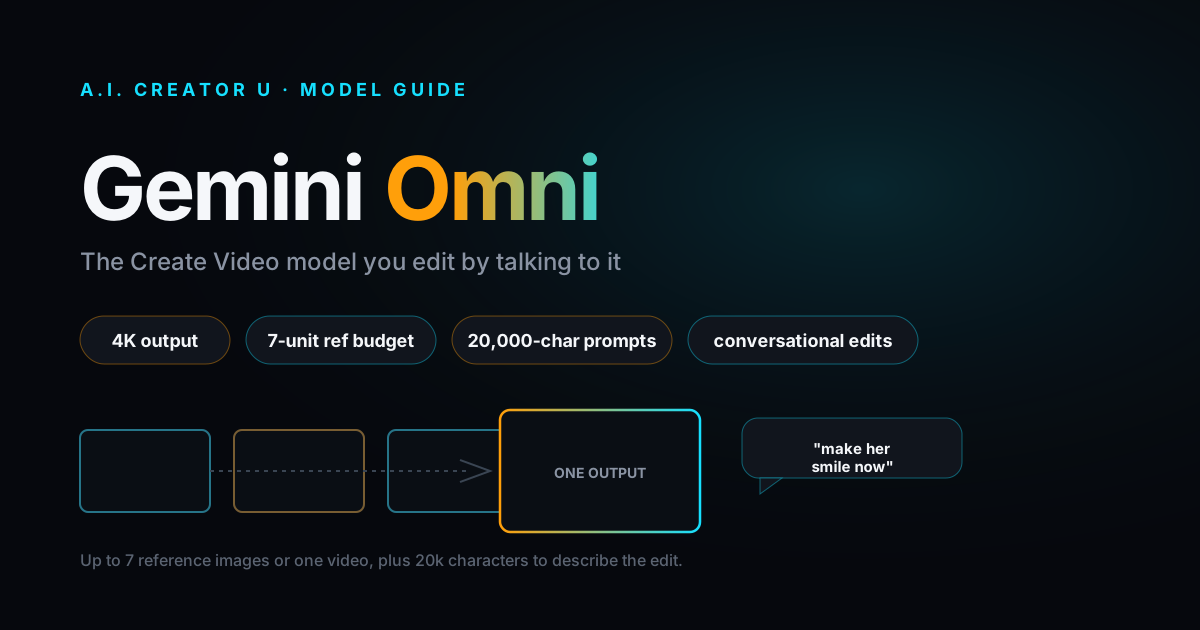
| Gemini Omni | Keeping a character or product consistent across multiple reference images | 4, 6, 8, or 10s | Up to 7 reference images |
| Kling 3.0 | Image-to-video fidelity and multi-shot sequences | 3 to 15s | Multi-shot mode, character-consistency "Elements," start/end frame control |
| Kling 2.6 | Budget runs with audio as an optional toggle | 5 or 10s | Lower credit cost than Kling 3.0 |
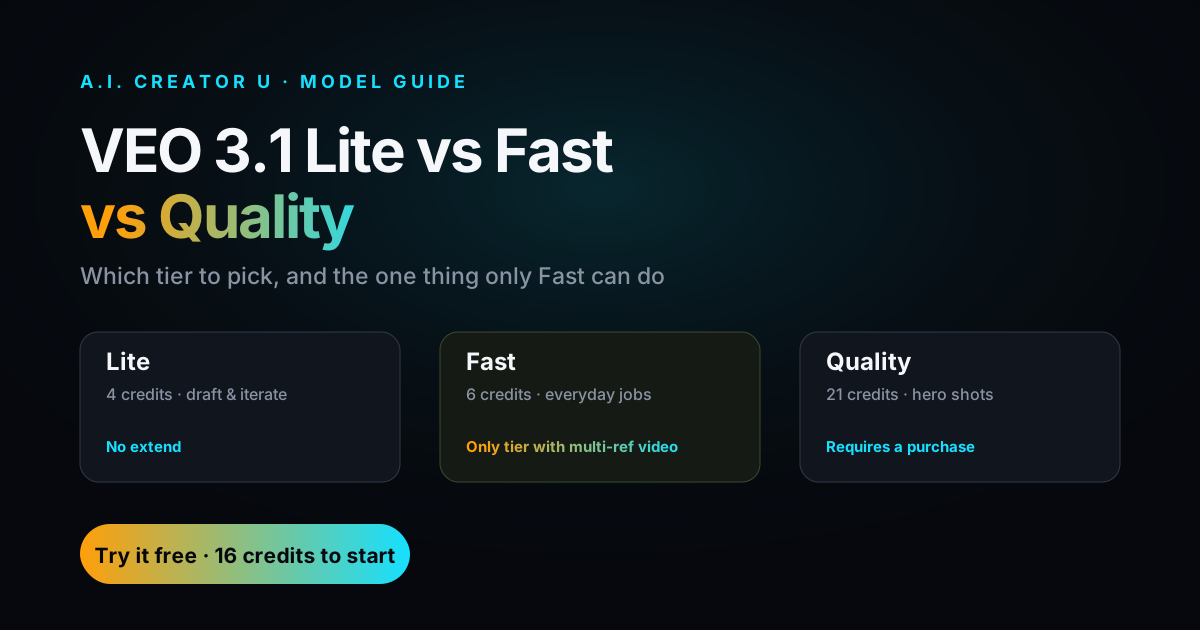
| VEO 3.1 (Lite/Fast/Quality) | Prompt adherence and cinematic realism | Fixed-length | Three speed and quality tiers to trade cost for polish |
| Grok Imagine 1.5 | Fast image-to-video iteration on a single reference | 1 to 15s | Single reference image required, no text-only mode |
| HappyHorse | Budget general-purpose generation, plus a dedicated video-edit mode | 3 to 15s | 720p or 1080p, separate mode for editing existing footage |
Outside our own tool, the wider field in 2026 breaks down roughly the same way by reputation: Google's VEO line is generally regarded as the strongest for prompt adherence and native audio in cinematic shots, Kling has built a reputation on image-to-video quality at aggressive pricing, and OpenAI's Sora line, while it earned real attention for motion realism and longer coherent shots, has reportedly been winding down (the consumer app closed and the API is being sunset later in 2026, per reporting at the time of writing). Model landscapes move fast enough that "best model" is really a snapshot, not a permanent ranking. That's a real reason to use a tool that gives you several current models under one workflow instead of betting on a single provider.
If you only remember one rule from this table: start cheap (Mini or Kling 2.6) to lock the prompt and reference image, then re-run the winning combination on the higher-quality model. It's the difference between burning ten credits to find your shot and burning one.
How Do You Write Prompts That Actually Work?
Most disappointing AI video isn't the model's fault, it's an underspecified prompt. Use this framework, in order:
- Subject. Who or what is in frame, described concretely (age, clothing, expression, not just "a person").
- Action. What's actually happening, and how fast. "Slowly turns to camera" reads very differently than "spins around."
- Setting. Where this is happening, with enough detail to anchor lighting and mood ("a dim kitchen at night, one overhead light" beats "a kitchen").
- Camera. Static, handheld, slow push in, orbit. Naming the camera move is one of the highest-leverage additions you can make.
- Style. Cinematic, documentary, product-photography clean, VHS grain, whatever matches the deliverable.
- Audio (if your model supports it). Dialogue, ambient sound, music mood. Don't leave this blank on a model that generates native audio; you'll get whatever the model assumes.
A full example: "A woman in her 30s wearing a cream sweater sits at a wooden table, slowly turning a ceramic mug in her hands and looking up with a small smile. Soft window light from the left, cozy apartment, rain visible outside. Camera holds static at eye level. Warm, cinematic color grade. Ambient rain sound, no dialogue."
Notice what's missing: adjectives doing no work ("beautiful," "amazing," "stunning"). Those words don't mean anything specific to a model trained on visual patterns. Concrete nouns and verbs do the work; adjectives are decoration the model has to guess at.
If you're feeding in a reference image, you can drop most of the subject description entirely, since the image is already doing that job, and spend your words on action, camera, and audio instead.
What Are the Most Common Mistakes?
- Writing a paragraph of vibes instead of a shot. If you can't storyboard your prompt in your head, the model can't either.
- Skipping the reference image when one exists. Words are a lossy way to describe a specific face or product. A photo isn't.
- Running the expensive model first. Prototype cheap, confirm the shot, then upgrade.
- Ignoring duration limits. Every model has a real ceiling (see the table above). Asking for something that needs 30 seconds of story in an 8-second clip produces rushed, unreadable motion.
- Treating one model as universal. The model that nails your product shot won't necessarily nail your talking-head clip. Match the tool to the job instead of forcing one tool through everything.
- No audio plan. On models with native audio, decide what you want to hear before you generate, not after. Regenerating just to fix the sound wastes a full render.
Where Is AI Video Headed Next?
A few things are already visible in how fast the leading models are shipping updates: native audio is becoming standard rather than a differentiator, reference-based consistency (locking a character or product across many shots) is improving quarter over quarter, and generation speed is dropping fast enough that same-session iteration is now normal instead of a multi-minute wait. Expect longer native clip lengths and tighter multi-shot continuity to be the next real battleground between providers, alongside continued downward pressure on price per second as competition between labs intensifies.
None of that changes the fundamentals in this guide. The prompt discipline and model-matching strategy above will keep working regardless of which specific model tops the leaderboard next quarter.
Frequently Asked Questions
Is AI-generated video actually good enough to use commercially? Yes, for the use cases where the current models are strong: product video, social ads, UGC-style content, talking-head explainers, and B-roll. For tight, long-form narrative continuity, it's improving but not there yet.
Do I need to know how to code to generate AI video? No. Every model referenced here runs through a prompt box and a reference-image upload, the same interface whether you're using Seedance 2.0, Kling 3.0, or VEO 3.1.
How much does AI video generation cost? Pricing is credit-based and varies by model, resolution, and clip length; cheaper models like Seedance 2.0 Mini or Kling 2.6 cost less per clip than premium tiers. New accounts get 15 free credits to test the workflow before spending anything. Check the live pricing page for current rates before budgeting a project.
Can AI video generate a consistent character across multiple clips? Yes, with the right approach: use the same reference image (or images) across every generation, and pick a model with strong reference support (Kling 3.0's Elements mode and Gemini Omni's multi-image input are both built for this).
What's the difference between text-to-video and image-to-video? Text-to-video builds the whole scene from your written description. Image-to-video animates a specific photo you provide, which gives you far more control over exactly what the subject or product looks like, at the cost of needing that photo in the first place. Most people get the best results combining both: a reference image for the subject, plus a text prompt for action, camera, and mood.
Ready to stop reading about it and generate something? Create Video has every model in this guide under one prompt box, with 15 free credits to start. If audio is your next stop, the same workflow logic applies over in our AI audio generation guide.