How to Use Kling 2.6: The Free AI Video Model in Your Create Video Picker
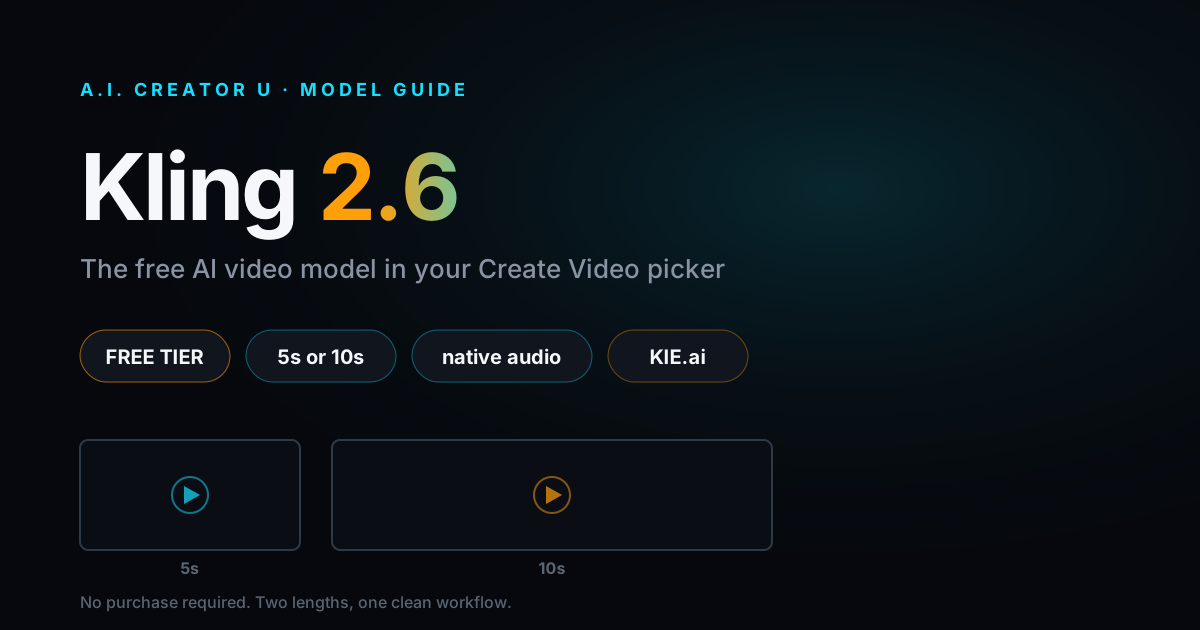
Open Create Video, scroll the model picker, and Kling 2.6 sits there quietly next to Seedance 2.5, Kling 3.0, and MiniMax H3. Most people scroll right past it hunting for the "best" model. That's a mistake if your account hasn't bought credits yet, because Kling 2.6 is one of exactly five models a free A.I. Creator U account can generate with. No purchase required.
Quick answer: Kling 2.6 is a KIE.ai-powered AI video model built for straightforward 5 or 10 second clips with native audio. It's free tier eligible (no card, no purchase needed), supports text-to-video and single-image-to-video, and runs 5 to 18 credits per clip depending on length and whether you keep the sound on. It's simpler than Kling 3.0 (no multi-shot, no quality tiers, no motion control), but that simplicity is exactly what makes it a fast, cheap way to test a concept before you commit real credits.
What is Kling 2.6, exactly?
Kling 2.6 is Kuaishou's video model, run through A.I. Creator U's KIE.ai integration. If that sounds familiar, it should: Kling 3.0, the flagship multi-shot, up-to-4K version, runs through the same provider. Kling 2.6 is the earlier, lighter sibling, and the two behave differently enough that "just use 3.0" isn't always the right call.
It wasn't always reliable here, either. The original integration ran through fal.ai and broke. The team rewired the model through KIE.ai on May 1, 2026, and it's been the stable, working path since. If you tried Kling 2.6 before that date and it flaked out on you, that's why. It works now, and it's been quietly generating jobs ever since without a single blog post pointing at it.
Why Kling 2.6 is worth knowing about: the free tier
Here's the part most model guides skip, because most guides don't read the pricing code: free A.I. Creator U accounts can't touch most of the video lineup. Seedance 2.5, Kling 3.0, MiniMax H3, HappyHorse, AnimateA.I., none of it. You need at least one purchase, a credit pack, a subscription, anything, before the full picker unlocks.
Exactly five models are the exception, and Kling 2.6 is one of them:
- Seedance 2 Mini
- Kling 2.6
- Grok Imagine 1.5
- VEO 3.1 Lite
- VEO 3.1 Fast
That's the entire free tier list, nothing else. Sign up today and you land with up to 16 free credits (a 6-credit welcome pack, plus 10 more once you finish the quick onboarding tour, both good for 14 days), and Kling 2.6 is one of the only places you can actually spend them on video.
That makes it the honest answer to "can I test AI video here before I pay for anything?" Yes, and Kling 2.6 is one of your four options for doing it. Don't confuse "free tier" with "afterthought," though. It's a real model with real output, not a stripped-down demo.
What Kling 2.6 can and can't do
Kling 2.6 is deliberately narrow. Here's the honest spec, pulled straight from the model configuration our app actually runs on:
- Durations: 5 seconds or 10 seconds. Nothing in between, no 15 or 20 second option like you'll find on other models.
- Aspect ratios: 16:9, 9:16, and 1:1. Landscape, vertical, and square are all covered.
- Inputs: text-to-video, or image-to-video with one reference image. No multiple images, no video reference clip.
- Audio: native, model-generated audio that's on by default. You can toggle it off per generation.
- Prompt length: capped at 1,000 characters, verified against KIE.ai's own documentation. That's tight, roughly 2.5 times tighter than Kling 3.0's 2,500-character limit, so front-load the details that matter most: subject, action, camera, mood.
What it doesn't have is just as useful to know before you start a job. No multi-shot sequencing. No quality tiers (Kling 3.0's standard/pro/4K toggle doesn't exist here; there's one output quality per input type). No motion control. No video extend. No voice cloning. No video editing mode. If you need any of those, that's your cue to move up to Kling 3.0 or Kling Motion Control instead.
What Kling 2.6 actually costs
Pricing is dynamic: it depends on duration and whether audio is on. Kling 2.6 runs on KIE.ai's per-generation cost, marked up 30% and converted to credits at 8 cents each, rounded up to the next whole credit. Here's the full table:
| Duration | Audio | Credits |
|---|---|---|
| 5 seconds | Off | 5 |
| 5 seconds | On (default) | 9 |
| 10 seconds | Off | 9 |
| 10 seconds | On (default) | 18 |
Notice the pattern: turning audio off roughly cuts the cost in half. If you're testing silent b-roll, a product spin, or anything you plan to score with your own music or voiceover later anyway, flip audio off before you generate. Same visual output, close to half the credits. That's not a trick, it's just how the pricing formula is built, and almost nobody bothers to check the toggle before hitting generate.
Kling 2.6 vs Kling 3.0: when to use which
Both run on KIE.ai, both carry the Kling name, and it's tempting to assume 3.0 is a strict upgrade you should always reach for once you can afford it. Mostly true, with two real exceptions worth knowing.
Kling 2.6 wins when:
- You're on a free account and want to test a prompt or concept before spending real credits.
- You want a quick 5 or 10 second clip and don't need multi-shot or 4K.
- You're iterating fast on wording and don't want to burn 20-plus credits per miss.
Kling 3.0 wins when:
- You need more than 10 seconds (Kling 3.0 runs up to 15).
- You want multi-shot sequences, character consistency across shots, or a quality tier up to 4K.
- You need precise lip sync or the fuller creative control set.
My honest take: treat Kling 2.6 as your prompt-testing model, not your finishing model. Nail the wording, the framing, and the pacing at 5 or 10 seconds and low cost, then re-run the winning prompt on Kling 3.0 or Seedance 2.5 once you know it works. That's a cheaper way to iterate than throwing your best idea at the expensive model on the first try and hoping.
How to generate a video with Kling 2.6
- Go to Create Video and open the model picker.
- Select Kling 2.6.
- Choose text-to-video, or upload one reference image for image-to-video.
- Write your prompt. Keep it under 1,000 characters, and put the subject, action, camera direction, and mood up front rather than at the end.
- Pick 5 or 10 seconds and your aspect ratio: 16:9, 9:16, or 1:1.
- Decide whether you want native audio. Leave it on for dialogue or ambient sound; turn it off to save roughly half the credits.
- Generate. Credits deduct automatically per the table above, and if the job fails, they're refunded, not lost.
That's the entire workflow. No quality tier to pick, no motion control panel, no multi-shot builder. That's the trade you're making for the lower cost and free-tier access, and for a quick test clip, it's a fair one.
A simple prompt template that plays to Kling 2.6's strengths, since you've only got 1,000 characters to work with:
[Subject] + [action, one clear beat] + [camera: static / slow push / handheld]
+ [setting] + [lighting/mood] + [sound cue if audio is on]
Keep it to one clear action per clip. Kling 2.6 isn't built for multi-beat sequences, that's Kling 3.0's multi-shot job, so a tight single-action prompt will consistently outperform a busy one here.
Kling 2.6 image-to-video: what's different
When you attach a reference image, Kling 2.6 routes to a separate image-to-video endpoint behind the scenes. You won't notice the switch, it's automatic, but a few things behave differently:
- Only the first image you upload gets used. Kling 2.6 doesn't support multiple reference images or a separate end-frame.
- The same duration, aspect ratio, and pricing rules apply as text-to-video.
- Output quality is still capped at one tier per modality; there's no upgrade path for higher resolution within this model.
If you need start-and-end frame control, locking both the opening and closing shot of a clip, that's not something Kling 2.6 does. Kling 3.0 is the model built for that.
Frequently asked questions
Is Kling 2.6 really free to use? Yes. If your A.I. Creator U account has never made a purchase, Kling 2.6 is one of five video models still open to you, alongside Seedance 2 Mini, Grok Imagine 1.5, and VEO 3.1 Lite/Fast. You'll still spend credits per generation, just credits from your free signup balance rather than a paid pack.
What's the difference between Kling 2.6 and Kling 3.0? Kling 2.6 caps out at 5 or 10 second clips with no multi-shot, no quality tiers, and no motion control. Kling 3.0 runs up to 15 seconds and adds multi-shot storyboarding, character consistency, lip sync, and a quality toggle up to 4K. Kling 2.6 is simpler and cheaper; Kling 3.0 is the fuller creative toolkit.
Does Kling 2.6 support image-to-video? Yes. Upload one reference image and Kling 2.6 will animate it. It only accepts a single image: no multiple references, no separate end-frame.
How much does Kling 2.6 cost in credits? Between 5 and 18 credits per clip, depending on length (5 or 10 seconds) and whether audio is on. Audio roughly doubles the cost, so turn it off for silent shots if you want to stretch your credits further.
Can I get a vertical or 4K video from Kling 2.6? Vertical, yes: 9:16 is one of the three supported aspect ratios, alongside 16:9 and 1:1. 4K, no. Kling 2.6 has no quality tier system at all. For 4K output, use Kling 3.0's Pro or 4K mode instead.
Why doesn't Kling 2.6 show up more in tutorials? Mostly because it's not the newest or flashiest option in the picker, and newer models get the attention. But "free tier eligible" and "actually shipped and stable since May 2026" are both true of Kling 2.6, which is more than you can say for some flashier entries.
Where Kling 2.6 fits in your workflow
If you're new here and haven't bought credits yet, Kling 2.6, along with Seedance 2 Mini, Grok Imagine 1.5, and VEO 3.1 Lite/Fast, is genuinely how you should spend your first free generations. Test a few prompts, see what the model does with your product, character, or concept, and get a feel for the workflow before you decide whether to buy credits at all.
If you've already got a paid account, Kling 2.6 still earns a spot in the rotation for fast, cheap iteration. Save the expensive models for the shot you're actually going to publish.
For the fuller Kling picture, including multi-shot sequencing and lip sync, read How to Use Kling 3.0. If you're comparing across providers entirely, Seedance 2 vs VEO 3.1 vs Kling 3.0 breaks down where each model wins. If you liked the idea of a free, slightly-hidden model in the picker, HappyHorse is the other one worth trying. And for the complete picture of every model we support, start with the AI Video Generation guide.
Ready to try it? Open Create Video, pick Kling 2.6, and burn your first clip on something disposable. That's exactly what the free tier is for.