AI Music Generation for Videos: A Practical Guide
Quick answer: Yes, you can generate original background music, score, or full soundscapes for your videos with AI in 2026, and you don't need a separate music tool to do it. Prompt-driven audio models like Seed Audio (built into A.I. Creator U's Audio Studio) generate voice, music, and sound effects from one written prompt, in one pass, licensed for your use. Dedicated music-only platforms like Suno and Udio exist too, but as of 2026 their commercial licensing is genuinely messy: free tiers can't be downloaded or monetized, and a pending Sony Music lawsuit against both platforms is expected to land a ruling around the middle of the year. If you're scoring a video and want music that's actually cleared to publish, a prompt-based tool built for that purpose is the simpler path.
Here's how AI music generation for video actually works right now, what's real versus overhyped, and the exact workflow to get a usable track in minutes.
What "AI music generation" actually means in 2026
Two very different categories get lumped under this term, and mixing them up wastes time.
Song generators (Suno, Udio) write full songs with lyrics, verses, choruses, a "hit single" structure. They're built for people who want a standalone track, not a piece that ducks under dialogue and hits marks with a cut.
Scoring and soundscape tools are built for exactly that: instrumental beds, ambient textures, and SFX shaped to sit under narration or match a video's pacing. Some are purpose-built for royalty-free backing tracks (Soundraw, Mubert are the names that keep coming up in this category). Others are multimodal, meaning the same model that generates your voiceover or dialogue can also lay down the music bed and the door-creak sound effect, from one prompt, in the same audio file.
If you're making video content, the second category is almost always what you actually need. A song generator gives you a finished track you then have to chop, loop, and duck manually. A scoring tool gives you exactly the length and mood you asked for, built to sit under picture.
The licensing problem nobody mentions upfront
This is the part that trips creators up, and it's worth being blunt about it.
Suno settled with Warner Music Group in late 2025, which changed how downloads and ownership work on the platform, but the free tier still isn't cleared for commercial use, and paid downloads are capped monthly. Udio has gone further in the other direction: you're largely locked into publishing from inside their own ecosystem rather than exporting tracks freely. Sony Music's cases against both platforms are still open and reportedly headed for a significant ruling around mid-2026. None of that is settled ground to build a monetized channel on.
That's not a knock on those tools for what they're good at (finished songs, artist-style output). It's a reason to separate "I want a cool song" from "I want music inside a video I'm about to publish and monetize." For the second use case, you want a tool where the output is explicitly generated for your prompt, tied to your account, and meant to be embedded in other work, not a standalone release with its own rights questions attached.
How to add AI music to a video, step by step
This is the actual workflow inside A.I. Creator U's Audio Studio, which runs on Seed Audio (ByteDance's audio model, the same family covered in our Seed Audio guide).
1. Open Audio Studio and write one prompt that does two jobs. There's no separate "music mode" toggle. Seed Audio doesn't have a mode parameter at all: whether you get speech, music, or both is purely a function of how you write the prompt. That's the whole trick. A prompt like "Warm narrator over soft ambient music" gets you narration and a bed track in a single generation, already mixed.
2. Describe the music the way you'd brief a composer, not a search engine. Skip genre-only prompts ("lofi hip hop"). Specify instrumentation, tempo feel, and emotional arc: "slow piano building to a warm string swell, hopeful, no drums until the last ten seconds." The more concrete the brief, the less you're gambling on a re-roll.
3. Layer voice and score in the same generation if your video needs both. Because it's one model handling the full soundscape, you can ask for narration, ambient music, and a sound effect (a door closing, footsteps, a phone buzz) in the same prompt, and get back one audio file that's already balanced, instead of stitching three separate exports together in a timeline.
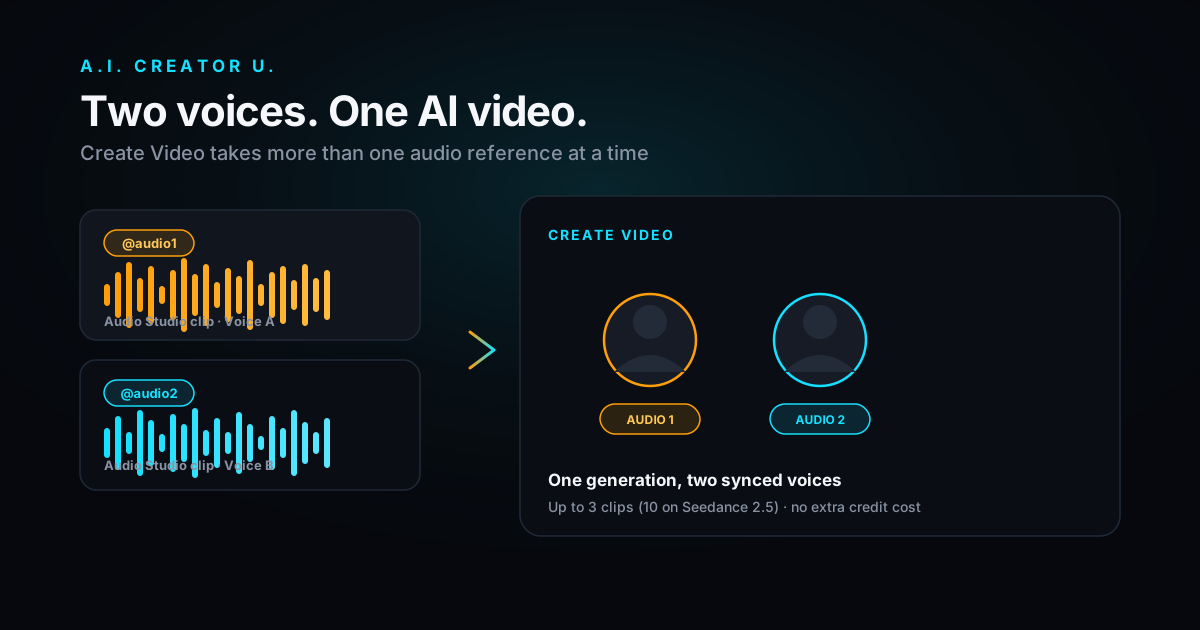
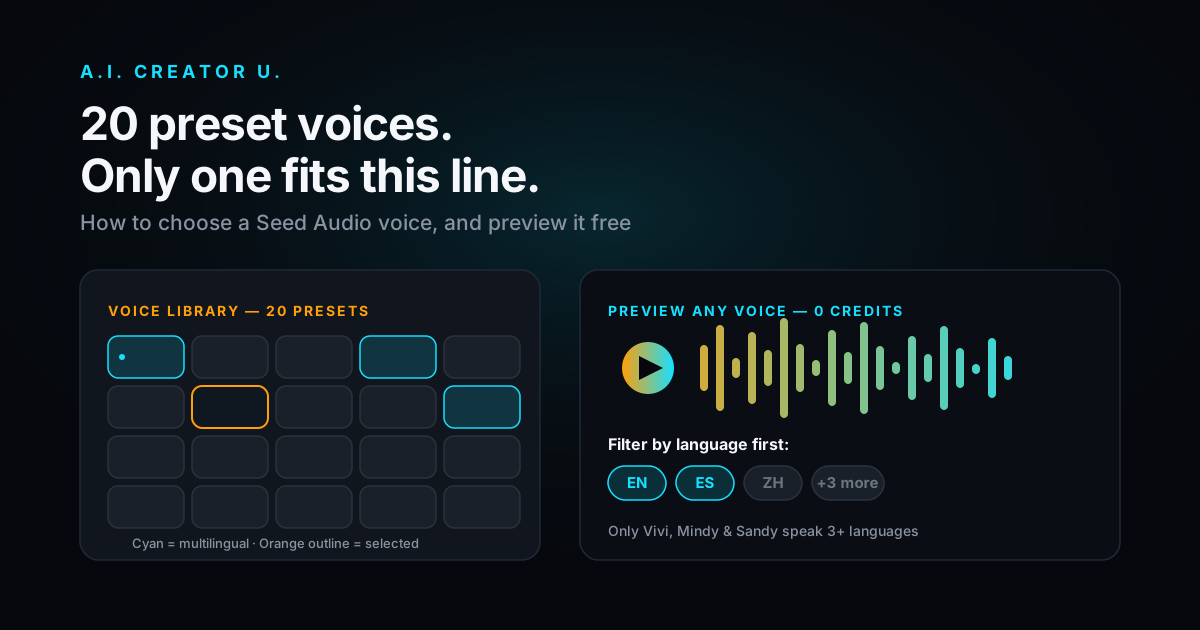
4. Use voice cloning if the video needs a consistent narrator across multiple clips. Seed Audio supports cloning from up to three reference clips (30 seconds or less each), referenced in-prompt with @Audio1, @Audio2, @Audio3 tokens, plus 19 built-in preset voices if you don't need a cloned voice at all. Useful if you're building a series and want the same narrator voice under a different music bed each episode. (Our multi-voice dialogue guide covers the same token trick for stacking multiple distinct voices in one track.)
5. Generate, listen critically, and iterate on the prompt, not the output. Treat the first generation as a draft of the brief, not the final answer. If the mix is off (music too loud under the voice, wrong tempo for the cut), rewrite the prompt to be more explicit about balance and pacing rather than hoping a regeneration fixes it randomly.
6. Drop the audio into your video timeline and sync to picture. Seed Audio outputs a finished audio file you bring into your edit. If you'd rather skip a separate audio step entirely, Seedance 2.0 (our flagship video model, covered in the Seedance 2.0 guide) generates synced audio natively as part of video generation itself, using a generateAudio flag at generation time. That's the move when you want dialogue or ambience baked into the clip from the start; Audio Studio is the move when you want a standalone, more deliberately composed music or narration track you control separately from picture.
Standalone soundtrack vs. native video audio: which one do you actually need
| Audio Studio (Seed Audio) | Native video audio (Seedance 2.0) | |
|---|---|---|
| Best for | Standalone music beds, voiceover, layered soundscapes you control in the edit | Dialogue or ambience baked into the clip as it's generated |
| Control | High. Full prompt control over instrumentation, mood, mix | Lower. Audio is tied to the video generation, less isolated tweaking |
| Output | A separate audio file you sync in your editor | One file, video and audio already merged |
| Use it when | You're building a score, need to loop or extend music, or want the same voice across multiple videos | You want a quick clip with synced sound and don't need to edit the audio independently |
Most serious creators end up using both: native audio for quick synced clips, a dedicated Audio Studio pass when a piece needs a real score or a consistent narrator across an episode series.
What makes AI-generated video music actually sound good
A few things separate a usable track from an obviously-generated one, based on running dozens of these prompts:
- Specify what happens over time, not just a static mood. "Tense, building" beats "tense." Music for video needs a shape, because your cut has one.
- Name reference points sparingly. "Cinematic strings, somewhere between a trailer and a documentary" gives the model a lane without over-constraining it into mimicry.
- Ask for silence deliberately. A prompt that says "quiet, mostly empty, one soft pad" will get you space to put a voiceover or sound effect in, rather than a wall-to-wall track fighting your dialogue.
- Match length to your actual cut, not a round number. If your video is 47 seconds, say so. A track generated to loosely fit "about a minute" almost always needs an awkward fade or cut to land right.
- Don't chase perfection on one generation. Two or three targeted rewrites of the prompt usually beat ten blind re-rolls of the same wording.
The honest limitations
AI music generation for video isn't a replacement for a composer on a real budget, and it's worth saying so plainly. Complex arrangements with multiple instrumental sections that need to hit specific story beats are still hard to nail in one prompt. Genuinely novel sonic identity (the thing that makes an artist's music theirs) isn't really what these tools are for, and if you're building a brand around a distinct sound, that's a different investment. What this workflow is genuinely good at: fast, on-brief, cleared-for-your-use background music and soundscapes for the volume of short-form and mid-form video most creators and sellers are actually shipping.
FAQ
Can I use AI-generated music commercially? It depends entirely on the tool and its terms, which is exactly why the licensing section above matters. Music generated through your own account for your own prompt, inside a platform meant for embedding audio in other work, is a different situation than downloading a track from a song generator's free tier. Always check the specific platform's current commercial-use terms before publishing, since this is an area still shifting through 2026.
Do I need a separate app for music versus voiceover? No, not if you're using a multimodal audio tool. Seed Audio in Audio Studio generates voice, music, and sound effects from the same prompt in the same pass, which is faster than juggling a TTS tool and a separate music generator and manually mixing the two.
How much does AI music generation cost inside A.I. Creator U? Audio Studio generations are a flat 2 credits each, available on paid plans. New accounts get free credits at signup to explore the platform's tools (currently up to 16 credits across two grants, both expiring 14 days after signup), so check your current balance and the live pricing page for exact numbers, since credit allotments and gating can change.
Can I clone my own voice to narrate over AI-generated music? Yes. Seed Audio supports voice cloning from up to three short reference clips, which you can reference directly in your prompt alongside a music description, so your narration and a custom-composed bed track come out of the same generation together.
What's the difference between music generated with my video versus generated separately? Native audio generated as part of a Seedance 2.0 video clip is synced and baked in automatically, good for quick output. A separately generated Audio Studio track gives you an isolated audio file you control, loop, extend, or swap independently in your edit, which matters once you're building anything longer than a single clip.
Ready to score your next video? Head to Audio Studio and write one prompt that does the job of a composer and a sound designer at once. If you're pairing it with generated video, the AI Video Generation guide covers how the two workflows fit together.