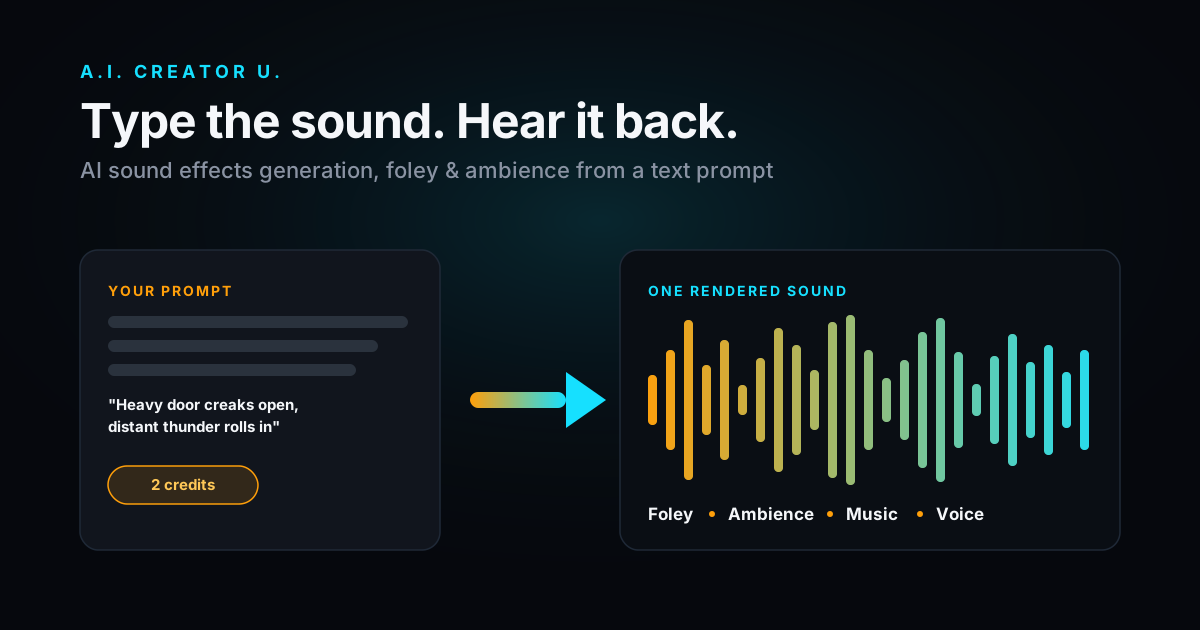
Quick answer: Yes, you can generate sound effects from a plain text description, no sample library or Foley kit required. Type "heavy door creaks open, floorboard groan, distant thunder" into a text-to-audio model and you get a finished clip in seconds. In A.I. Creator U's Audio Studio, Seed Audio 1.0 does this in the same prompt box you'd use for a voiceover or a music bed, for a flat 2 credits per generation. This guide covers how it actually works, how to write prompts that don't come out mushy, and where it fits next to tools like ElevenLabs' sound effects generator.
Most creators still reach for a stock SFX library out of habit. That's fine when you need a generic "camera shutter click" that's been used in ten thousand other videos. It falls apart the moment you need something specific: a rusty gate at exactly the right creak, a whoosh timed to a cut, a sci-fi door hiss that doesn't sound like every other sci-fi door hiss. Text-to-SFX exists for that gap.
What Is AI Sound Effects Generation, Exactly?
AI sound effects generation is a model that takes a written description of a sound and outputs an audio clip matching it, the same basic idea as text-to-image, but for your ears. No recording, no clip licensing, no digging through a sample pack for the one hi-hat that isn't slightly out of tune.
The models doing this well right now generate what's called "foley" (everyday physical sounds: footsteps, doors, fabric, impacts) and "environmental" or "ambient" sound (rain, wind, room tone, crowd murmur, machinery hum) from natural language. Some go further and layer effects with music or voice in a single pass, which is the part most people don't realize is possible until they try it.
That's the category ByteDance's Seed Audio 1.0 sits in. It's a unified audio model, not a dedicated SFX-only tool, built to generate speech, music, and sound effects from one prompt and blend them if you ask it to. That's the version we run in Audio Studio.
How Does Text-to-SFX Actually Work?
You don't need the technical internals to use it well, but the short version helps you write better prompts: the model was trained on a huge range of paired audio-and-description data, so it's learned what "metallic clang," "wet footsteps on tile," and "low mechanical hum" sound like statistically, then generates new audio that matches your specific combination of words. It's not stitching together a database of pre-recorded clips. Every generation is synthesized fresh, which is why the same prompt run twice gives you two slightly different (but both usable) results.
The practical upshot: specificity is everything. "Door sound" gives you something generic. "Heavy wooden door slams shut, brass hinge creak first" gives you something you can actually cut to.
How to Generate Sound Effects from Text in Audio Studio
Here's the actual workflow, step by step:
- Open Audio Studio and confirm the model shown is Seed Audio 1.0, tagged "Voice, dialogue, SFX & music." That single model handles all four; there's no separate "SFX mode" to hunt for.
- Write your prompt in the main box. Describe the sound the way you'd describe it to a sound designer, not the way you'd search a stock library. "Glass bottle shatters on concrete, followed by a beat of silence" beats "glass break sound effect."
- Leave the voice preset on Auto if you're generating pure SFX with no dialogue. The voice dropdown only matters when your prompt includes speech.
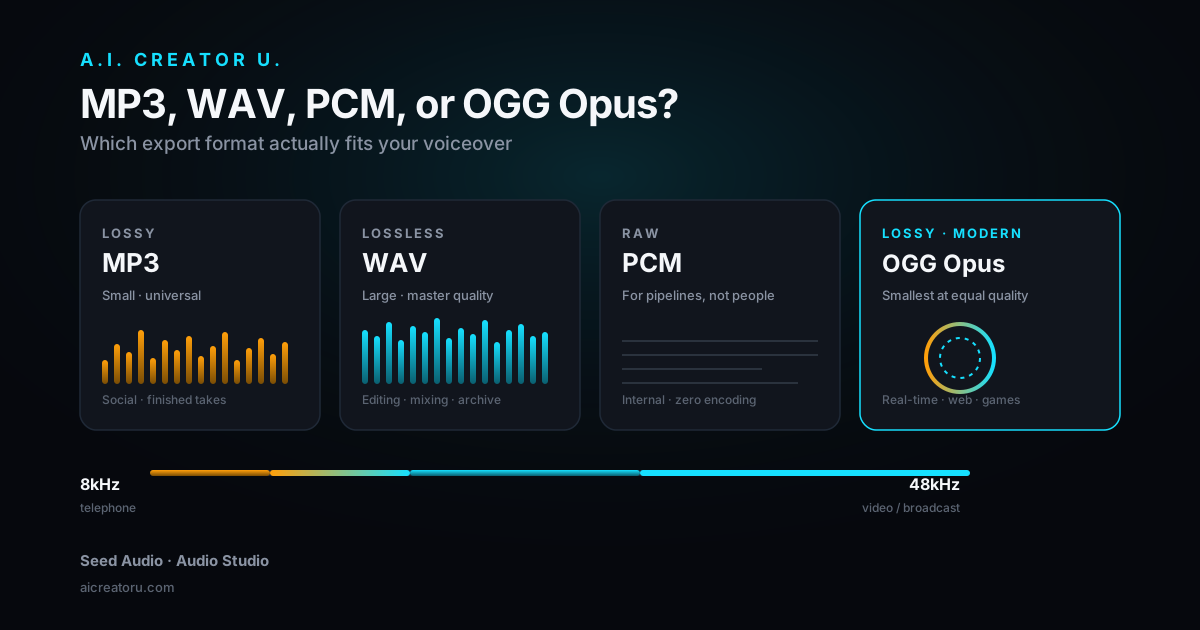
- Set your format and sample rate. Audio Studio exports MP3, WAV, PCM, or OGG_OPUS at sample rates from 8kHz up to 48kHz. For anything going into a video edit, WAV at 44.1kHz or 48kHz is the safe default.
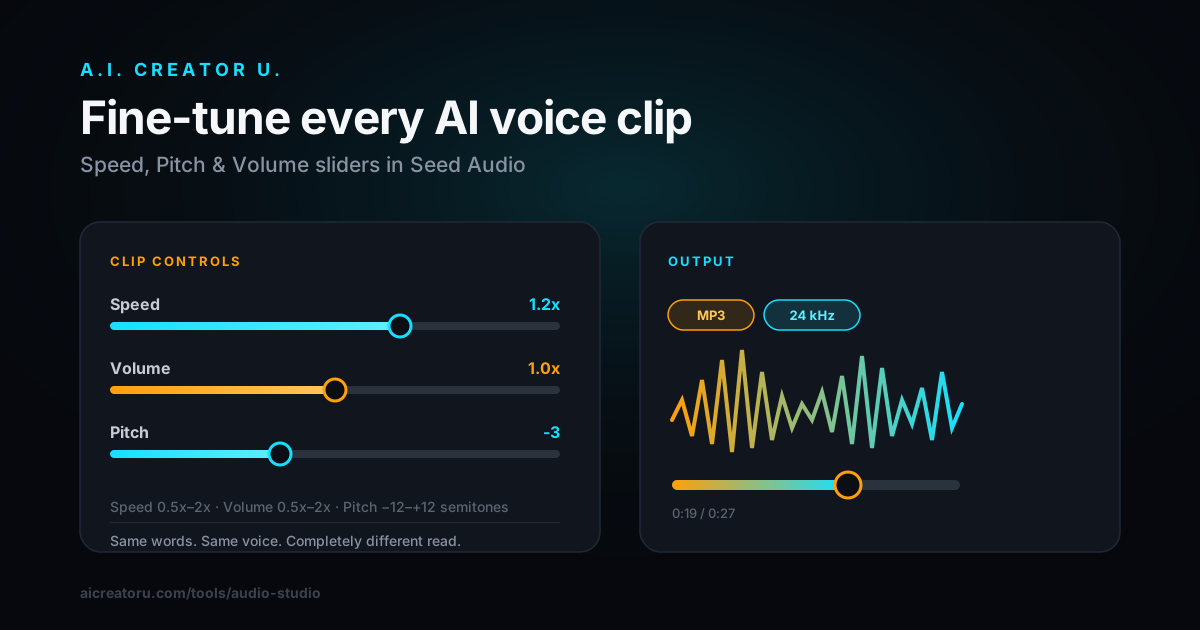
- Dial in speed, volume, and pitch if the raw take needs a nudge. These are post-generation adjustments (0.5x to 2x speed and volume, ±12 semitones of pitch), not prompt instructions, so use them to fit a clip to a cut rather than to change what sound you're asking for.
- Generate. Flat 2 credits, no matter how long or short the clip. Every take lands in your output library so you can compare a few phrasings side by side before picking one.
If you want to layer a specific texture (say, a real recording of your own footsteps) rather than describe it from scratch, you can drop up to 3 reference audio clips (30 seconds or shorter each) into the sidebar and call them with @Audio1, @Audio2, @Audio3 inside your prompt. That's the same reference system used for multi-voice dialogue, and it works just as well for grounding a sound effect in something real.
Sound Effects, Music, and Voice: One Tool, One Prompt
The thing that trips people up coming from single-purpose SFX generators: Seed Audio 1.0 doesn't force you to pick a lane. The same prompt box that generates "wind howling through a canyon" can also generate "wind howling through a canyon, tense orchestral strings building underneath" or "narrator speaking over distant thunder and rain on a window." It's one model reading the whole scene you describe and rendering it as one cohesive piece of audio, rather than three separate elements you'd have to layer in an editor yourself.
That matters more than it sounds like it should. Mixing a standalone SFX clip against a separately generated voiceover or music bed means matching levels, EQ, and reverb by hand so the elements don't sound like they came from different rooms. Asking for the whole scene in one prompt gets you audio that already sounds like it belongs together, because it was generated together.
| Use case | What to type | What you get |
|---|---|---|
| Pure ambience | "Quiet coffee shop, espresso machine hiss, low murmur of conversation, ceramic cup clink" | A loopable room-tone bed |
| Impact / foley | "Cardboard box drops on hardwood floor, single hard thud" | A short, punchy hit for a cut point |
| Sci-fi / UI sound | "Digital interface beep, three ascending tones, clean and synthetic" | A crisp notification or transition sting |
| Scene with dialogue | "Man says 'we need to move, now' over gunfire and sirens in the distance" | Voice + SFX rendered as one take |
| Nature / weather | "Heavy rain on a tin roof, distant rolling thunder, occasional wind gust" | A sustained atmospheric layer |
| Music + SFX combo | "Tense synth pulse building, mechanical clanking rhythm layered in" | A hybrid score/effect for a reveal moment |
Best Practices for Writing SFX Prompts That Actually Work
A few things separate a prompt that nails it from one that comes back muddy:
Name the material, not just the action. "Footsteps" is vague. "Footsteps on wet gravel" and "footsteps on a creaky wooden staircase" are two completely different sounds, and the model needs the material to pick the right texture.
Sequence matters when you want a specific beat. If the sound has a clear order of events, write it in order: "match strikes, flares, brief hiss, settles into a steady burn." The model tends to follow the sequence you give it.
Keep single-effect prompts short. You've got up to 2,048 characters, but a clean 10-15 word description of one sound almost always outperforms a paragraph. Save the long, layered prompts for scenes where you're deliberately combining multiple elements (voice, music, ambience) in one pass.
Generate a few takes before you commit. Because every render is a fresh synthesis, not a lookup, running the same prompt two or three times and picking the best take costs you a handful of credits and saves you a re-edit later.
Use adjectives that describe timbre, not just volume. "Loud crash" tells the model less than "sharp metallic crash with a ringing tail." Hard, soft, metallic, wooden, wet, hollow, sharp, muffled: these do more work than "loud" or "quiet" ever will.
Common Mistakes That Ruin an SFX Generation
Most bad results trace back to one of a handful of habits, and they're easy to fix once you see them written out.
Writing the prompt like a search query instead of a description. "Explosion sfx" is how you'd search a stock library. It's not how you'd describe a sound to another person. "Deep bass explosion with a sharp crack at the front, debris rattling after" gets you something usable; "explosion sfx" gets you something generic.
Trying to cram a whole scene's timeline into a single short prompt. If you need three distinct beats (a door opens, footsteps cross the room, a chair creaks) that's genuinely three separate generations, not one. Ask for too much sequence in one pass and the model tends to blur the transitions rather than render each beat cleanly.
Ignoring the reference clip option when you have a real sound to match. If you've already recorded a similar effect (your own footsteps, a specific mechanical hum from a real machine) and you're trying to get the model to match its character purely from adjectives, you're making the job harder than it needs to be. Upload the clip as a reference and point the prompt at @Audio1 instead.
Skipping the re-roll. Because generation is synthesis, not retrieval, two takes of the same prompt genuinely sound different, sometimes meaningfully so. Treat your first take as a draft, not a final. At 2 credits a generation, running three variants of a hero sound effect before you lock the edit is cheap insurance.
Forgetting the pitch and speed sliders exist. A take that's 90% right but slightly too fast for your cut doesn't need a full re-generation. Nudge speed or pitch after the fact and you'll often save yourself the credits and the wait.
AI Sound Effects vs. ElevenLabs: How Does This Compare?
ElevenLabs is the name most people already know for text-to-SFX, and it's a solid dedicated tool: their sound effects model (upgraded in a version reported to have shipped in September 2025) generates clips up to 30 seconds, supports seamless looping, and renders at 48kHz, with a free tier reported at 50 generations a month.
| Audio Studio (Seed Audio 1.0) | ElevenLabs Sound Effects | |
|---|---|---|
| What it generates | Voice, dialogue, music, and SFX from one prompt | Sound effects specifically (separate tools handle voice and music) |
| Can mix voice + SFX in one take | Yes, one prompt, one render | No, effects and voice are generated separately then combined by you |
| Reference audio | Up to 3 clips, ≤30s each, called with @Audio1-3 | Not part of the SFX workflow |
| Pricing model | Flat 2 credits per generation | Reported free tier of 50 generations/month, paid plans beyond that |
| Best fit | You're already producing video/audio in one workflow | You need SFX only, as a standalone asset |
The difference isn't really about which one sounds better in isolation. It's about whether SFX is the only thing you need. If you're building a video end to end (voiceover, background music, and sound design) doing it inside one tool where a single prompt can produce a mixed scene saves you the export-and-remix step that using a dedicated SFX-only generator alongside a separate voice tool requires. If all you need is a one-off sound effect for a totally separate project, a standalone tool is a fine choice too. We'd rather you use the right tool than force our own on you, but if you're already making videos in Create Video and want the audio to come from the same place, Audio Studio is built for exactly that overlap.
For a deeper side-by-side on the voice-cloning side specifically, see our breakdown of Seed Audio vs. ElevenLabs.
Getting Started with SFX Generation
Audio Studio is a members' tool: it unlocks with any credit purchase, including the one-time welcome offer, so if you've only claimed free signup credits and haven't made a purchase yet, you'll see an unlock screen rather than the studio itself. Once it's open, generation is a flat 2 credits regardless of clip length, and everything you make lands in your library for reuse across projects. If you haven't touched Audio Studio at all yet, our Seed Audio walkthrough covers the basics of the interface before you get into sound design specifically, and the AI Audio Generation guide is the pillar page for everything the studio can do, voice cloning, dialogue, music, and SFX included.
Ready to try it? Open Audio Studio and describe the first sound you need. Start simple (a single foley hit or a room tone) before you attempt a full layered scene, and you'll get a feel for how the model responds to your specific phrasing fast.
FAQ
Can I generate sound effects for free? Audio Studio requires unlocking with a credit purchase (any pack, including the one-time welcome offer), it isn't accessible on free signup credits alone. Once unlocked, each generation is a flat 2 credits no matter the clip length.
What file formats can I export SFX in? MP3, WAV, PCM, or OGG_OPUS, at sample rates from 8kHz up to 48kHz. For video editing, export WAV at 44.1kHz or 48kHz.
Can I combine a sound effect with music or a voiceover in one generation? Yes. Seed Audio 1.0 reads your whole prompt as one scene, so "narrator speaking over rain and distant thunder" or "tense synth pulse with mechanical clanking" renders as a single cohesive take instead of three separate files you'd have to mix yourself.
How long can a generated sound effect be? There's no hard duration slider; length follows what your prompt implies (a single "door slam" comes back short, a sustained "rainstorm ambience" comes back longer). If you need an exact length for a cut, generate slightly longer than you need and trim in your editor.
Do I need to know sound design terminology to write good prompts? No, but naming the material (wood, metal, glass, gravel) and the sequence of events gets noticeably better results than a generic label like "crash sound" or "whoosh."
Building a full scene? Audio Studio generates the voice, the music, and the sound effects from the same prompt box, so your whole audio layer comes out sounding like it belongs together.